Free CV templates
Six layouts for a CV or resume, each shown below as the first page of a real PDF from the CV Maker, filled in with the details of a fictional Alex Morgan. Every one keeps your story in a single column with plain headings and selectable text. Pick the one that fits the job, fill it in section by section and download a PDF or an editable Word file, in A4 or US Letter. Your details come with you if you switch layout later.
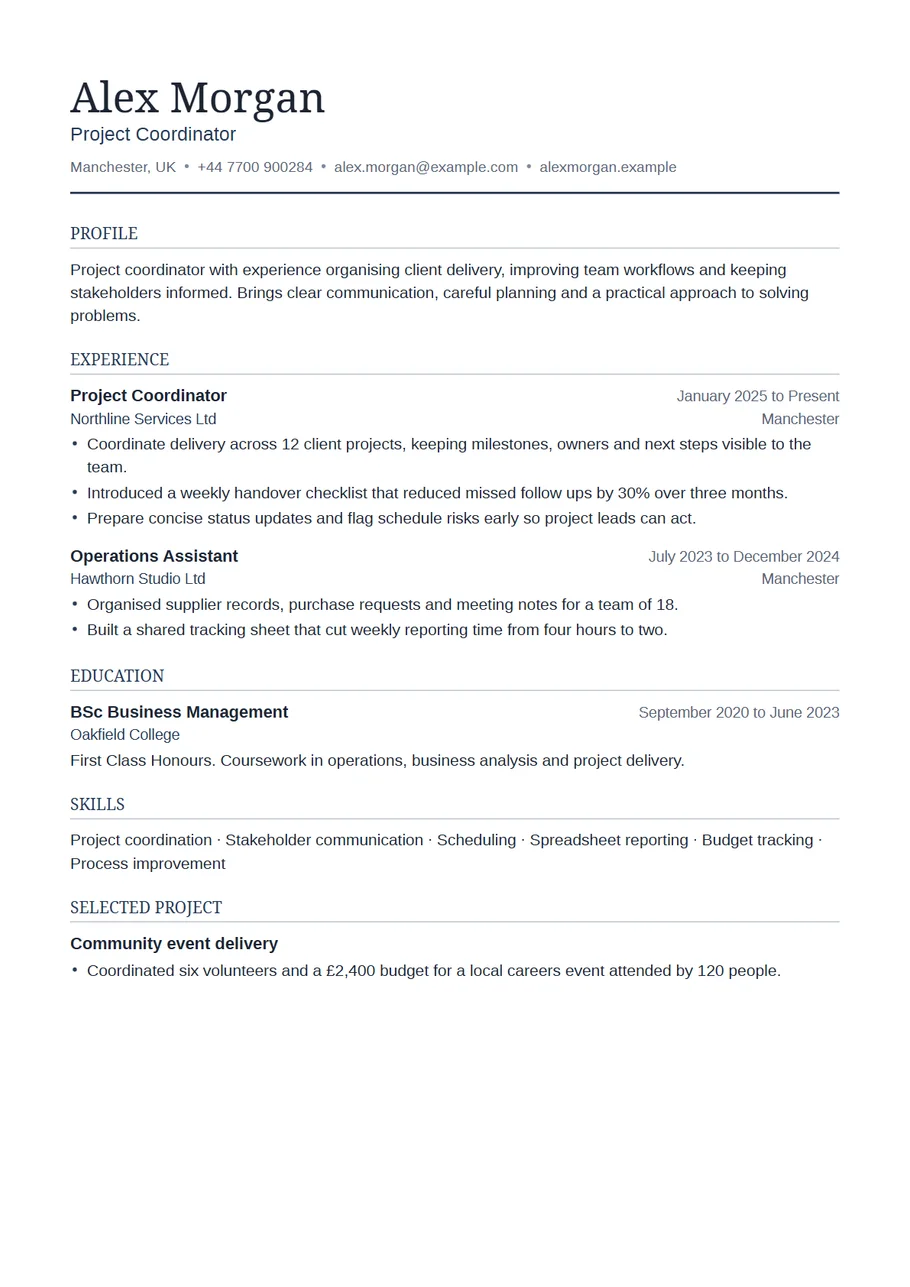
Simple CV template
Essential layout
One column, a serif name and nothing else to distract. The safe choice for most jobs in the UK and beyond.
Use Essential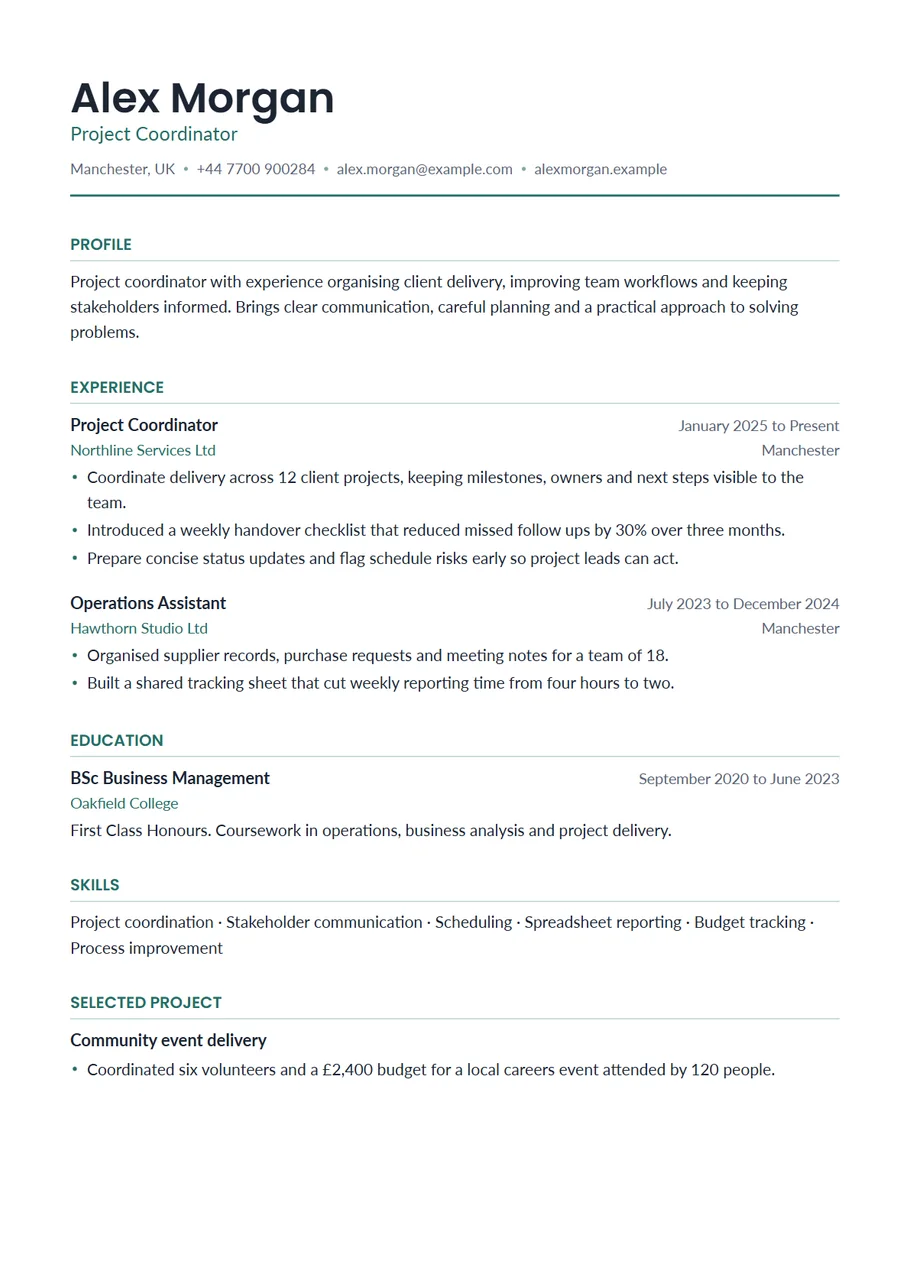
Modern CV template
Modern layout
A teal name and headings over a clean single column. For roles where a bit of polish is expected.
Use Modern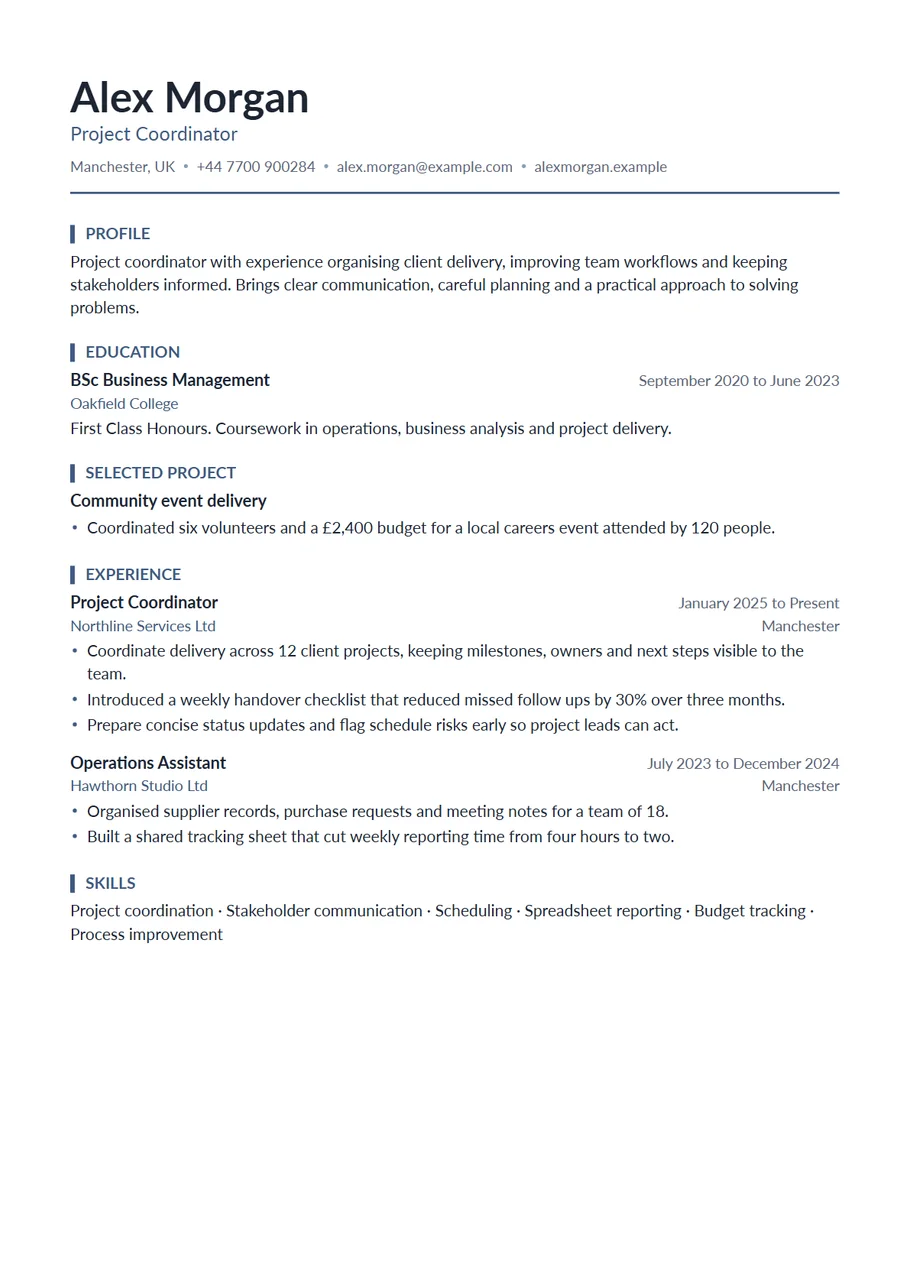
Graduate CV template
Graduate layout
Education and projects first, part time work after. Built for students, graduates and first full time roles.
Use Graduate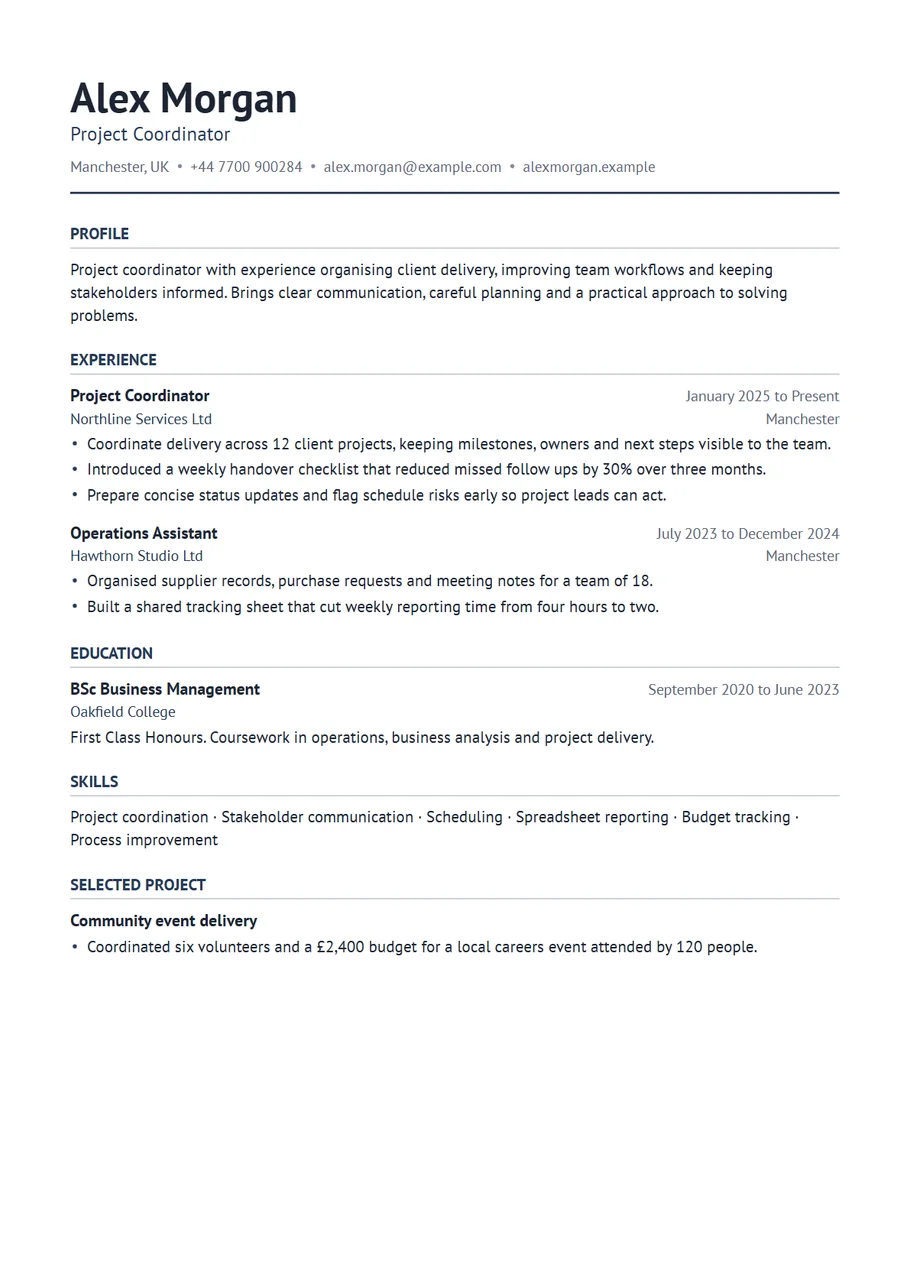
CV template with photo
Portrait layout
A small headshot in the top right of the header, with your experience still in one column. For countries where a photo is expected.
Use Portrait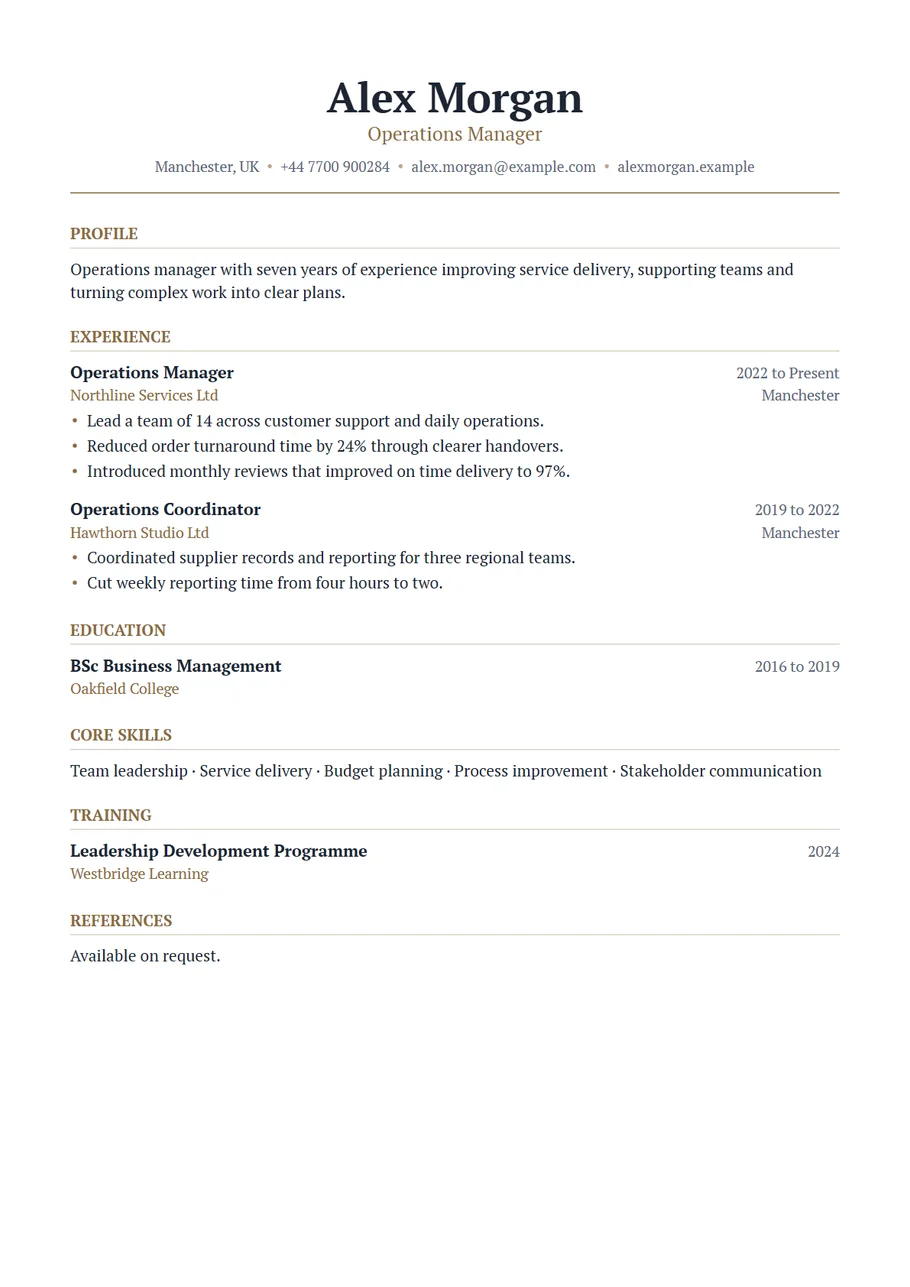
Executive resume template
Executive layout
A centred serif name and a bronze rule, with leadership experience first. For senior managers and directors.
Use Executive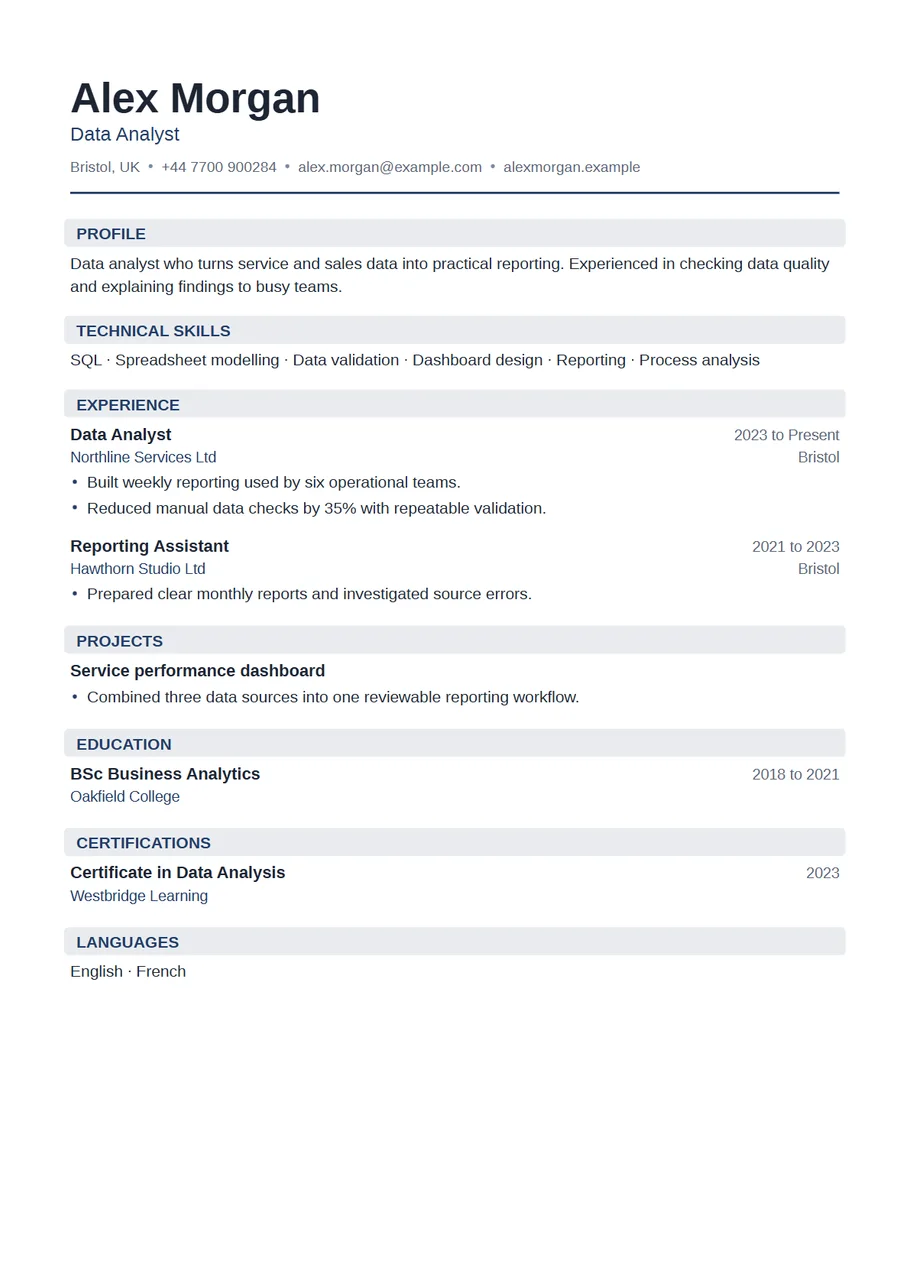
Data analyst resume template
Technical layout
Technical skills at the top, then work history and projects, with a navy heading. Made for data and analytics roles.
Use Technical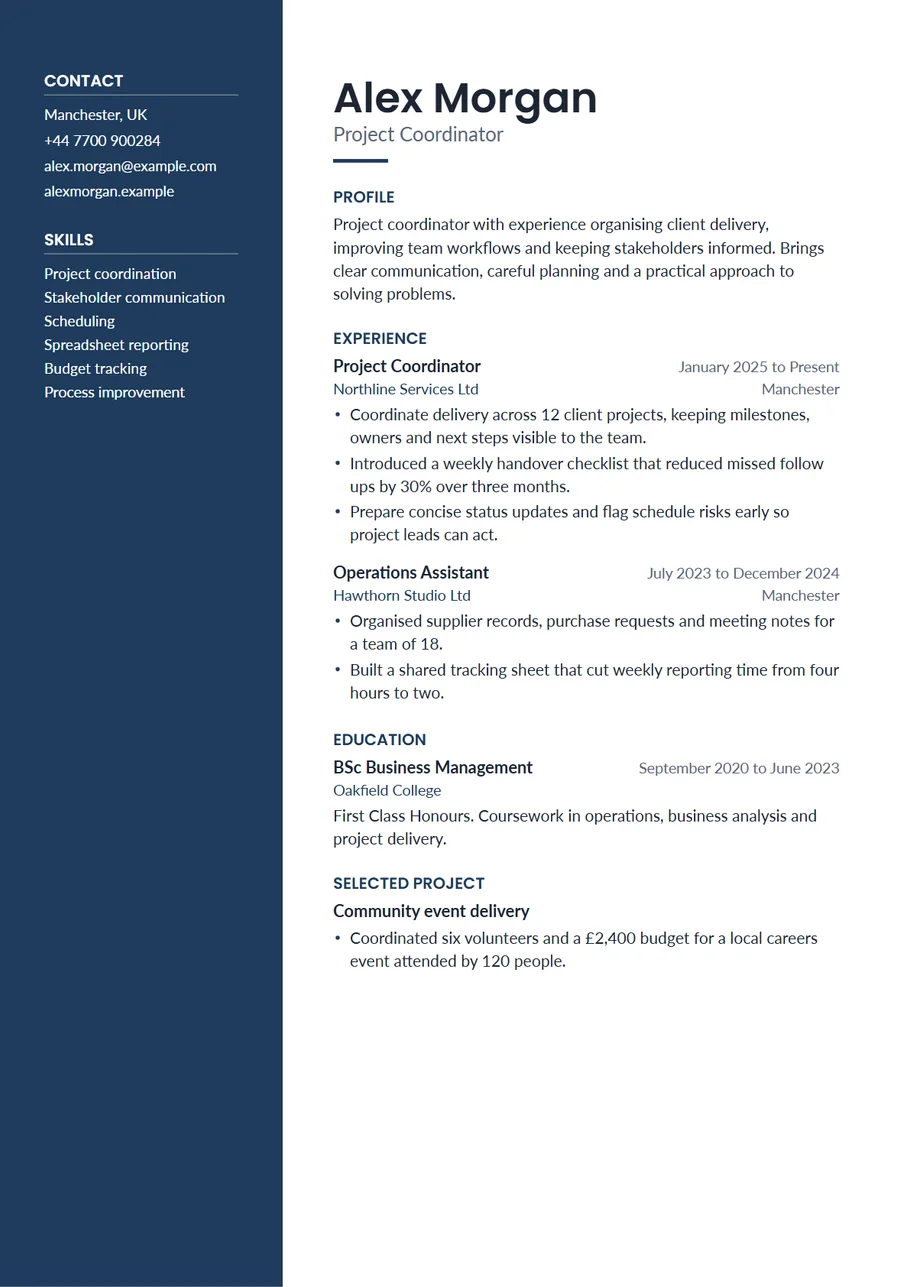
Two column resume template
Sidebar layout
Contact details and skills in a dark side column, your experience at full width beside it. Organised and easy to scan.
Use Sidebar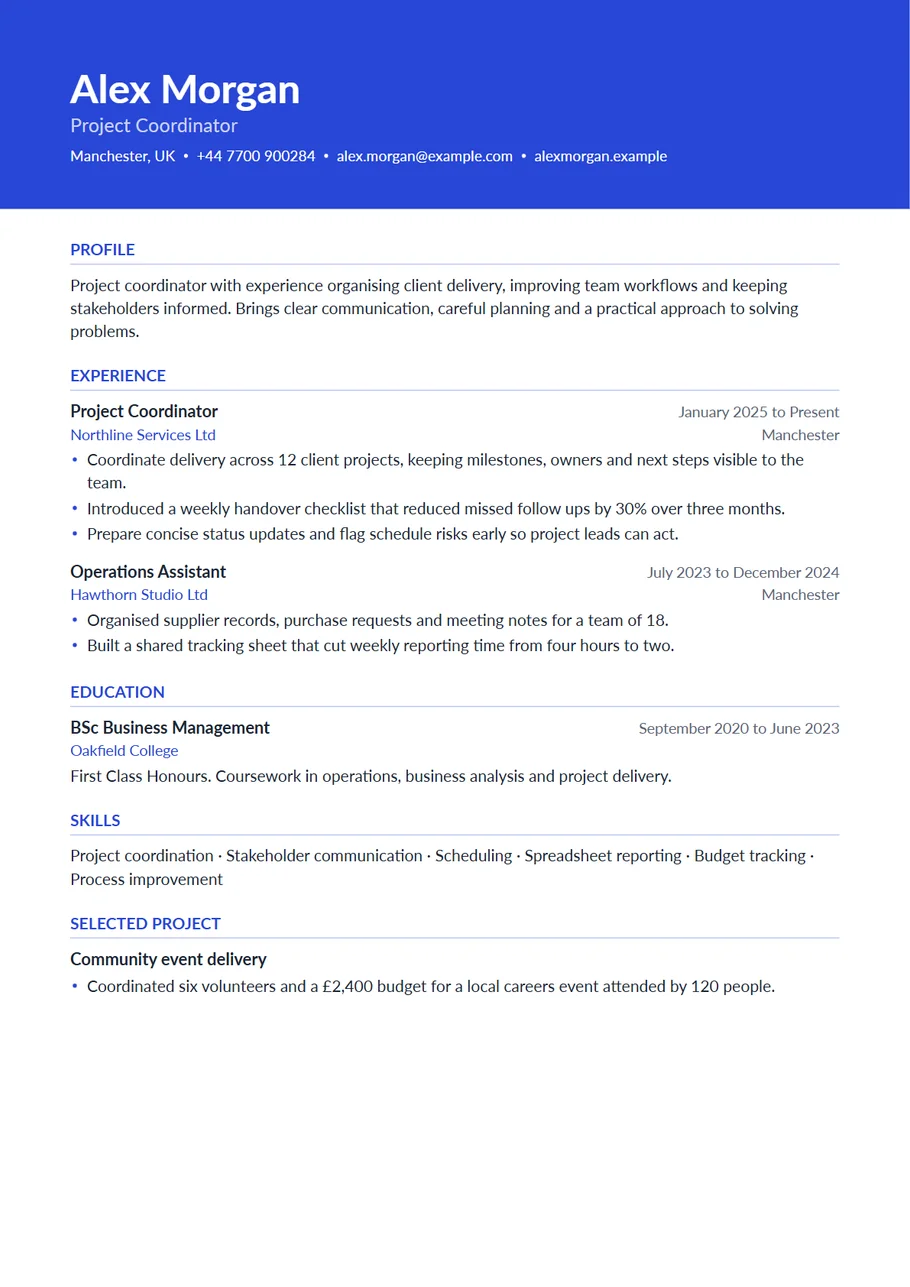
Professional resume template
Horizon layout
Your name, role and contact details in a coloured band, then one clear column. Confident without being loud.
Use Horizon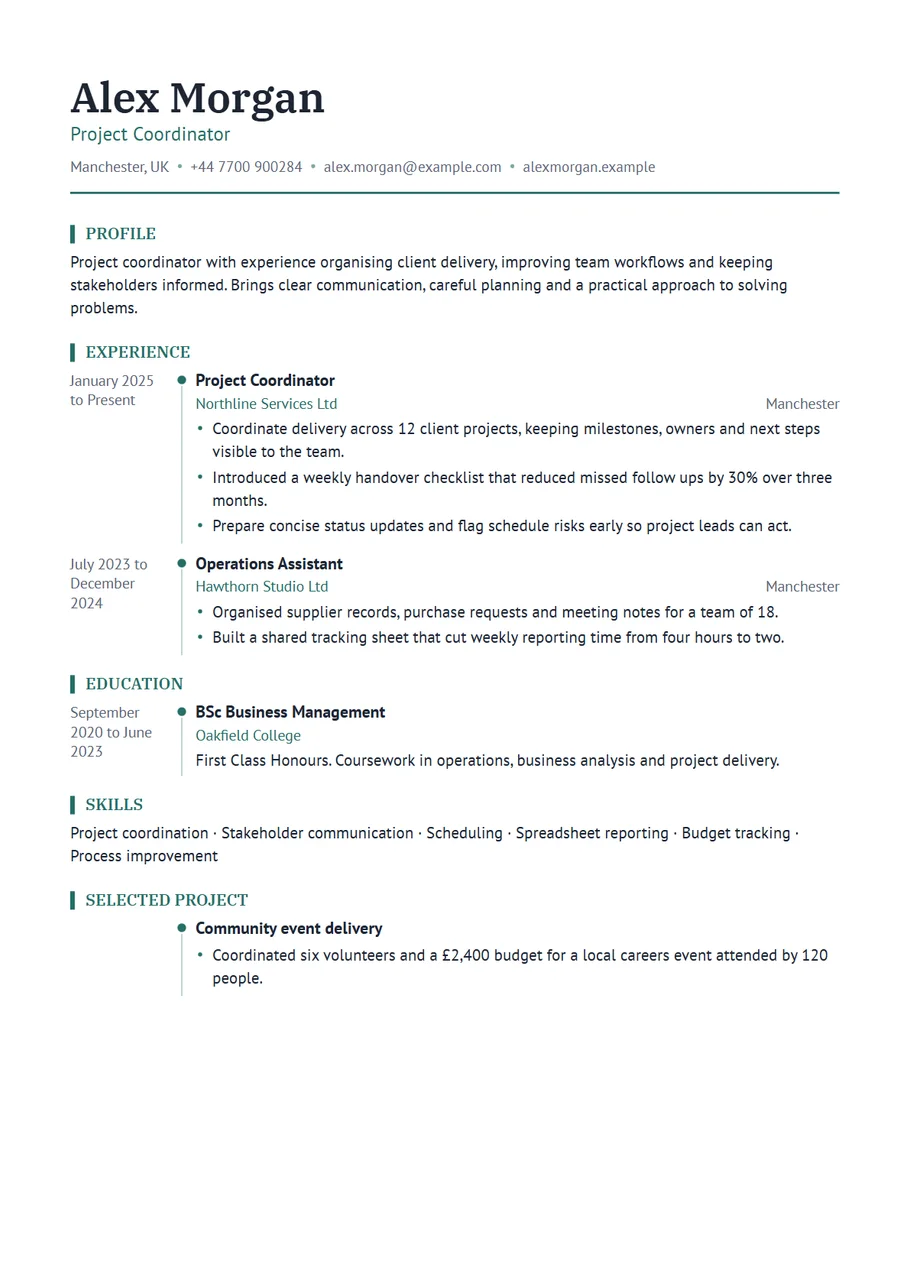
Chronological resume template
Timeline layout
Dates in their own column with a timeline beside them. Your career reads in order, most recent first.
Use Timeline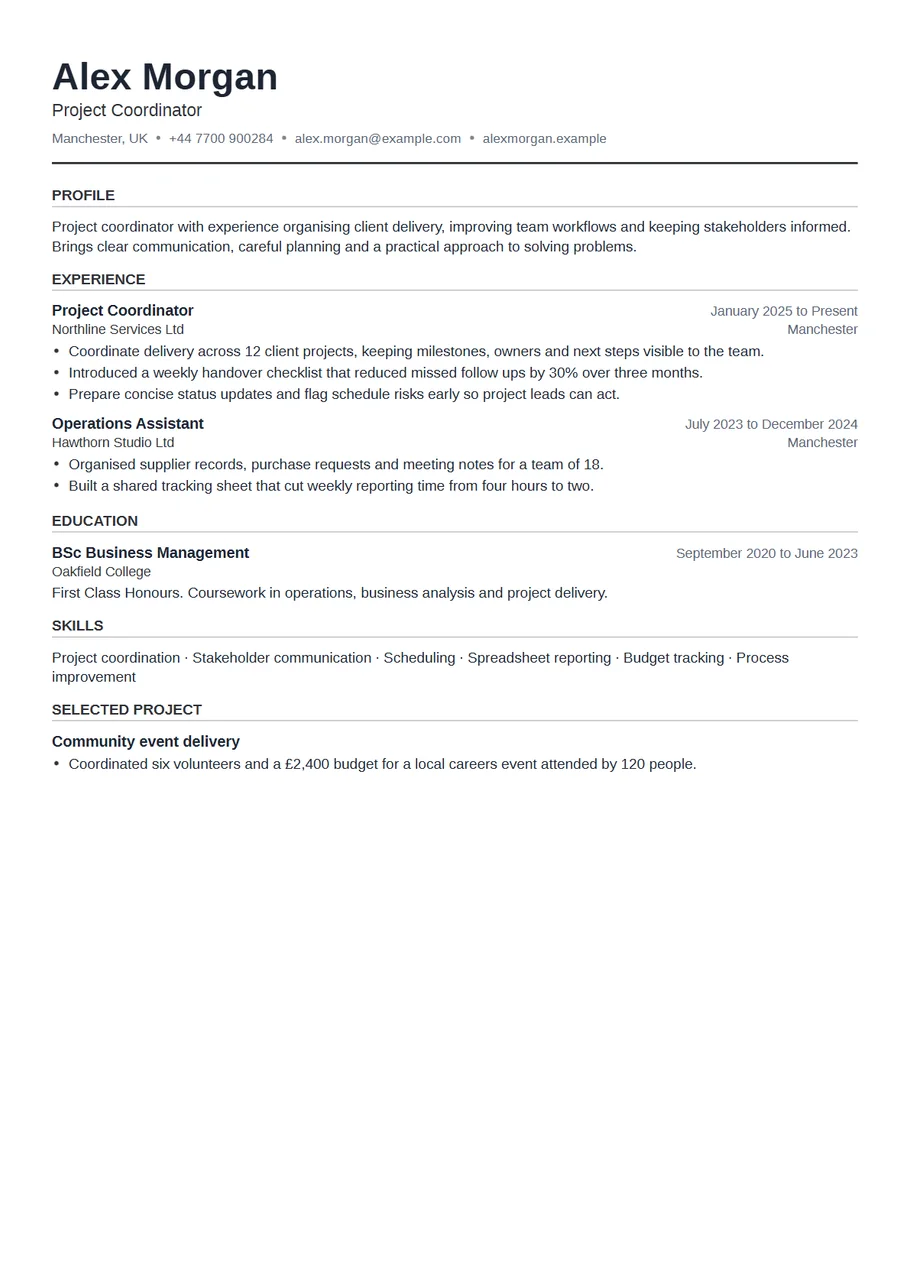
One page resume template
Compact layout
Smaller type, tighter spacing and narrow margins, so ten years of experience still fits on one page.
Use Compact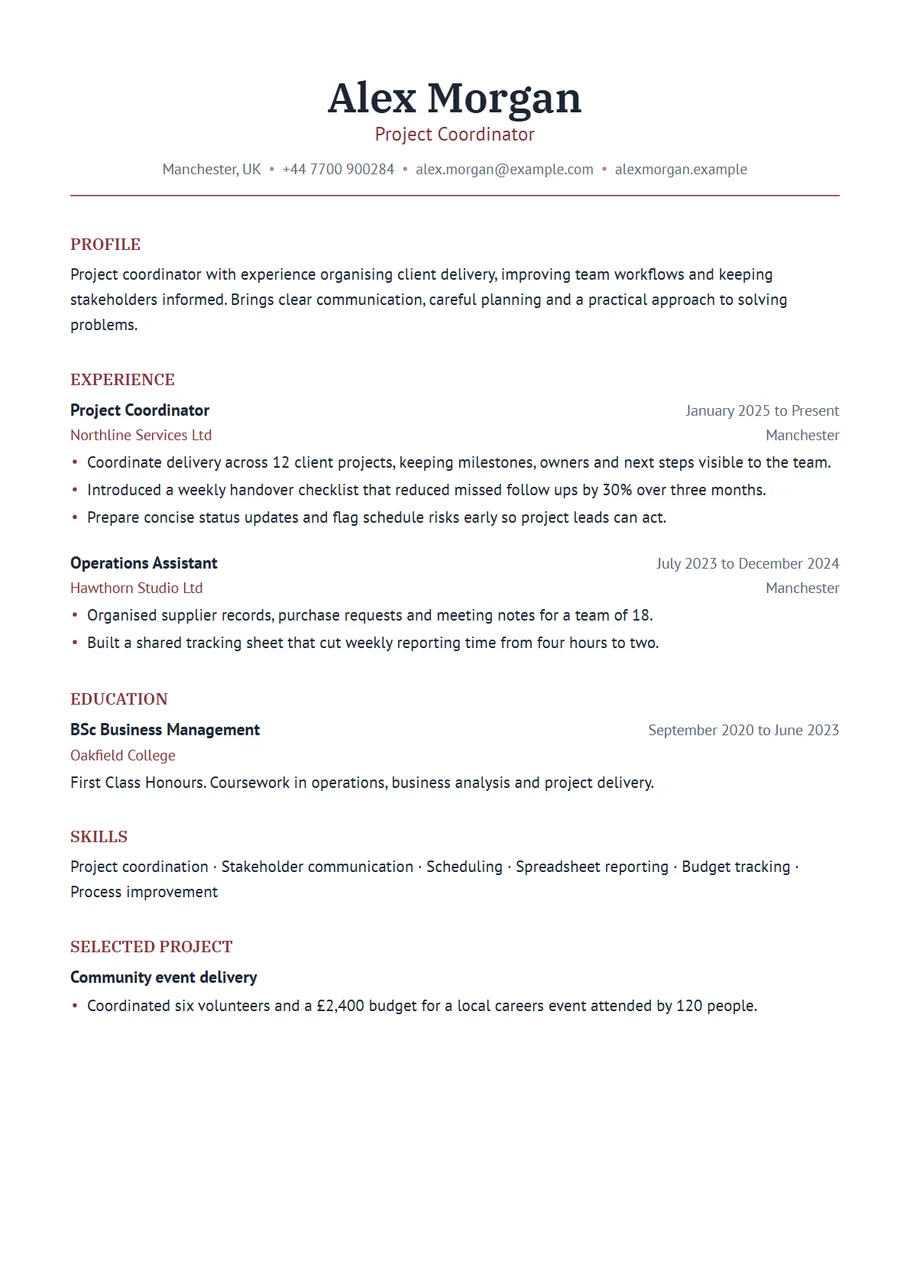
Elegant CV template
Elegant layout
A centred serif heading, relaxed spacing and a deep accent colour. Formal, calm and quietly confident.
Use Elegant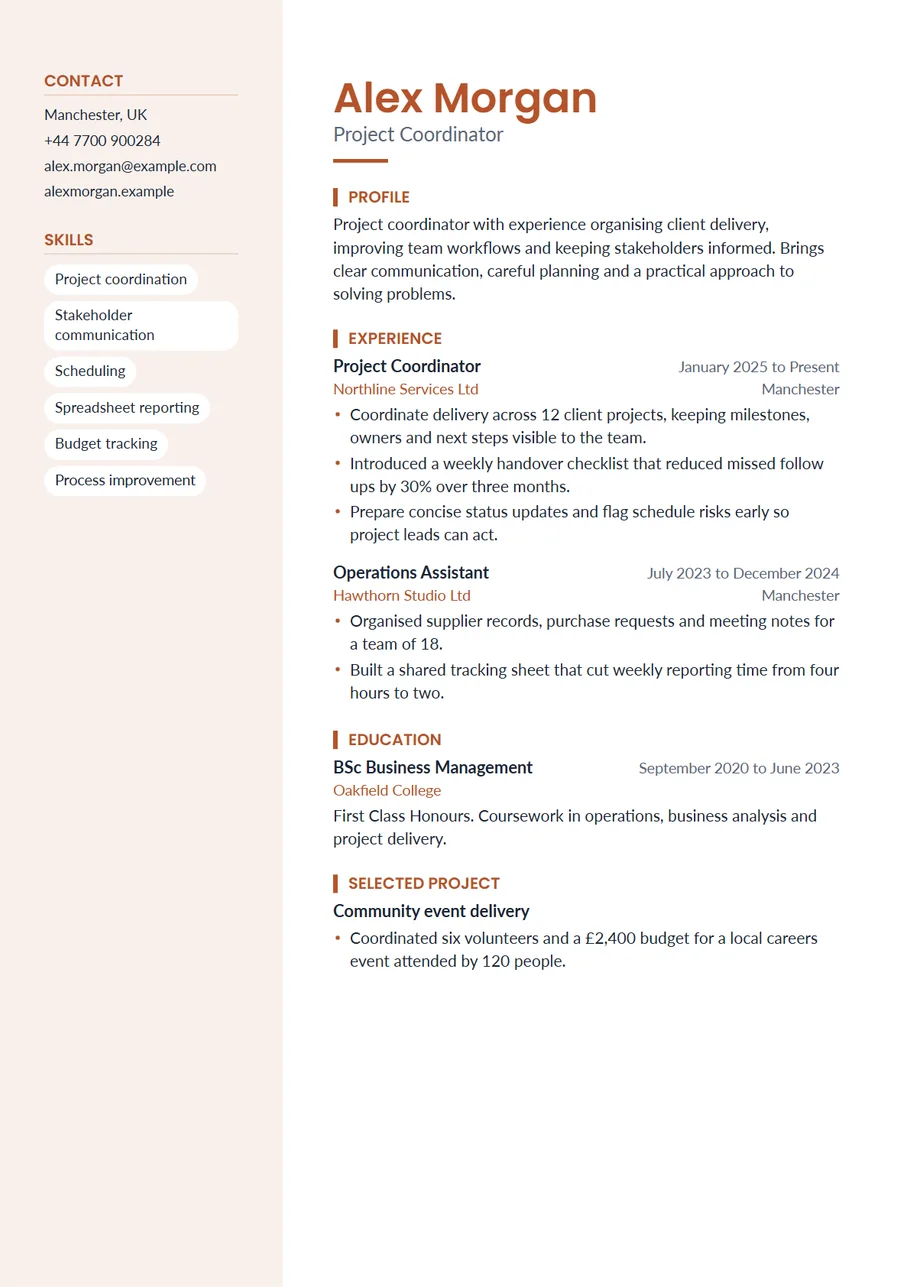
Creative resume template
Creative layout
A warm tinted side column, a round photo and skill tags. More personality, still easy to read.
Use Creative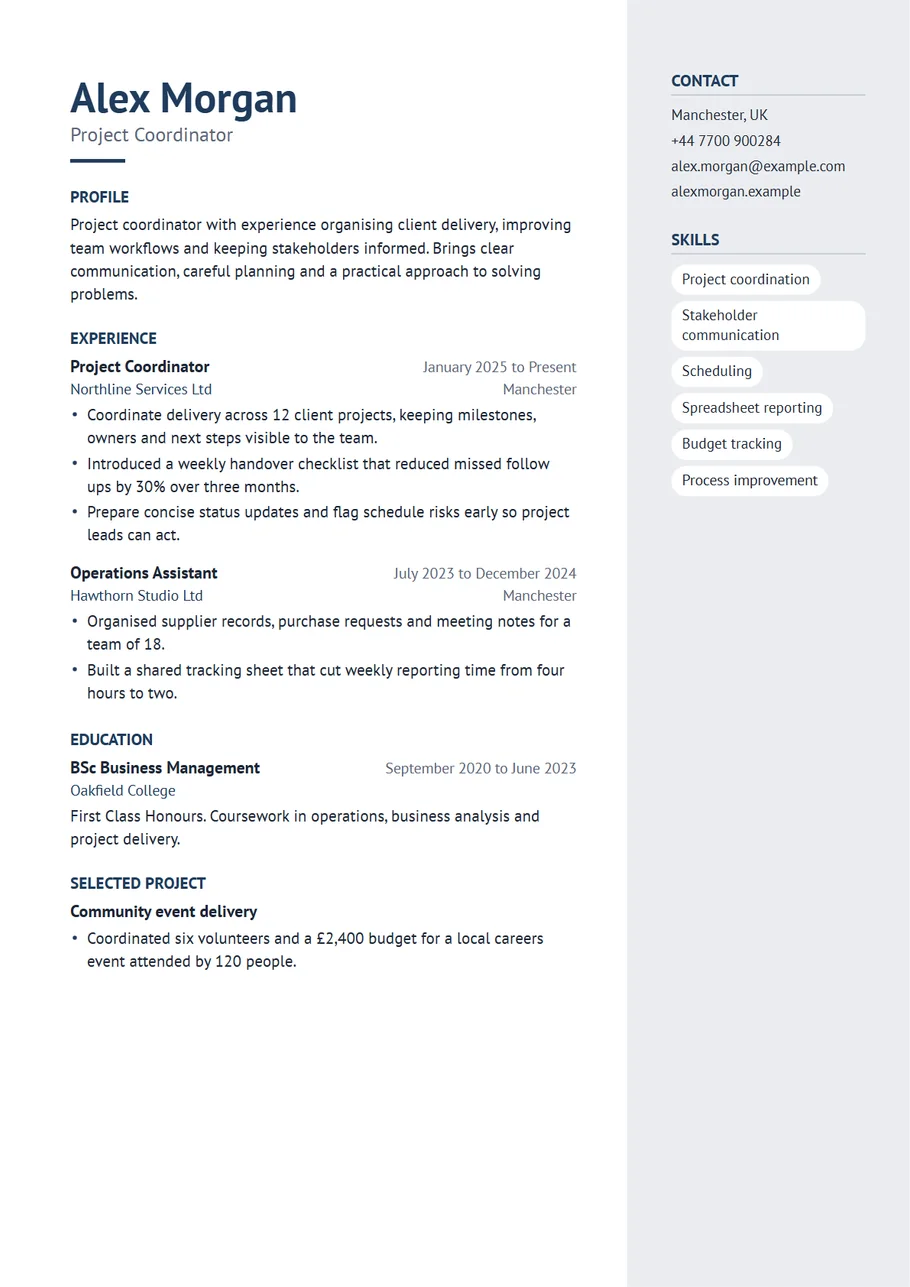
Minimalist resume template
Slate layout
A light side column on the right, plain headings and plenty of white space. Calm, tidy and modern.
Use Slate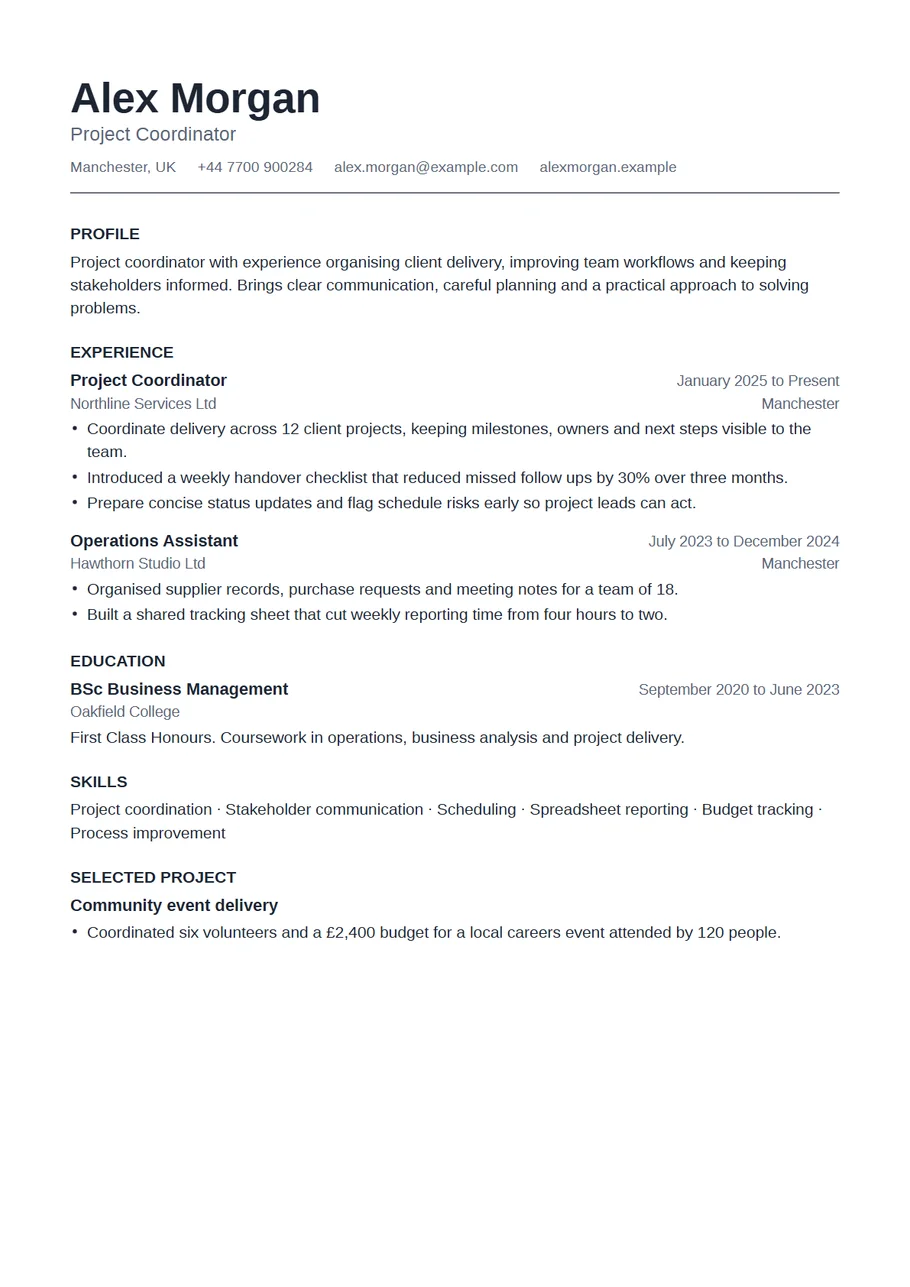
ATS friendly resume template
Plain layout
Black text, one column, standard headings and no graphics. For online forms and systems that ask for a simple file.
Use Plain
How to choose
Most people should start with the simple CV template or the modern one: both lead with work experience, and the main difference is a teal accent. If your course is more relevant than your jobs so far, the graduate CV template puts education and projects first. Applying in a country where employers expect a picture? Use the CV template with photo. Senior managers get a more formal header in the executive resume template, and technical applicants can lead with their tools in the data analyst resume template.
CV or resume?
The same document goes by both names. In the UK, Ireland and much of Europe it is a CV, printed on A4. In the US and Canada it is a resume, printed on US Letter, and usually a little shorter. Every template here handles both: choose the paper size above the preview before you download.
Before you send it
Follow the employer's instructions on file type. A PDF keeps the layout exactly as you see it; Word gives the recruiter an editable file that can reflow on another computer. Open the downloaded copy and read it once more, including the plain text reading order the review screen shows. For help with the writing itself, read our guide How to write a CV, step by step.