TXT to PDF
Turn a plain text file, log or code listing into a PDF — monospace by default, with real line wrapping and optional line numbers.
- Keeps your layout
- Works on any device
- Deleted after processing
- Real line wrapping
- Optional line numbers
- Monospace for code and logs
- Nothing cut at the margin
.txt · .log · .md
Upload a text file to turn it into a PDF
.txt, .md, .log · your file is deleted as soon as the PDF is built
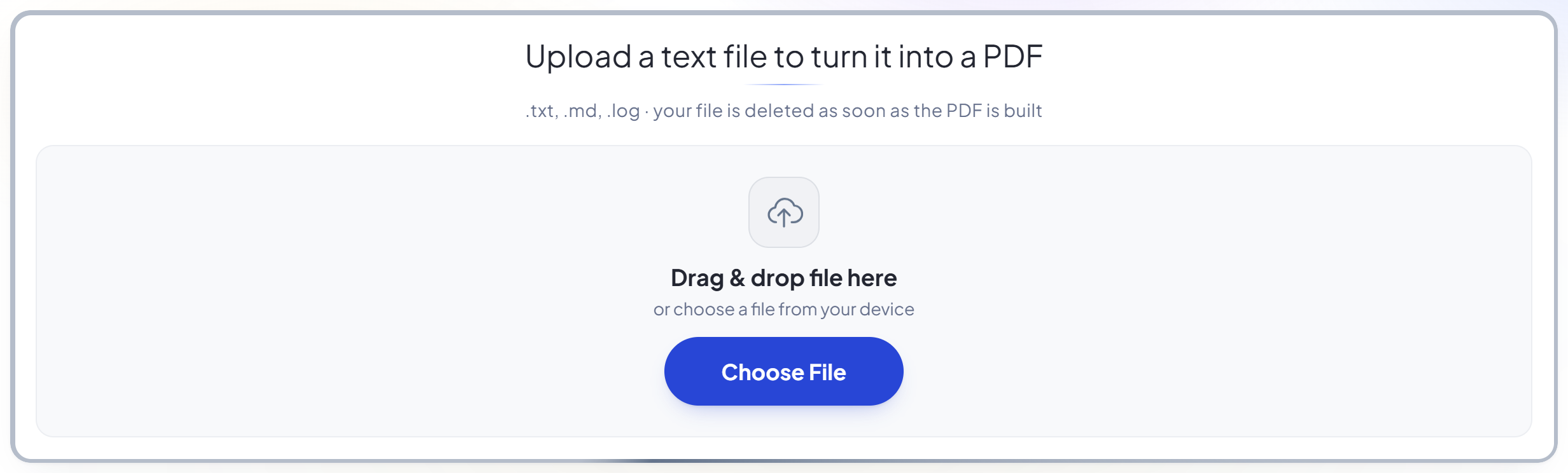
Drag & drop file here
or choose a file from your device
How it works
TXT to PDF in three steps
Upload your text file
Drag a .txt, .md or .log onto the panel, or click it to pick one. Your file is deleted as soon as the PDF is built.
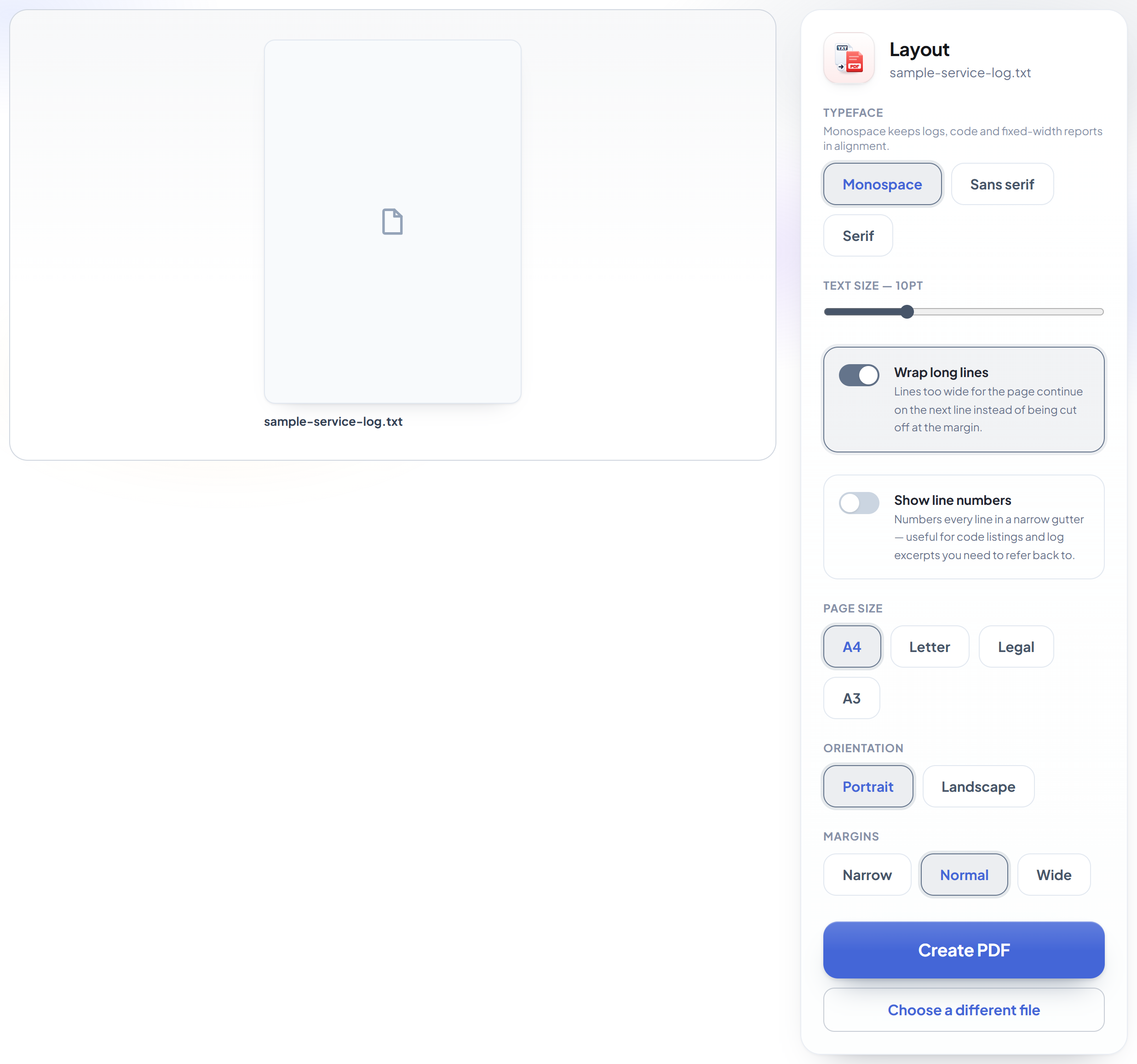
Choose the layout
Monospace keeps a log or a code listing aligned, and tabs become real tab stops rather than single spaces. Long lines wrap by default, and line numbers are one tap away.
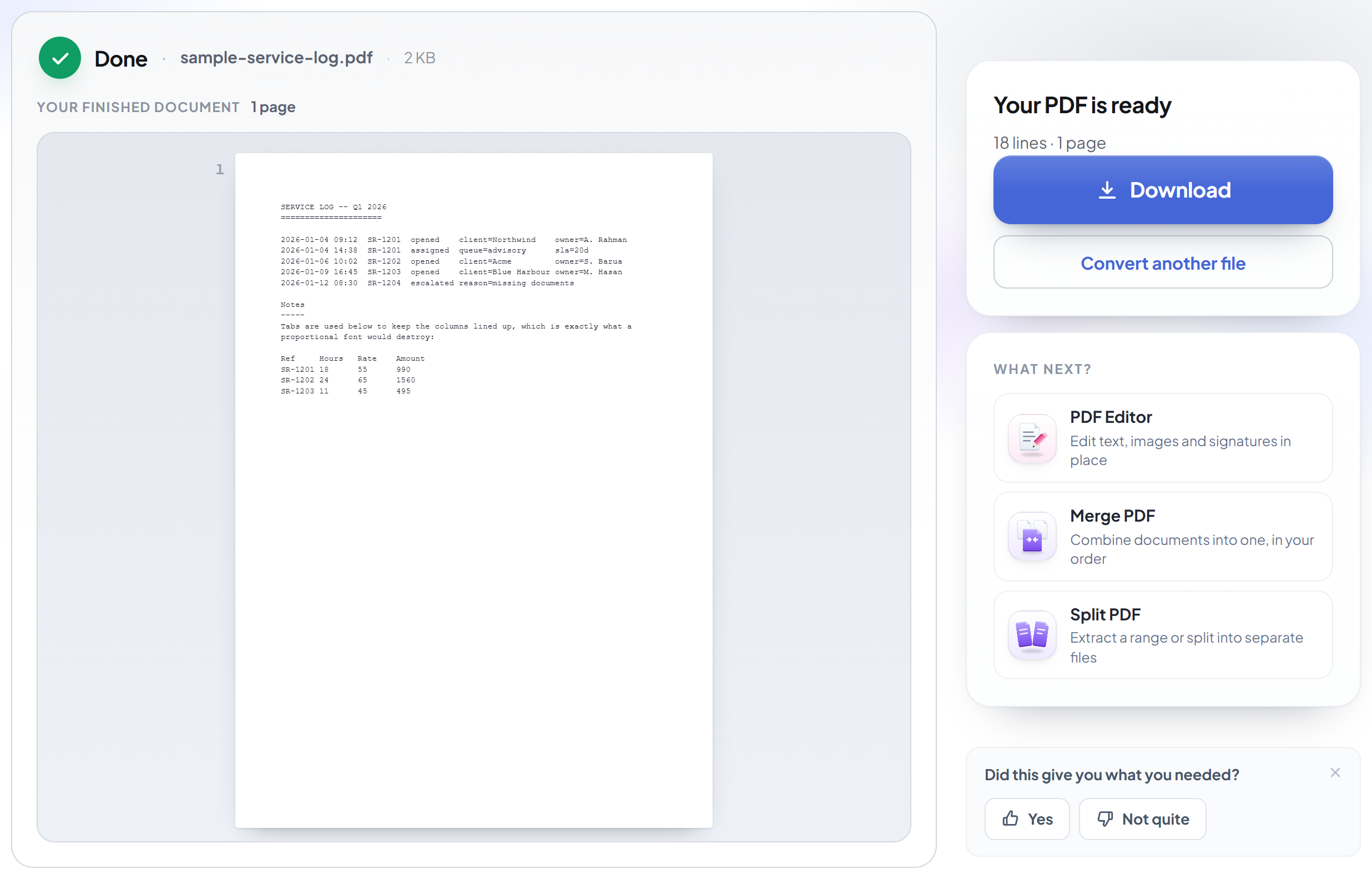
Download your PDF
Bangla and English on the same line both come out correctly -- each is drawn with a typeface that has its characters.
How to convert a text file or log to PDF
Monospace by default, so columns and indentation stay lined up.
Upload your text file
Drag a .txt, .md or .log onto the panel, or click it to pick one. Your file is deleted as soon as the PDF is built.
Choose the layout
Monospace keeps a log or a code listing aligned, and tabs become real tab stops rather than single spaces. Long lines wrap by default, and line numbers are one tap away.
Download your PDF
Bangla and English on the same line both come out correctly -- each is drawn with a typeface that has its characters.
Frequently asked questions about TXT to PDF
Will my columns and indentation stay aligned?
Yes. Monospace is the default, and tab characters are expanded to real tab stops rather than collapsed to a single space -- which is what keeps a log file or a fixed-width report lined up.
What happens to lines that are too long for the page?
They wrap onto the next line by default, breaking at a space where there is one and mid-word only when a single word is itself wider than the page. You can switch wrapping off if you would rather they were cut at the margin.
Does it support Bangla?
Yes. A file containing Bangla is rendered with a real Bengali typeface, and English words, numbers and punctuation mixed into the same line are drawn with a Latin face alongside it -- so mixed text comes out correctly rather than as empty boxes.
What about other scripts, like Chinese or Arabic?
Those are not covered by the built-in fonts. Characters that cannot be drawn are replaced, and the result screen tells you exactly how many were affected rather than leaving you to spot it.
Which files can I upload?
.txt, .md and .log. UTF-8, UTF-16 and files with a byte-order mark are all read correctly.
Is it free?
Yes. Every tool works without paying and without an account. Files can be up to 200 pages and 80 MB, and a run that fails costs you nothing.
Do I need to create an account?
No. All tools work without signing in. An account raises your hourly allowance and lets you see what you have processed.
What happens to my file?
It travels over an encrypted connection into a directory created for that single request, is processed, is returned to you, and the working copy is deleted as the request finishes. We keep a record that an operation ran — never the filename or the contents.
TXT to PDF guides and articles
Related tools
All PDF tools · 5 step-by-step guides · How your files are handled