All your PDF tools, in an app on your computer
Edit, convert, compress and sign PDFs in a Windows app that opens from your desktop. Many tools work with no internet at all, and while they do, your files never leave your computer.
Installs in one click. No administrator rights needed.
- Free to use
- No account needed
- 26 tools work offline

No daily task count
Work through a long day of files. Only very heavy use meets a fair hourly limit.
Works without internet
26 tools run on your computer, so they keep working on a plane or on a bad connection.
Your files stay yours
Files travel over an encrypted connection and the working copy is deleted as soon as your job finishes.
In your language
The app speaks your language: the same languages as the website.
Free to use, with no daily task count
The desktop app follows the same simple rules as the website. Sign in only if you want a higher hourly limit.
- What you get
- Free, for everyone
- Tasks per day
- No task count. A fair hourly limit applies only to very heavy use.
- Largest file
- 80 MB, up to 200 pages
- Files at once
- Up to 30 files in one go
- Tools
- Every tool on the website
- With no internet
- 26 tools, with a daily allowance of tasks
- Account
- Not needed. Sign in for a higher hourly limit.
Everything you do with PDFs, in one window
The same tools as the website, grouped the way you look for them. Each one shows whether it works with no internet.
PDF Editor
Edit text, images and signatures in place
Needs internetMerge PDF
Combine documents into one, in your order
Works offlineSplit PDF
Extract a range or split into separate files
Works offlineCompress PDF
Shrink heavy files, keep the text sharp
Needs internetPDF to Word
Convert to an editable Word document
Works offlineWord to PDF
Convert a document into a PDF
Needs internetSign PDF
Draw, type or upload your signature
Needs internetProtect PDF
Add a password and permissions
Works offlineRedact PDF
Permanently remove sensitive text and images
Needs internetOrganize PDF
Reorder, rotate and delete pages visually
Works offlineImage to Text
Read text from photos in eight languages
Works offlineBijoy to Unicode
Bijoy Bangla into Unicode
Works offlineKeeps working when the internet does not
These tools do their work on your computer. Nothing is uploaded while they run, so they stay quick even on big files.
- Nothing to upload. The file is read and saved on your computer.
- Quick on big files. No waiting for an upload or a download.
- Fair with no connection. A daily allowance of tasks keeps working with no internet at all.
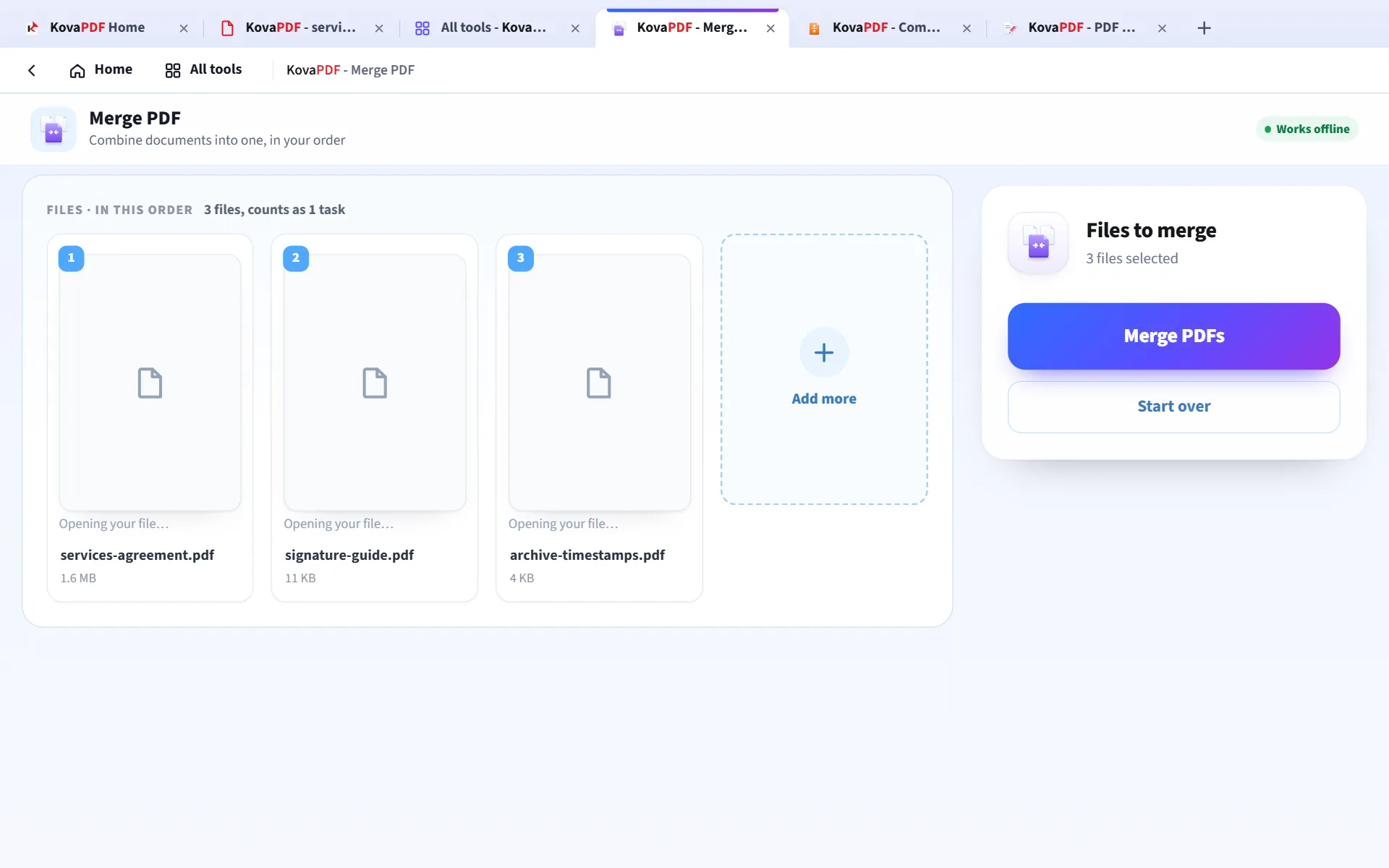
Three PDFs merged on the computer, with no upload.
Opens your PDFs the way Windows does
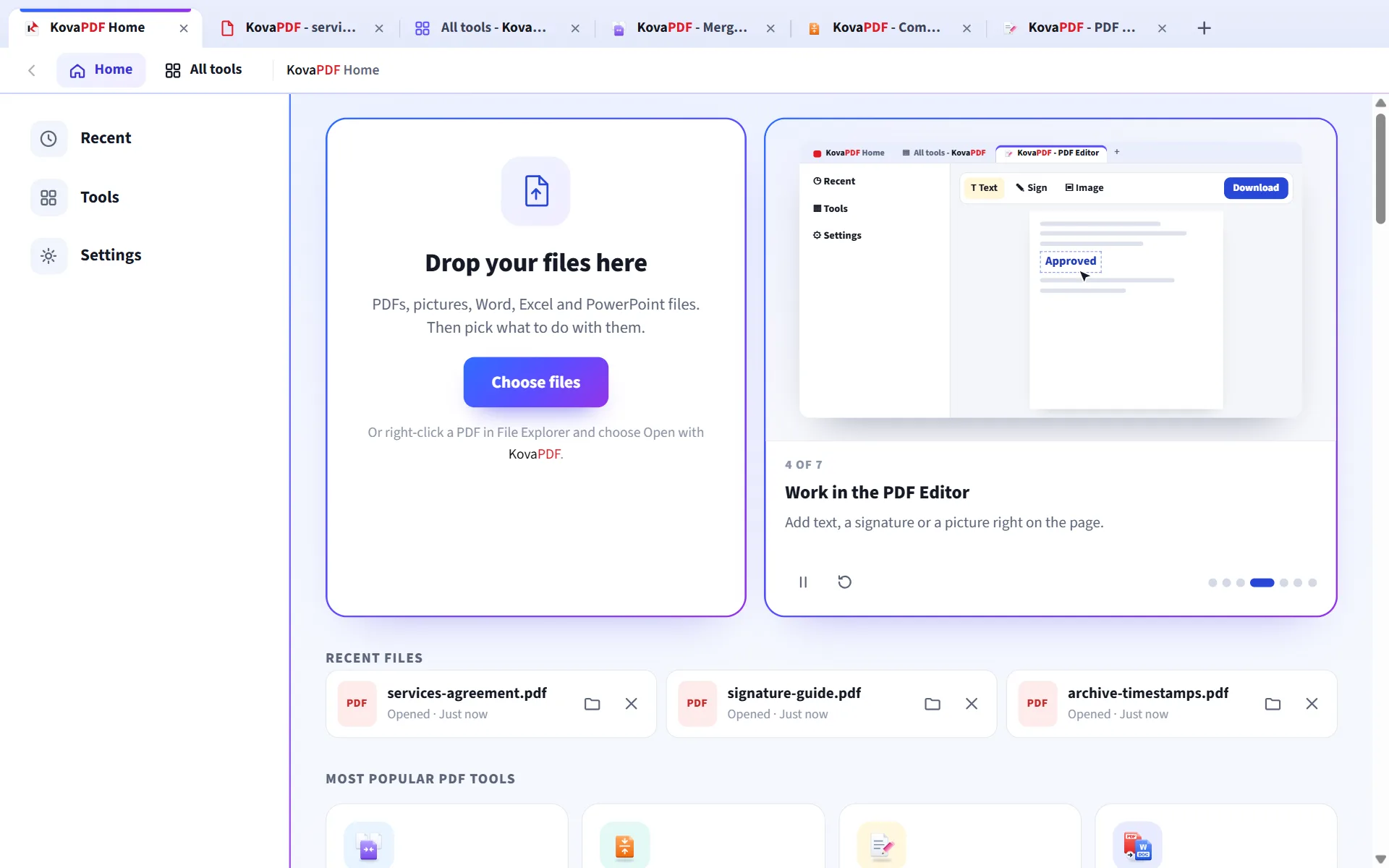
Right-click a PDF and choose Open with KovaPDF, or drag files straight onto the window.
- Open with KovaPDF from the right-click menu in File Explorer.
- Drag and drop several files at once.
- Recent files are listed only on your computer, and one click clears them.
- Updates itself and checks every update before it installs.
Change a PDF right on the page
Click into the text to change it, add pictures, shapes, highlights and a signature, then save a real PDF.
- Retype existing text in place
- Add images, shapes and highlights
- Draw, type or upload your signature
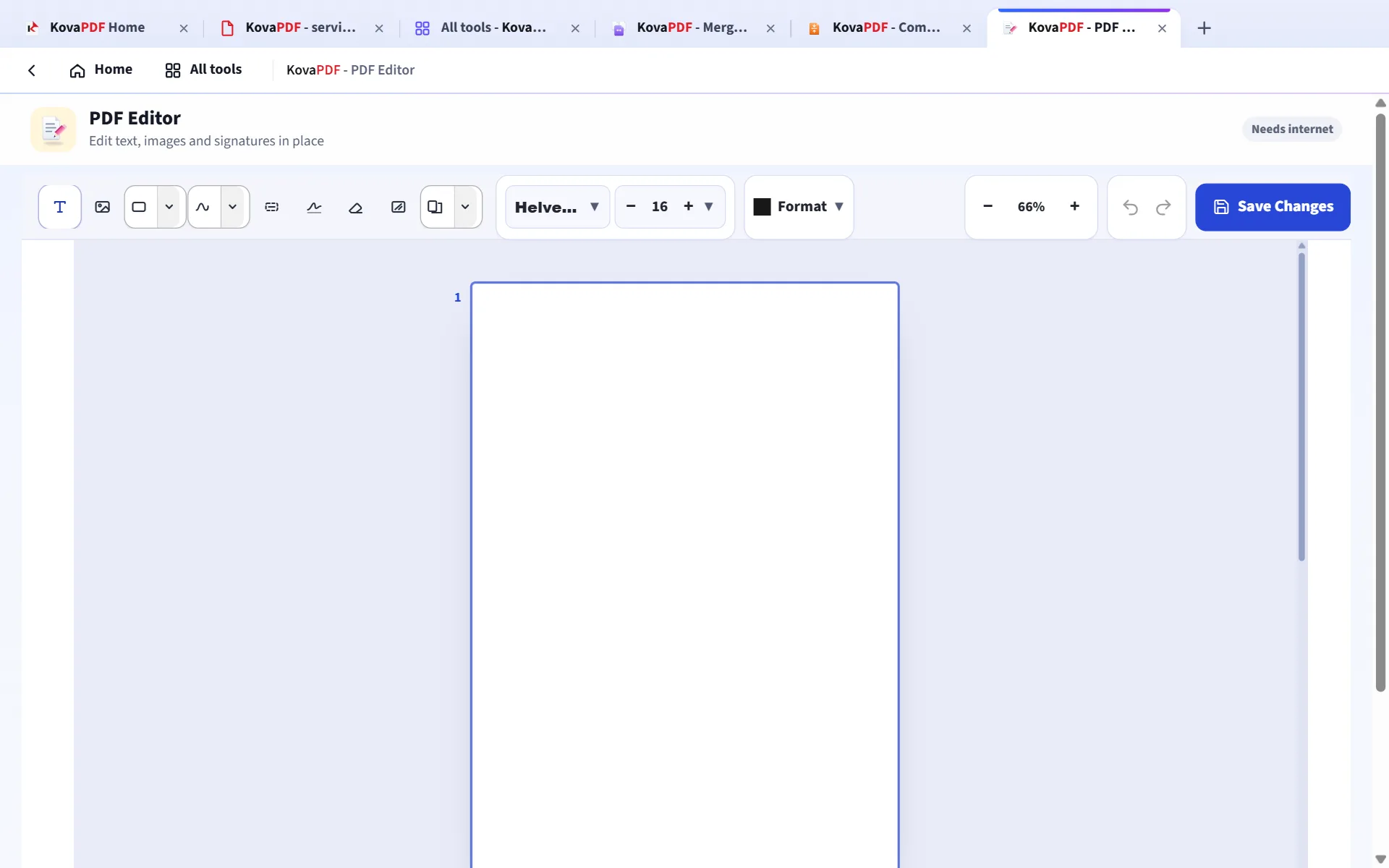
The PDF editor with a sample agreement open.
Open any PDF in a reader made for work
Double-click a PDF or choose Open with KovaPDF. It opens in its own tab, sharp at every zoom, with everything you need while you read.
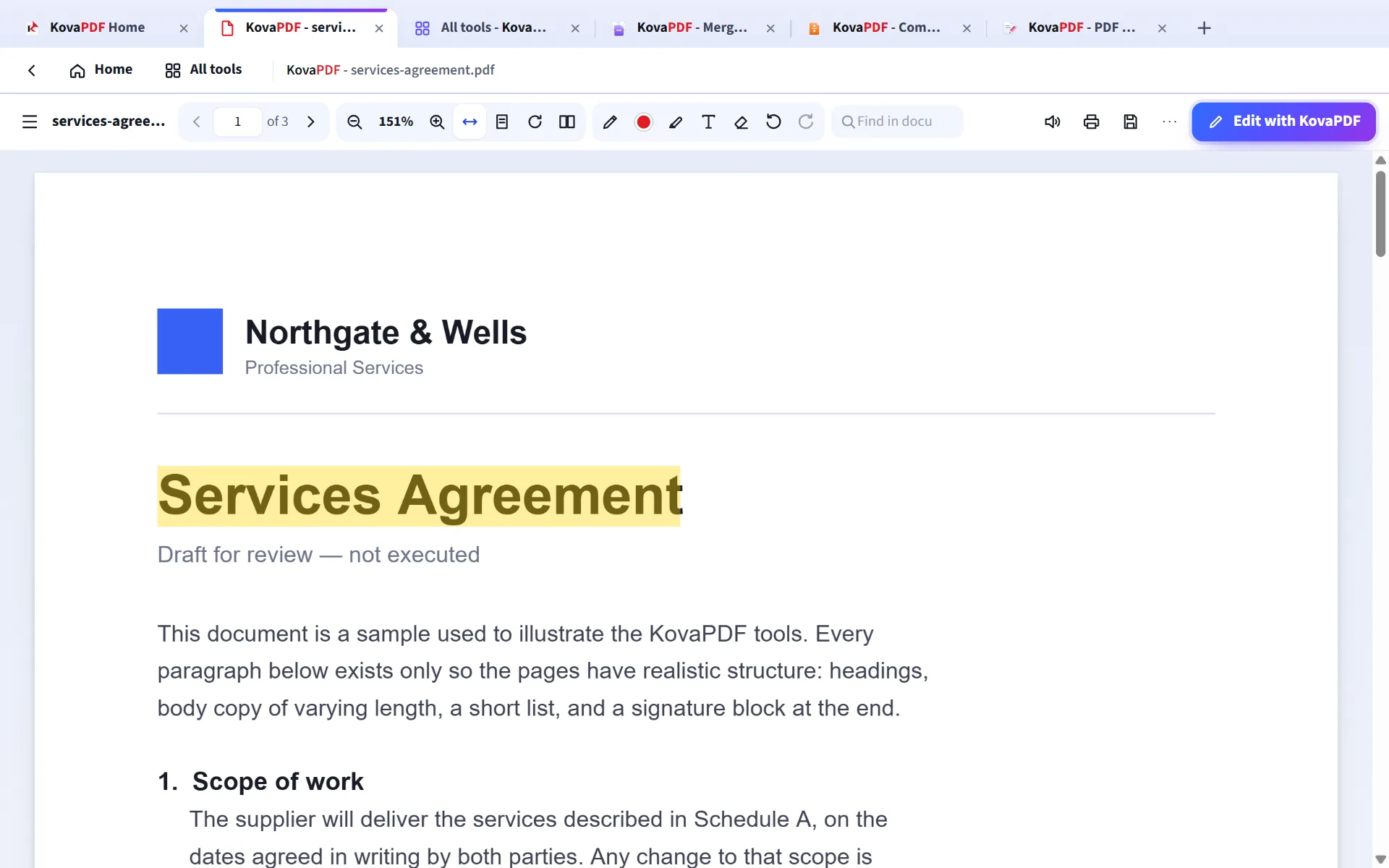
- Mark it up. Draw, highlight and add text, then save it into the PDF.
- Find your way. Page pictures, bookmarks, search and two pages side by side.
- Read aloud with the voices on your computer.
- Edit with KovaPDF opens the PDF Editor in a new tab, with your file.
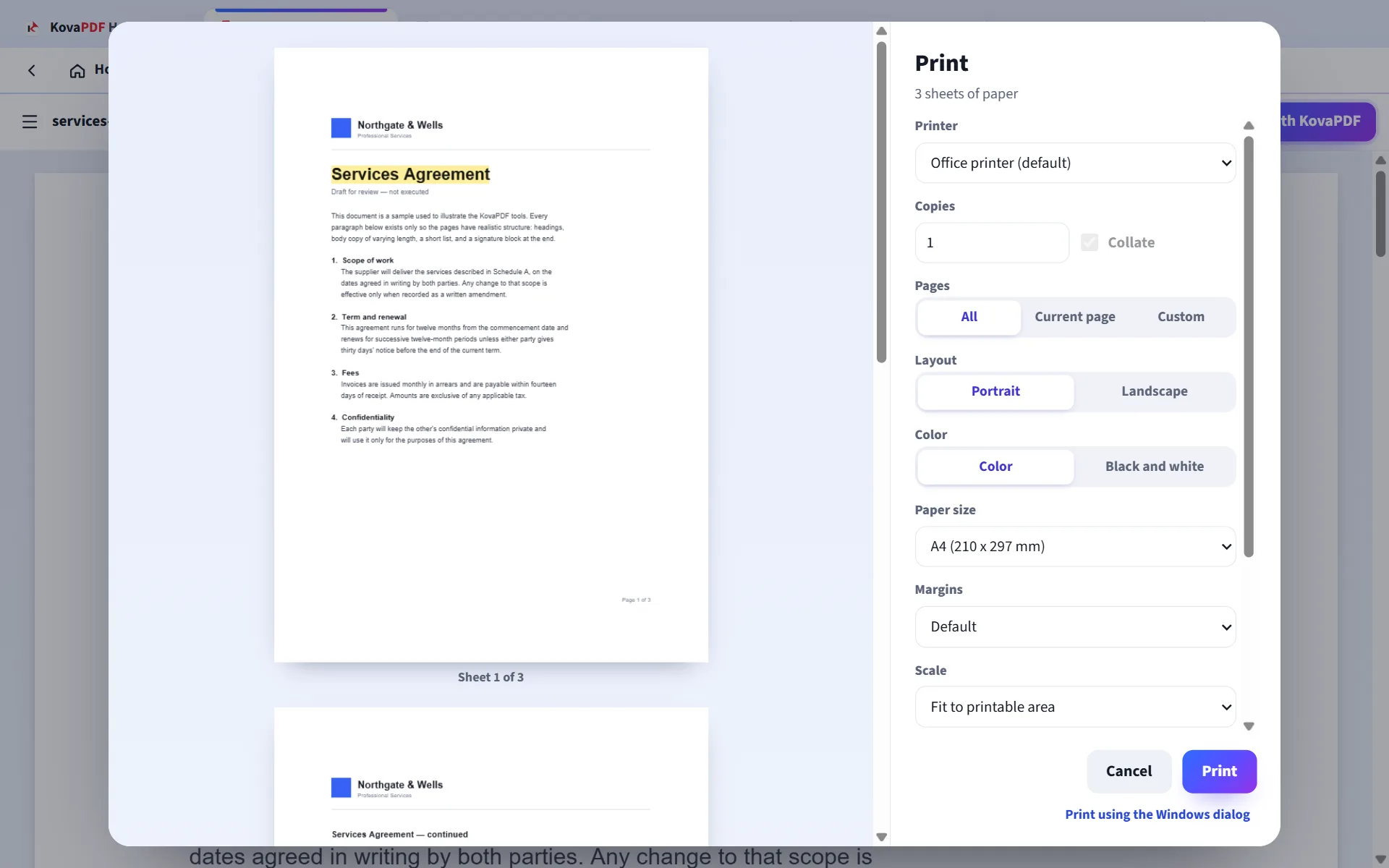
Print exactly what you see
A preview of every sheet, with the choices a print shop would ask for.
- Paper size, including your own
- Margins, scale and pages per sheet
- Portrait or landscape, colour or black and white
- Both sides of the paper, on printers that can
Built to keep your files and your computer safe
The app is locked down so it can only do what a PDF tool should.
Offline tools never upload
When a tool works offline, the file is read and saved on your computer and nothing is sent anywhere.
Online tools clean up after themselves
Files travel over an encrypted connection and the working copy is deleted as soon as your job finishes.
Only KovaPDF inside the app
The app window opens KovaPDF pages and nothing else. Any other link opens in your own browser.
Checked updates
Every update is checked against its published fingerprint before it installs.
Install it in three steps
- 1
Download
Press Download for Windows. The installer is one file.
- 2
Open the file
If Windows shows "Windows protected your PC", choose More info, then Run anyway. Windows shows this for apps from publishers it does not know yet.
- 3
Start working
KovaPDF opens by itself and puts a shortcut on your desktop.
What you need
- System
- Windows 10 or Windows 11, 64-bit
- Rights
- No administrator rights needed
- Internet
- Only for the tools marked Needs internet
- Price
- Free
Common questions
Is the KovaPDF desktop app free?
Yes. It follows the same rules as the website: no daily task count, and a fair hourly limit only on very heavy use. Signing in raises that limit.
Which tools work without internet?
Merging, splitting, rotating, cropping and organising pages, page numbers, watermarks, headers and footers, passwords, picture conversions, Bijoy and Unicode conversion, and getting the text out of a PDF or a picture. In the app, every tool says whether it works offline.
Are my files uploaded?
Not by the tools that work offline: they read and save the file on your computer. Tools that need internet send the file over an encrypted connection, and the working copy is deleted as soon as your job finishes.
Why does Windows show a warning when I install it?
Windows shows "Windows protected your PC" for apps from publishers it does not know yet. Choose More info, then Run anyway, and the installer starts.
Do I need an account?
Every tool works without an account. Sign in from Settings for a higher hourly limit.
How do I uninstall it?
Open Windows Settings, go to Apps, find KovaPDF in the list and choose Uninstall.
Does it update by itself?
Yes. When a new version is out, the app downloads it, checks it against its published fingerprint, and installs it when you restart the app.
Can I use it on more than one computer?
Yes, on as many computers as you like. It is free.
Is there a Mac version?
Not yet. On a Mac, every tool works in the browser at kovapdf.com.
Get KovaPDF for Windows
Free, offline for many tools, and ready in one click.