Compress Image
Make JPG, PNG and WebP pictures smaller to send or upload, at the same width and height.
- Free to use
- Works on any device
- Stays on your device
- Same width and height
- A level or a size in KB
- See-through PNGs stay see-through
- Never bigger than the original
JPG · PNG · WebP
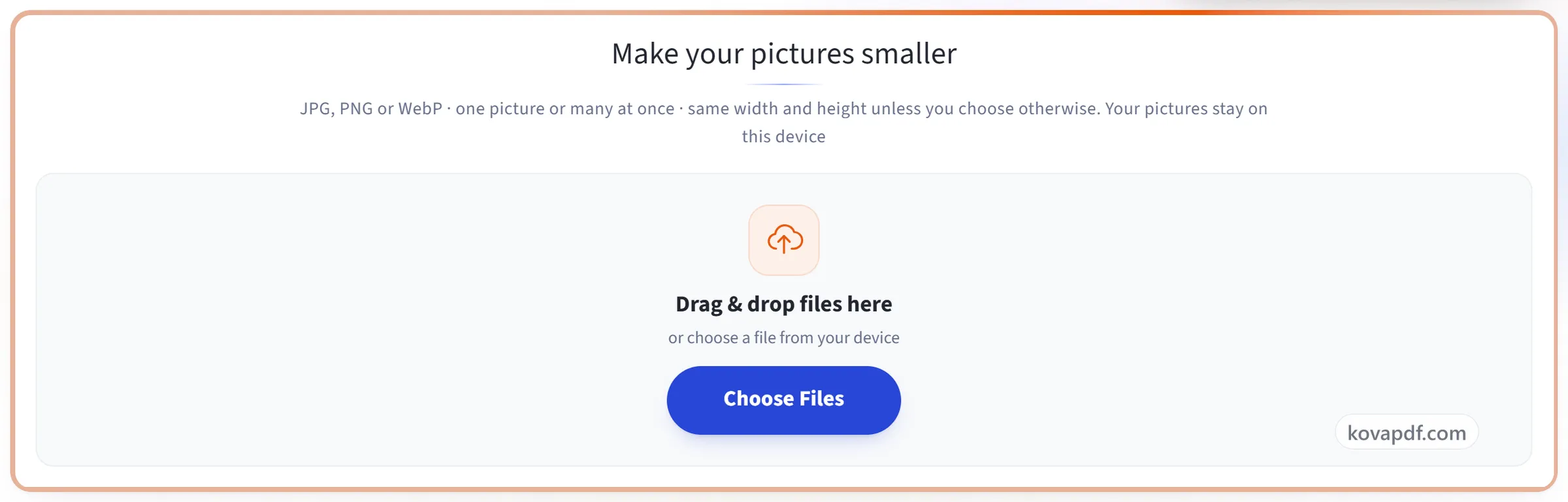
Make your pictures smaller
JPG, PNG or WebP · one picture or many at once · same width and height unless you choose otherwise. Your pictures stay on this device
Drag & drop files here
or choose a file from your device
Everything Compress Image can do
Make JPG, PNG and WebP pictures smaller to email, upload or put on a website, at the same width and height. Free, on your own device.
How small
- Three levels, Light, Recommended and Strong, or your own number
- Or a size in KB: tap 100 KB, 200 KB, 500 KB or 1 MB, or type any size
- The highest quality that fits the size, found by trying, not guessed
- A plain message when a size cannot be reached, with how small it got
Pixels and format
- Width and height stay as they are unless you turn on Also reduce pixels
- Longest side set to 3840, 2560, 1920 or 1280 pixels, or any number
- Keep the format, or save as JPG or WebP
PNG pictures
- Stored with a palette of up to 256 colours instead of millions, which is what makes a PNG small
- See-through backgrounds and soft edges kept
- Light loses no detail; logos and icons with few colours look the same at every level
Your pictures
- Never bigger: when nothing smaller comes out, the original is kept and you are told
- Phone photos come out the right way up, with no location or camera details
- Many pictures at once, downloaded together in a ZIP
- The pictures stay on your device and are never uploaded
How it works
Compress Image in three steps
Add your pictures
Drag your pictures onto the panel, or click it to pick them from your device. You can add several at once. Everything happens in your browser, so the pictures stay on your device and are never uploaded.
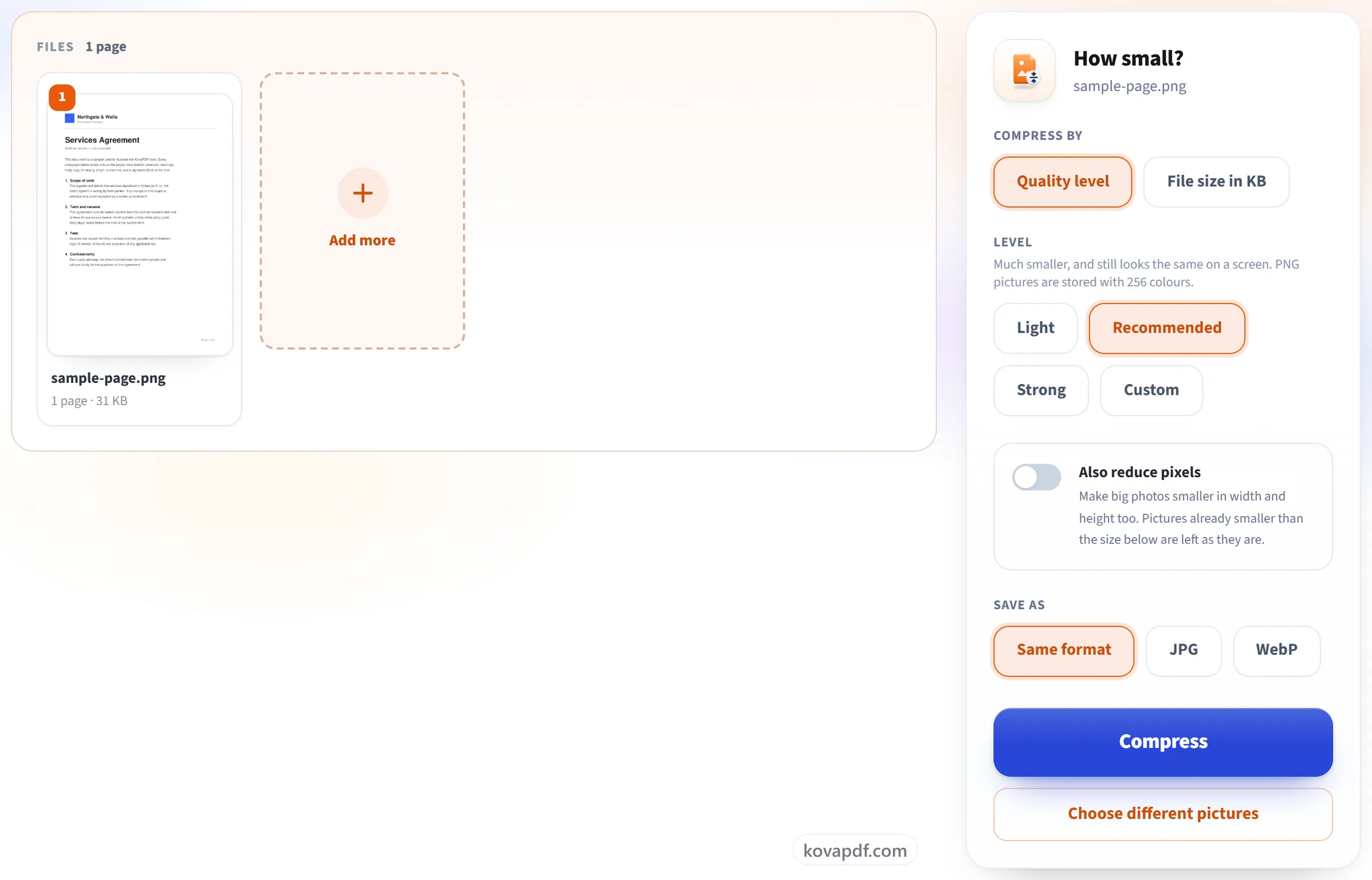
Choose a level or a size
Leave Quality level on Recommended, or choose Light or Strong. If a form or an email gives you a limit, choose File size in KB and tap or type it. Turn on Also reduce pixels only if you want fewer pixels too.
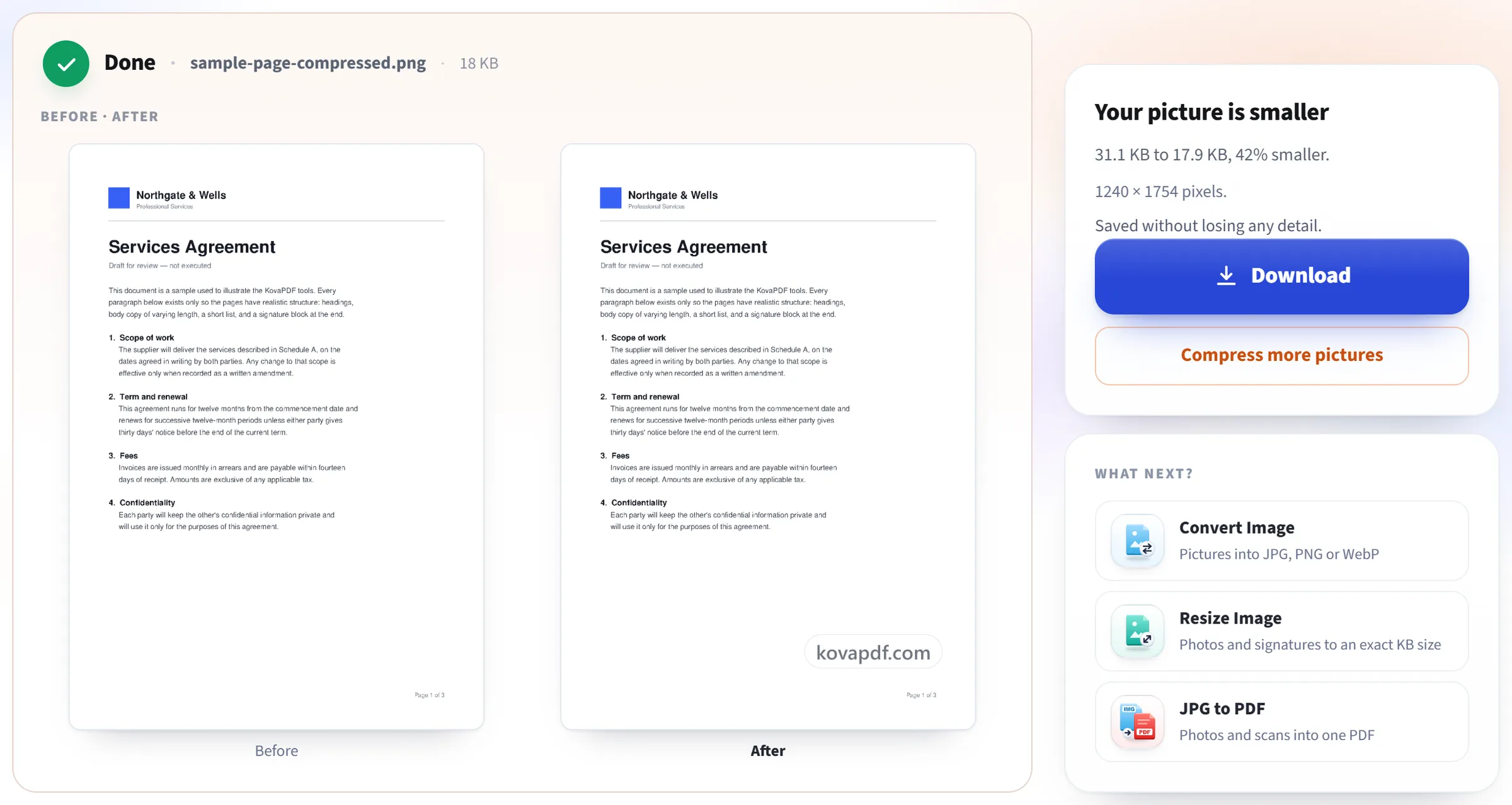
Download the smaller pictures
The result shows the size before and after. One picture downloads on its own; several come together in a ZIP. A picture that could not get any smaller is left as it was, and the page tells you.
Compress Image: a visual walkthrough
Make JPG, PNG and WebP pictures smaller, at the same width and height.
Add your pictures
Drag your pictures onto the panel, or click it to pick them from your device. You can add several at once. Everything happens in your browser, so the pictures stay on your device and are never uploaded.
Choose a level or a size
Leave Quality level on Recommended, or choose Light or Strong. If a form or an email gives you a limit, choose File size in KB and tap or type it. Turn on Also reduce pixels only if you want fewer pixels too.
Download the smaller pictures
The result shows the size before and after. One picture downloads on its own; several come together in a ZIP. A picture that could not get any smaller is left as it was, and the page tells you.
Frequently asked questions about Compress Image
How do I make a picture smaller without changing its width and height?
Add the picture and leave Quality level on Recommended. The width and height stay exactly as they are; only the way the picture is stored changes. Light changes less, Strong makes the smallest files.
How do I compress an image to a size in KB, such as 200 KB?
Choose File size in KB, then tap 100 KB, 200 KB, 500 KB or 1 MB, or type your own. Each picture gets the highest quality that fits under that size. If even the lowest quality is too big, the page says how small it got; turn on Also reduce pixels and the picture is made smaller in width and height until it fits.
How much smaller will my pictures get?
It depends on the picture. A photo straight from a phone or camera usually shrinks a lot, because it was saved at a very high quality. A picture that was already compressed, such as one saved from a website, may barely change. A result is never bigger than the original: when nothing smaller comes out, the original is kept and you are told.
How are PNG files made smaller?
A PNG is stored with a palette of colours instead of millions: 256 at Recommended and 64 at Strong, with a fine pattern of dots so smooth shading does not turn into bands. See-through backgrounds stay see-through. Light loses no detail at all, and a logo or icon with only a few colours comes out looking the same at every level.
Will people notice the lower quality?
At Light, almost never. At Recommended a photo looks the same on a phone or computer screen. Strong is for when the size matters most, and fine detail and smooth skies soften a little.
What happens to my file?
It stays on your device. The pictures are compressed in your browser and never sent to us. Only the fact that a task ran is counted.
Can I compress many pictures at once?
Yes. Up to 10 at a time without an account, and 50 when you are signed in. They all get the same settings and download together in one ZIP, each named after the original with -compressed added.
Is it free?
Yes. Every tool works without paying and without an account. Files can be up to 200 pages and 50 MB, and a run that fails costs you nothing. Pro removes the limits.
Do I need to create an account?
No. All tools work without signing in. An account raises your allowance and lets you see what you have processed.
Related tools
All PDF tools · 15 step-by-step guides · How your files are handled