Delete Pages from PDF
Remove exactly the pages you don't need—one page, a range, or a mixed list—and download the trimmed document. Nothing is removed until you confirm.
- Free to use
- Works on any device
- Deleted after processing
- See it before it goes
- A page, a range or a scatter
- The rest stays as it was
- Numbers close up after
Drag & drop file here
or choose a file from your device
Upload a PDF to remove pages from it
PDF files only
How it works
Delete Pages in three steps
Upload your PDF
Drag your file onto the upload panel, or click it to pick one from your device. Nothing is sent anywhere until you start the job, and the working copy is deleted the moment it finishes.
Choose the pages to remove
Pick pages from the thumbnails or type a range like 2-5, 9. The pages you have marked are shown struck through, so nothing disappears before you confirm.
Save and download
Only the pages you kept are written to the new file. Your original is untouched on your own device.
How to delete pages from a PDF
Remove one page, a range, or a scattered selection — and see exactly what goes before it does.
Upload your PDF
Drag your file onto the upload panel, or click it to pick one from your device. Nothing is sent anywhere until you start the job, and the working copy is deleted the moment it finishes.

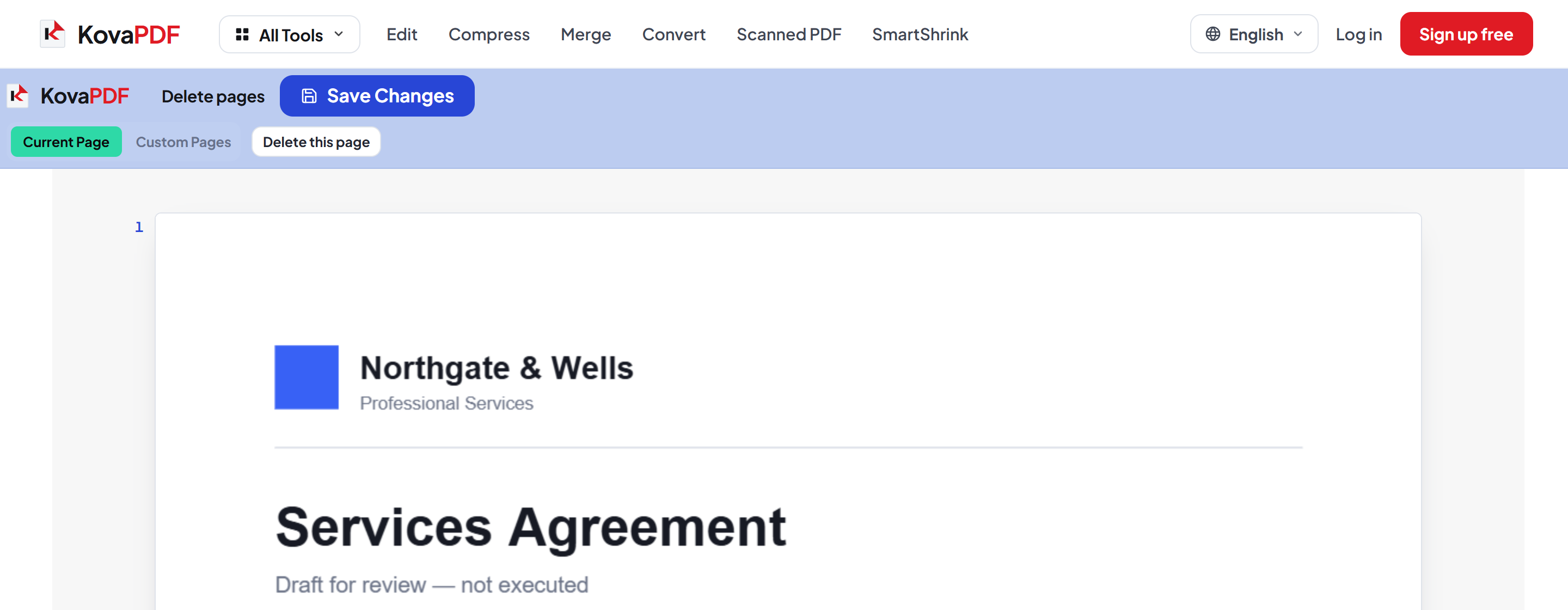
Choose the pages to remove
Pick pages from the thumbnails or type a range like 2-5, 9. The pages you have marked are shown struck through, so nothing disappears before you confirm.
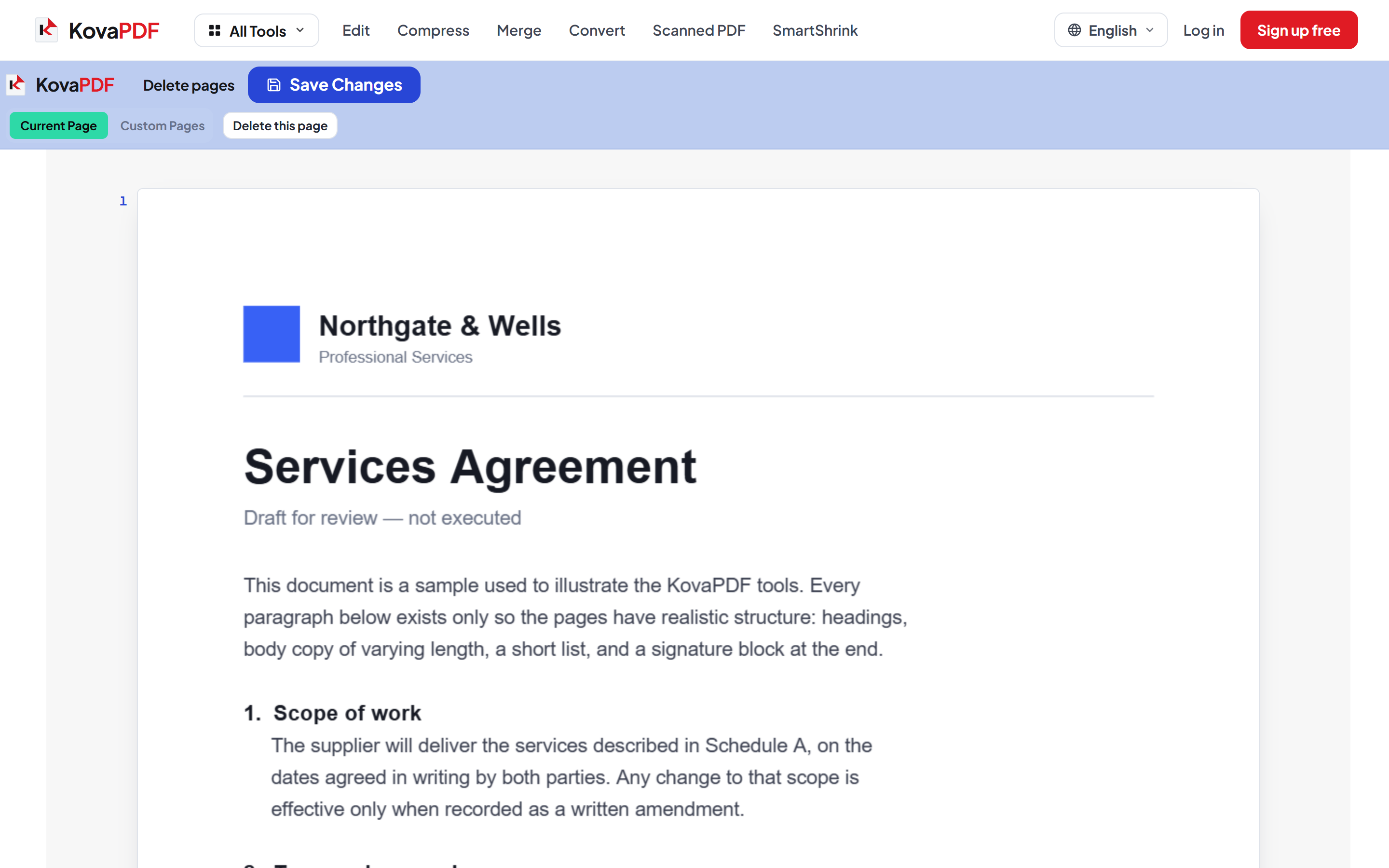
Save and download
Only the pages you kept are written to the new file. Your original is untouched on your own device.
Frequently asked questions about Delete Pages
Can I see what will be removed first?
Yes. Selected pages are shown struck through in the thumbnails, and nothing is removed until you save.
Can I remove a scattered set of pages?
Yes. Type a mixed list such as "2-5, 9, 14" or click the pages you want gone.
Can I undo it if I remove the wrong page?
Yes, twice over. Nothing is removed from the file until you save, so until then the selection is just a selection — and undo steps it back page by page while you work.
Do the remaining pages renumber themselves?
The pages themselves do, in the sense that page six becomes page five once a page before it goes. Any page numbers PRINTED onto the pages do not, because those are part of the picture. Use Page Numbers afterwards if the printed sequence needs to match again.
Is it free?
Yes. Every tool works without paying and without an account. Files can be up to 200 pages and 80 MB, and a run that fails costs you nothing.
Do I need to create an account?
No. All tools work without signing in. An account raises your hourly allowance and lets you see what you have processed.
What happens to my file?
It travels over an encrypted connection into a directory created for that single request, is processed, is returned to you, and the working copy is deleted as the request finishes. We keep a record that an operation ran — never the filename or the contents.
Delete Pages guides and articles
Related tools
All PDF tools · 5 step-by-step guides · How your files are handled