ODT to PDF
Convert an OpenDocument text file to PDF with its fonts, tables and layout intact — nothing reflowed, nothing running off the edge.
- Keeps your layout
- Works on any device
- Deleted after processing
- Formatting intact
- From LibreOffice or OpenOffice
- A4, Letter or Legal
- Fonts embedded in the PDF
.odt
Upload an OpenDocument text document to turn it into a PDF
.odt · your file is deleted as soon as the PDF is built
Drag & drop file here
or choose a file from your device
How it works
ODT to PDF in three steps
Upload your document
Drag an .odt onto the panel, or click it to pick one. Your file is deleted as soon as the PDF is built.
Check the page setup
Fonts, tables and page breaks come across as written. 'Fit everything on one page wide' keeps a wide table on the page instead of letting its last columns run off.
Download your PDF
A PDF anyone can open, with the layout you wrote.
How to convert ODT to PDF
The OpenDocument text format, converted exactly as it was written.
Upload your document
Drag an .odt onto the panel, or click it to pick one. Your file is deleted as soon as the PDF is built.
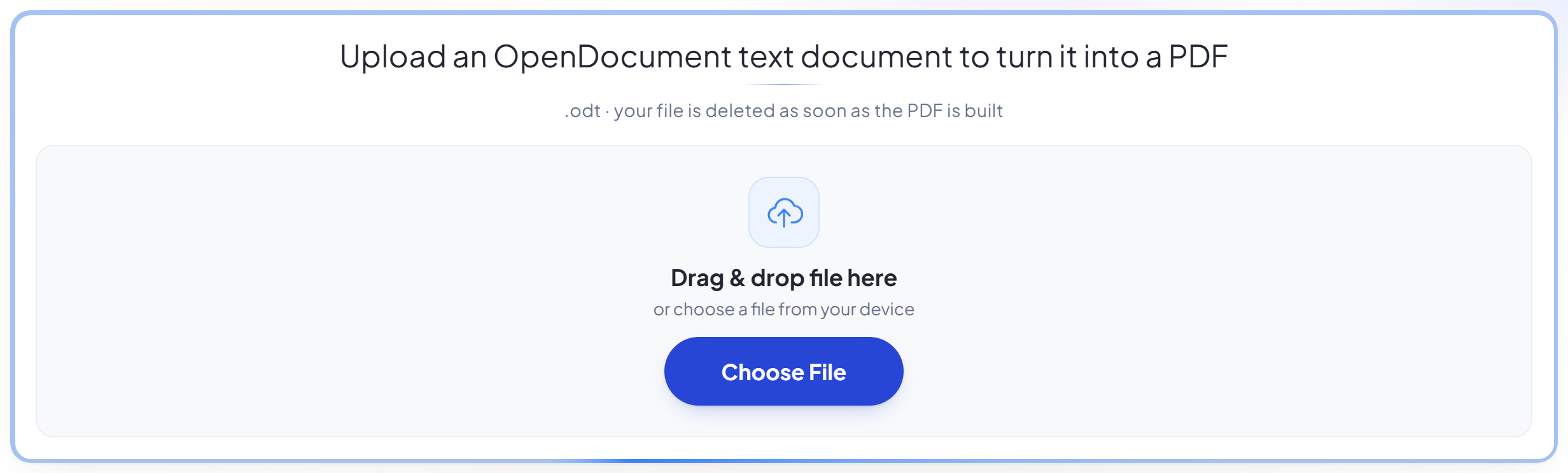
Check the page setup
Fonts, tables and page breaks come across as written. 'Fit everything on one page wide' keeps a wide table on the page instead of letting its last columns run off.
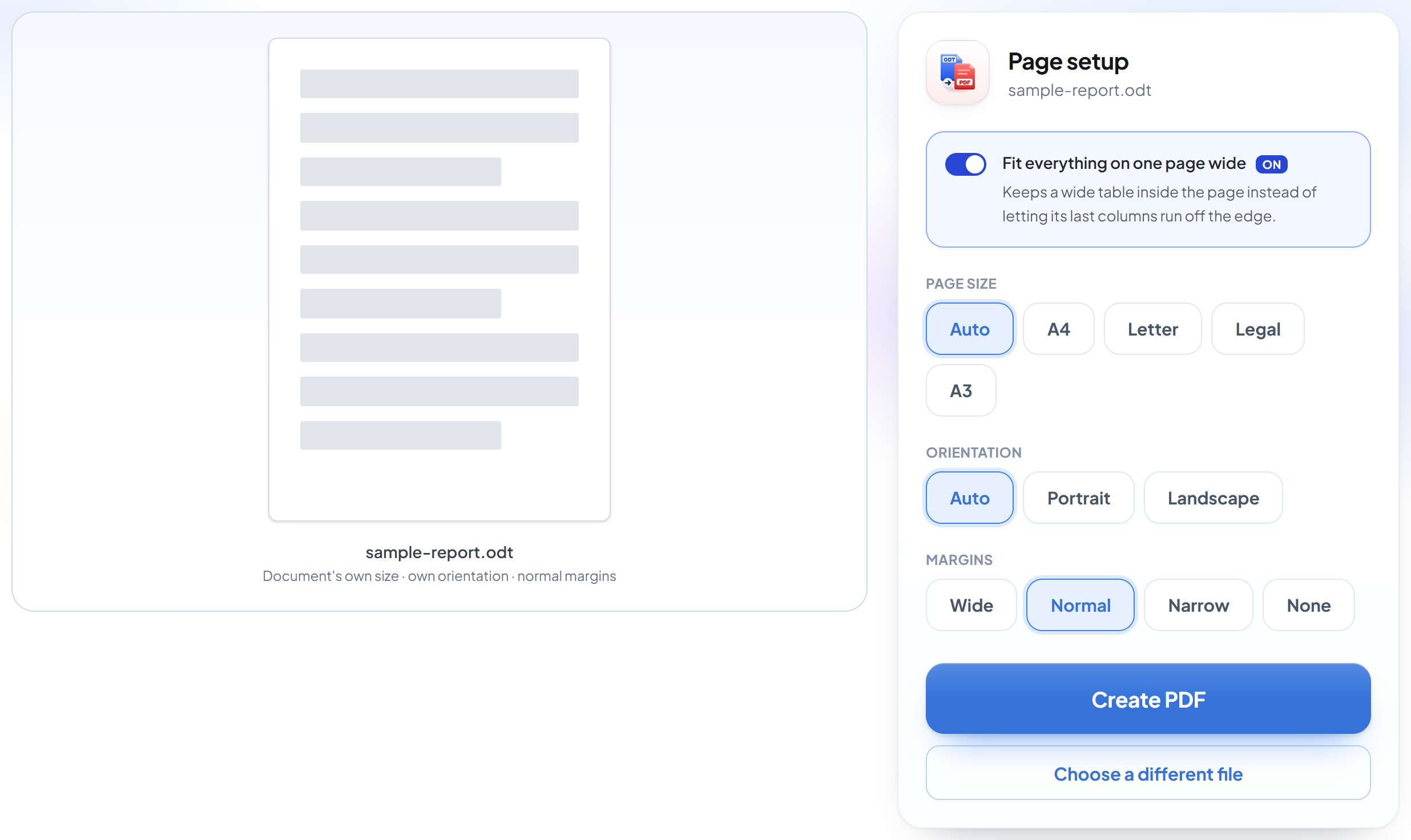
Download your PDF
A PDF anyone can open, with the layout you wrote.
Frequently asked questions about ODT to PDF
Will my formatting survive?
Yes. ODT is the format our converter handles most faithfully, not least. Fonts, tables, headers and page breaks come across as written.
What happens to a table that is wider than the page?
'Fit everything on one page wide' is on by default, so the table is scaled to stay on the page rather than having its last columns run off the edge.
Which files can I upload?
.odt. If you have a .docx instead, use Word to PDF -- it is the same engine with the right file filter.
Is it free?
Yes. Every tool works without paying and without an account. Files can be up to 200 pages and 80 MB, and a run that fails costs you nothing.
Do I need to create an account?
No. All tools work without signing in. An account raises your hourly allowance and lets you see what you have processed.
What happens to my file?
It travels over an encrypted connection into a directory created for that single request, is processed, is returned to you, and the working copy is deleted as the request finishes. We keep a record that an operation ran — never the filename or the contents.
ODT to PDF guides and articles
Related tools
All PDF tools · 5 step-by-step guides · How your files are handled