Every PDF tool, in your pocket
Edit, sign, compress and convert PDFs from an app on your phone. It opens from your home screen in one tap, works on Android and iPhone, and is free.
- Free to use
- No account needed
- Android and iPhone
Scan to get the app
Point your phone's camera at the code. The KovaPDF app opens, ready to install.
One tap from your home screen
It opens full screen like any app, without the browser's bars.
No daily task count
Work through a long day of files. Only very heavy use meets a fair hourly limit.
Your files stay yours
Files travel over an encrypted connection and the working copy is deleted as soon as your job finishes.
In your language
The app speaks your language: the same languages as the website.
Free to use, with no daily task count
The app follows the same simple rules as the website. Sign in only if you want a higher hourly limit.
- What you get
- Free, for everyone
- Tasks per day
- No task count. A fair hourly limit applies only to very heavy use.
- Largest file
- 80 MB, up to 200 pages
- Tools
- The tools you use most on a phone, all in one app
- Account
- Not needed. Sign in for a higher hourly limit.
The PDF tools you need on the go
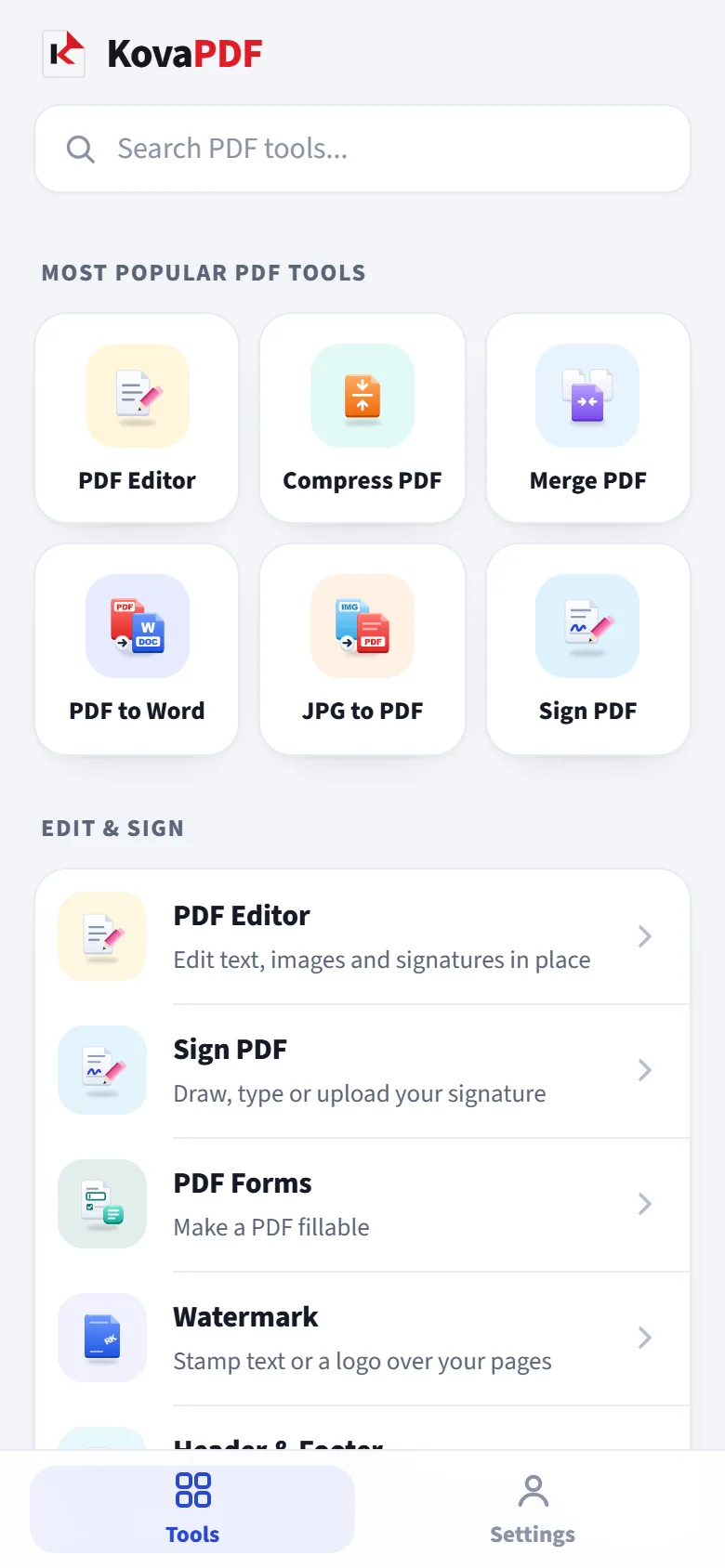
Each tool keeps its own colour and icon from the website, so you find it at a glance.
PDF Editor
Edit text, images and signatures in place
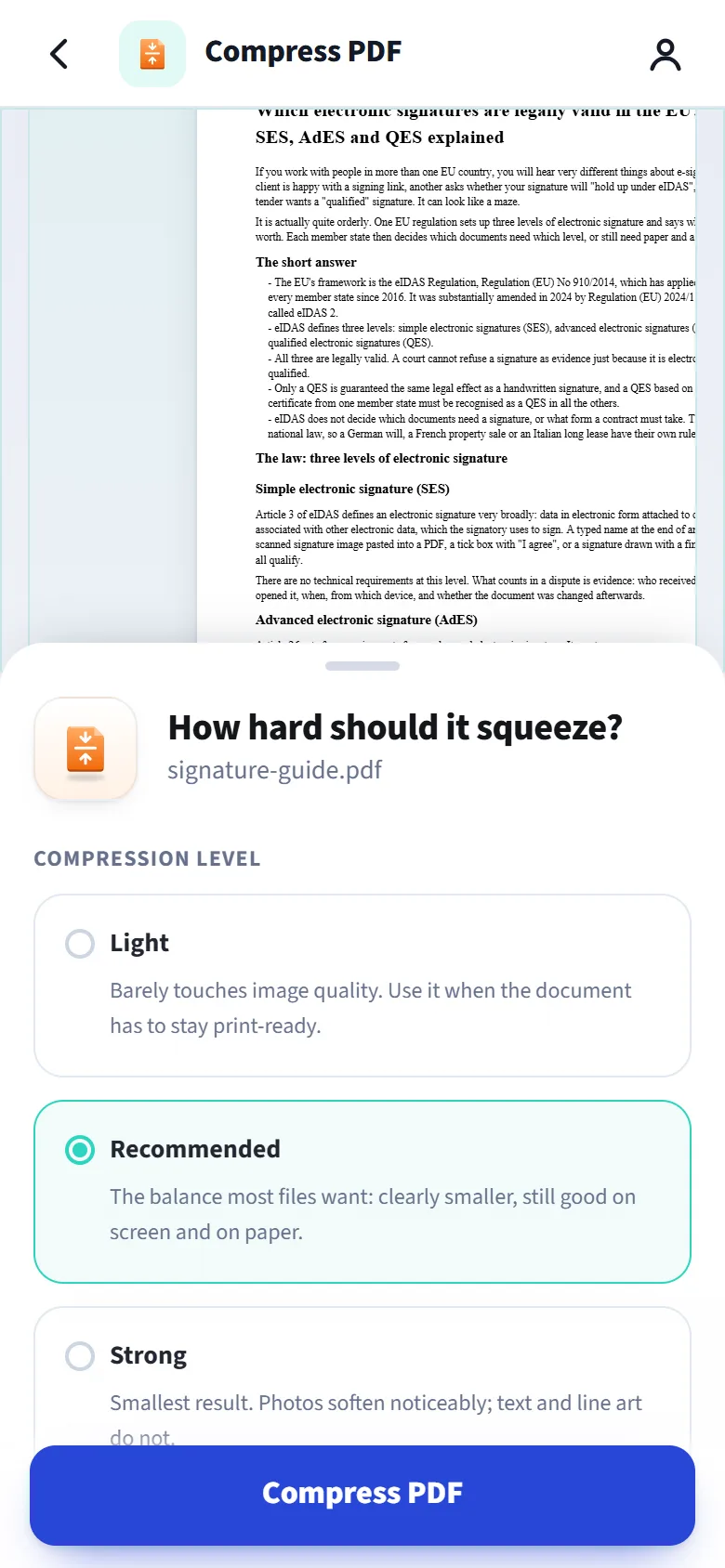
Compress PDF
Shrink heavy files, keep the text sharp
Merge PDF
Combine documents into one, in your order
PDF to Word
Convert to an editable Word document
JPG to PDF
Photos and scans into one PDF
Sign PDF
Draw, type or upload your signature
Split PDF
Extract a range or split into separate files
Word to PDF
Convert a document into a PDF
Protect PDF
Add a password and permissions
Organize PDF
Reorder, rotate and delete pages visually
Image to Text
Read text from photos in eight languages
Bijoy to Unicode
Bijoy Bangla into Unicode
Send a PDF to KovaPDF from any app
On Android, share a PDF from your email, chat or files and pick KovaPDF. The app opens with the file ready, and shows the tools that fit it.
- No hunting for the file. It arrives in the app straight from where you saw it.
- Share the result back. Every finished file has a Share button.
- On an iPhone, open KovaPDF and choose the file from Files or Photos.

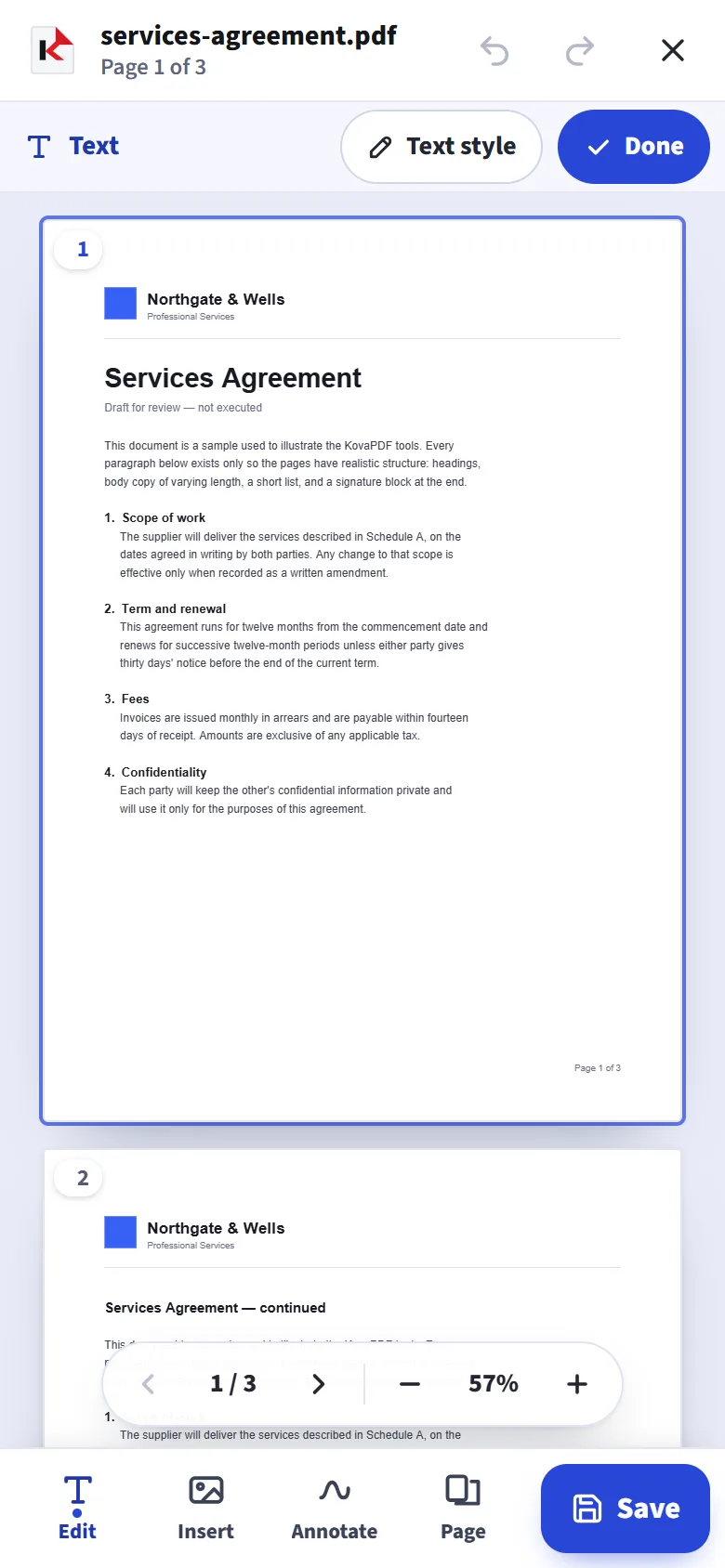
Type on a PDF as easily as on a note
Tap the page to add text. The page zooms in until the letters are easy to read and keeps your line above the keyboard.
- Retype existing text in place
- Font, size, bold, italic, colour and alignment
- Draw, type or upload your signature
Install it in three taps
No app store needed. It installs straight from your phone's browser.
Android
- Open kovapdf.com/app in Chrome.
- Tap Install the app, or Install app in the browser menu.
- Tap Install. KovaPDF appears on your home screen.
iPhone
- Open kovapdf.com/app in Safari.
- Tap Share, then Add to Home Screen.
- Tap Add. KovaPDF appears on your home screen.
Common questions
Is the KovaPDF app free?
Yes. It follows the same rules as the website: no daily task count, and a fair hourly limit only on very heavy use. Signing in raises that limit.
How do I install it on Android?
Open kovapdf.com/app in Chrome and tap Install the app, or choose Install app from the browser menu. KovaPDF then appears on your home screen.
How do I install it on an iPhone?
Open kovapdf.com/app in Safari, tap Share, then Add to Home Screen, then Add. KovaPDF then opens from its own icon.
Is it a real app?
It installs from your browser, opens from its own icon on your home screen and runs full screen, without the browser's bars. It is not in the app stores yet.
Can I open a PDF from another app in KovaPDF?
On Android, yes: share the PDF from any app and choose KovaPDF. On an iPhone, open KovaPDF and choose the file there.
Are my files uploaded?
Some tools work on the phone itself and nothing is sent. The others send the file over an encrypted connection, and the working copy is deleted as soon as your job finishes.
Do I need an account?
Every tool works without an account. Sign in from Settings for a higher hourly limit.
How do I remove it?
Press and hold the KovaPDF icon on your home screen and choose Remove or Uninstall.
Get the KovaPDF app
Scan the code at the top of this page with your phone's camera.