Converting files
How to convert a Notepad file to PDF without broken characters
In short
Save the Notepad document as a real TXT file, then open that file in TXT to PDF. Renaming .txt to .pdf does not convert it. If characters are already wrong in the saved text, fix the encoding before creating the PDF.

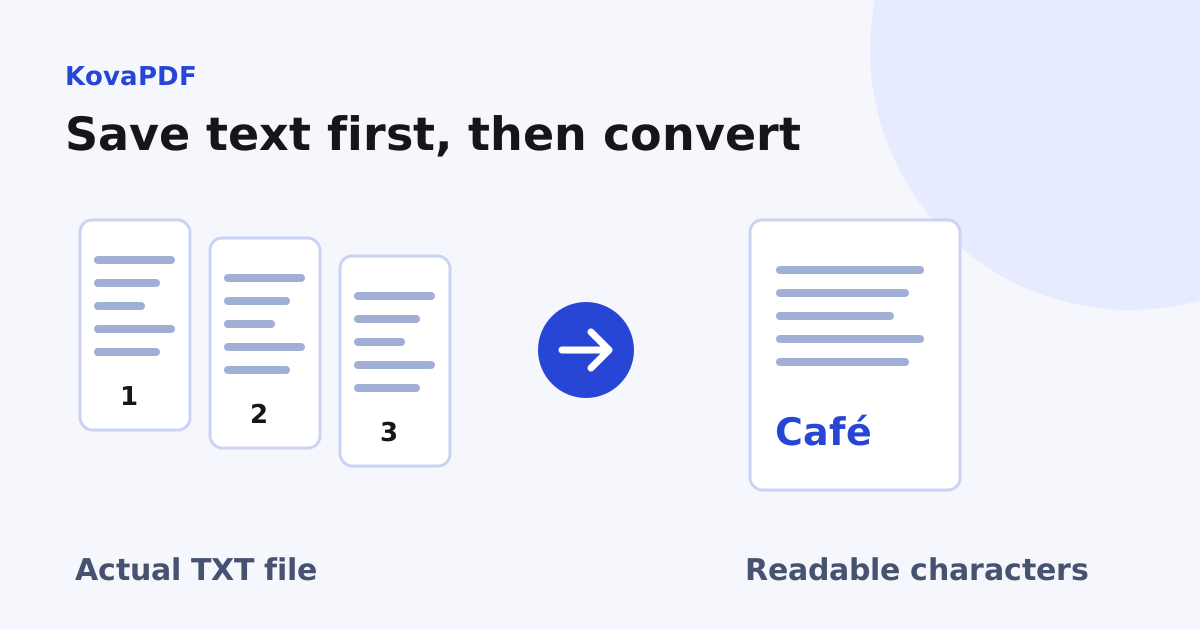
Have I saved the file or only renamed it?
Save a copy from Notepad and check the full filename in your file manager. A file named notes.pdf.txt is still text. A text file renamed notes.pdf is also still text, and a PDF reader may reject it because the contents are not a PDF.
Keep the TXT source and use TXT to PDF to create a separate PDF output. Do not overwrite your only copy while experimenting with file extensions or save settings.
How can I tell whether encoding is the problem?
Reopen the saved TXT file before converting it. Check a name with an accent, a currency symbol and any text outside the basic Latin alphabet. If they are already broken there, the converter cannot know which original characters you intended.
An encoding label describes how the file's bytes represent characters. Some text files include a marker at the beginning that helps identify the encoding. Prefer a current Unicode text encoding when saving a new copy, and verify the reopened file rather than trusting a save dialog alone.
What did our Notepad style file test preserve?
We made a UTF 16 text fixture with its leading encoding marker. It contained two lines: Café and Total 125.50. KovaPDF's text conversion produced one PDF page. Extraction from that output returned the accented name and the decimal amount correctly.
This tests a real byte encoding path, not a promise that every legacy text file can be decoded automatically. A file saved with the wrong encoding can lose information before conversion begins. If the source looks wrong after reopening, ask for the original or save another correctly decoded copy.
Which settings should I choose for a simple note?
- Select the saved TXT file rather than a shortcut to it.
- Choose the paper size and orientation the recipient expects.
- Use a readable font size and keep wrapping enabled for paragraphs.
- Convert, download and reopen the PDF.
- Compare the first line, final line, accents and important numbers with the source.
For code, logs or spacing that forms columns, the choices are less automatic. The plain text layout guide explains monospace fonts, tabs and long lines. Avoid solving an encoding error by changing margins: those settings affect layout, not which character the bytes mean.
Why does a note suddenly take several pages?
The editor window can be wider than the chosen paper. A paragraph that looked short on screen may wrap many times in portrait layout. Large margins, a larger font and line number gutters can also increase pagination.
Check whether the extra pages contain real text or only an unexpected long gap. Do not delete pages automatically. If an apparent blank holds important final text below the visible area, removing it would change the document. Inspect the saved PDF through to its last page.
Can I add a title, date or page number?
The plain text converter lays out the text you supply. Once the pagination is right, add the running information using Header & Footer. The header and footer guide explains filename and date tokens and why their resolved values need review.
If the note must accompany a scanned receipt or existing PDF, combine the reviewed outputs in the intended order. Keep the TXT copy so an amendment starts from the source characters rather than a reconstruction of the PDF page.
Common questions
Can I make a PDF by changing the file extension?
No. Renaming a TXT file does not create PDF contents. Use conversion to make a separate output file.
Why is the filename notes.pdf.txt?
The text extension may have been added by the save dialog. Check the full filename and convert the actual text file.
Should I fix broken accents before converting?
Yes. Reopen the saved source and verify the intended characters before creating the PDF.
Can a UTF 16 text file work?
Our marked UTF 16 sample converted to one PDF page and preserved Café and Total 125.50. Check your own output as well.
Why did the output gain pages?
The selected paper width, margins, font size and wrapping determine pagination, which can differ from an editor window.
When should I add the running date or page count?
After the text layout is final. Then inspect the resolved header or footer in the saved PDF.
KovaPDF on your computer and phone
Use KovaPDF on your computer, where many tools work with no internet, and on your phone. The same account works in both.