CV template with photo
In much of continental Europe, the Middle East, parts of Asia and Latin America, a CV is expected to carry a photo, and an application without one can look incomplete. In the UK, Ireland, the US and Canada the opposite is true, and most employers would rather not see your face before they have read your experience. This template, called Portrait in the CV Maker, lets you have both versions from one set of details.
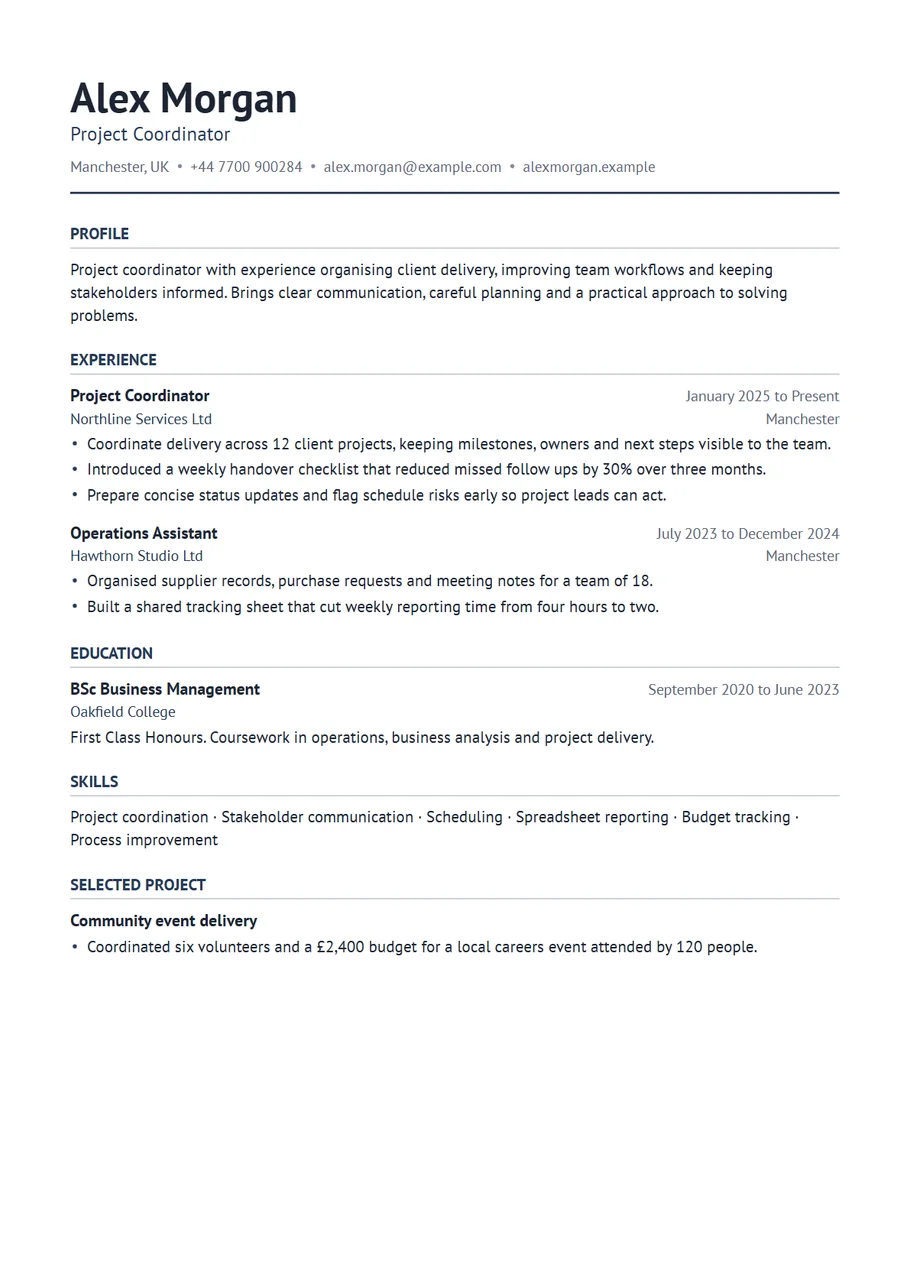
Add a photo and it sits in the top right corner of the header, cropped to a neat rectangle beside your name and contact line. Your experience, education and skills stay in one column below it. Remove the photo, and the header closes up as if it was never there.
Free, no account needed. Your CV is built in your browser and downloads as a PDF or an editable Word file, in A4 or US Letter.
Where a photo is expected, and where it is not
Germany, Austria, Switzerland, France, Belgium, Spain, Italy, Portugal, much of Eastern Europe, the Gulf states, China, Japan and South Korea commonly expect or welcome a photo. Some employers in those places have moved away from it, so read the advert: if it asks for an anonymous application, or the company says it uses blind hiring, leave the photo out.
In the UK, Ireland, the US, Canada and Australia, employers usually prefer no photo, partly to avoid any suggestion of bias. Exceptions are acting, modelling and some front of house roles where your appearance is part of the job. If you are not sure, send it without.
What makes a good CV photo
- Head and shoulders, facing the camera, against a plain light background.
- Dressed as you would be for the interview.
- Recent, in focus and evenly lit. A phone camera by a window is enough.
- No holiday crops, sunglasses, group shots or heavy filters.
- A PNG or JPG file. The template crops it to fit the header, so choose a picture with some space around your head.
What else goes on a European style CV
Where photos are normal, a few more personal details often are too. Date of birth and nationality appear on many German and Swiss CVs, for example, and a languages section is close to compulsory. Add these only when the local convention or the advert calls for them; they are never needed in the UK or US. The CV Maker has a Languages section you can add from Extra sections, and you can rename any heading to match the local word for it.
- Header with photo, name, role, location, phone and email.
- Profile of three or four lines.
- Experience, most recent first, with exact months.
- Education with grades, which many European employers weigh heavily.
- Languages with a level for each, such as German (C1) or Spanish (B2).
- Skills, training and certifications.
Example lines
- Managed reception for a 90 room hotel, including check in, guest complaints and handover to night staff.
- Ran the German speaking support queue for a travel company, answering bookings and changes by phone and email.
- Translated product sheets from Spanish into English for the export sales team.
- Prepared weekly sales figures for four branches and flagged stock shortages to the regional manager.
The photo does not change how the rest of the page should read. Each line still starts with the work and ends with what it achieved, and a recruiter in Munich or Madrid skims it the same way one in Manchester would.
Checking the photo version before you send it
Open the downloaded PDF and look at the header at full size. The picture should sit level with your name, your face should be clearly visible at the size it prints, and the crop should not cut off the top of your head. If it does, choose a photo with more space above you and add it again. If you are sending the Word version, check it too: Word places the photo with the contact details and can move it slightly when the file is opened on another computer, so a PDF is the safer choice when the employer accepts one.
Two versions from one form
If you apply in more than one country, keep both. Fill in your details once, download the version with a photo, then remove the photo and download again, or save a job specific copy on the review screen. Your text does not change, only the header. Saving a copy is optional and stays in your browser; the photo is never uploaded to us.
Start with the Portrait layout
The CV Maker opens with this template chosen. Fill in one section at a time and watch the page update beside the form. If you change your mind, switch layout on the first step or the review screen: everything you typed comes with you.
Use the Portrait templateQuestions about this template
Should I put a photo on my CV?
Follow the country and the advert. In much of Europe, the Middle East and Asia a photo is common or expected. In the UK, Ireland, the US and Canada most employers prefer no photo unless the job is in acting or modelling.
What size should the photo be?
Any reasonably sharp PNG or JPG works. The template crops it to fit the header box, so use a head and shoulders picture with a little space around it rather than a tight crop.
Is my photo uploaded anywhere?
No. The photo is read and placed into the CV inside your browser. It is only stored if you switch on draft saving, and then only in this browser on this device.
Can I use this template without a photo?
Yes. Without a photo it looks like a clean one column CV. You can add or remove the picture at any time without changing anything else.