PDF teilen
Ziehen Sie einen Seitenbereich heraus oder zerlegen Sie ein langes Dokument in einzelne Dateien.
- Kostenlos nutzbar
- Läuft auf jedem Gerät
- Nach der Verarbeitung gelöscht
- Einen Seitenbereich herausziehen
- Oder in einzelne Dateien teilen
- Die Seiten bleiben, wie sie waren
- Das Original bleibt unberührt
Split a PDF into separate files
Cut a document into one file per page, or pull out just the pages you need · your upload is deleted as soon as the result is built
Datei hierher ziehen
oder eine Datei von Ihrem Gerät auswählen
So funktioniert es
PDF teilen in drei Schritten
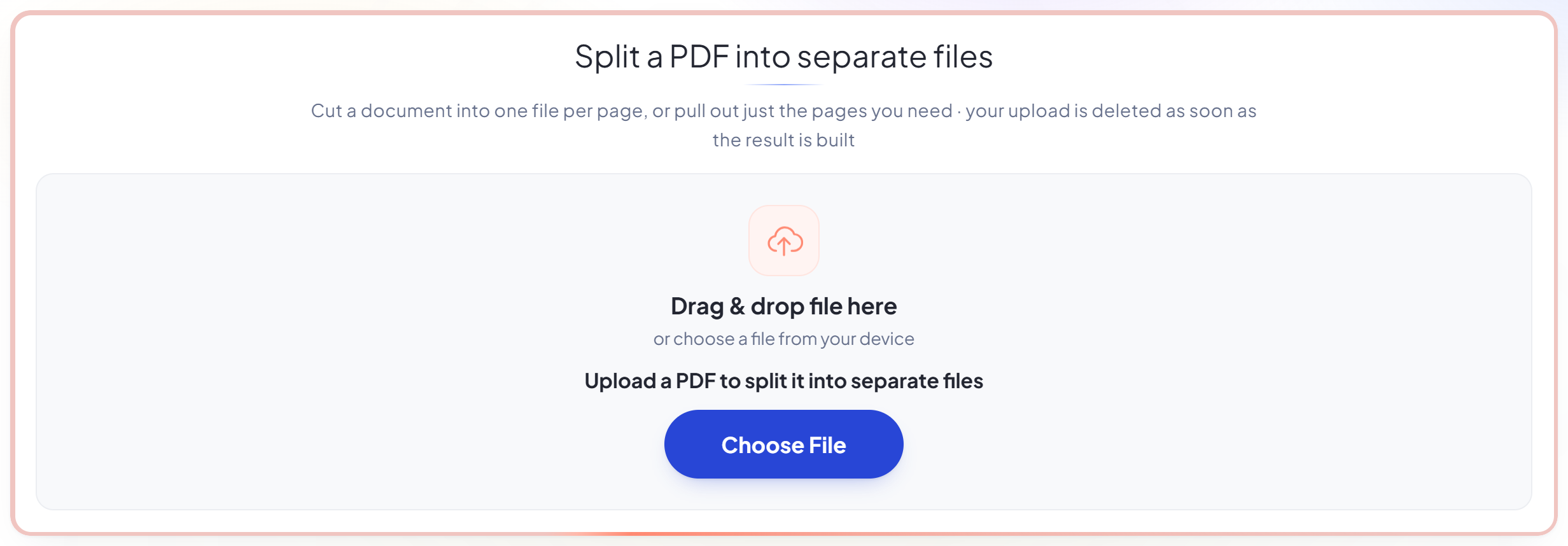
Upload your PDF
Drag your file onto the upload panel, or click it to pick one from your device. Nothing is sent anywhere until you start the job, and the working copy is deleted the moment it finishes.
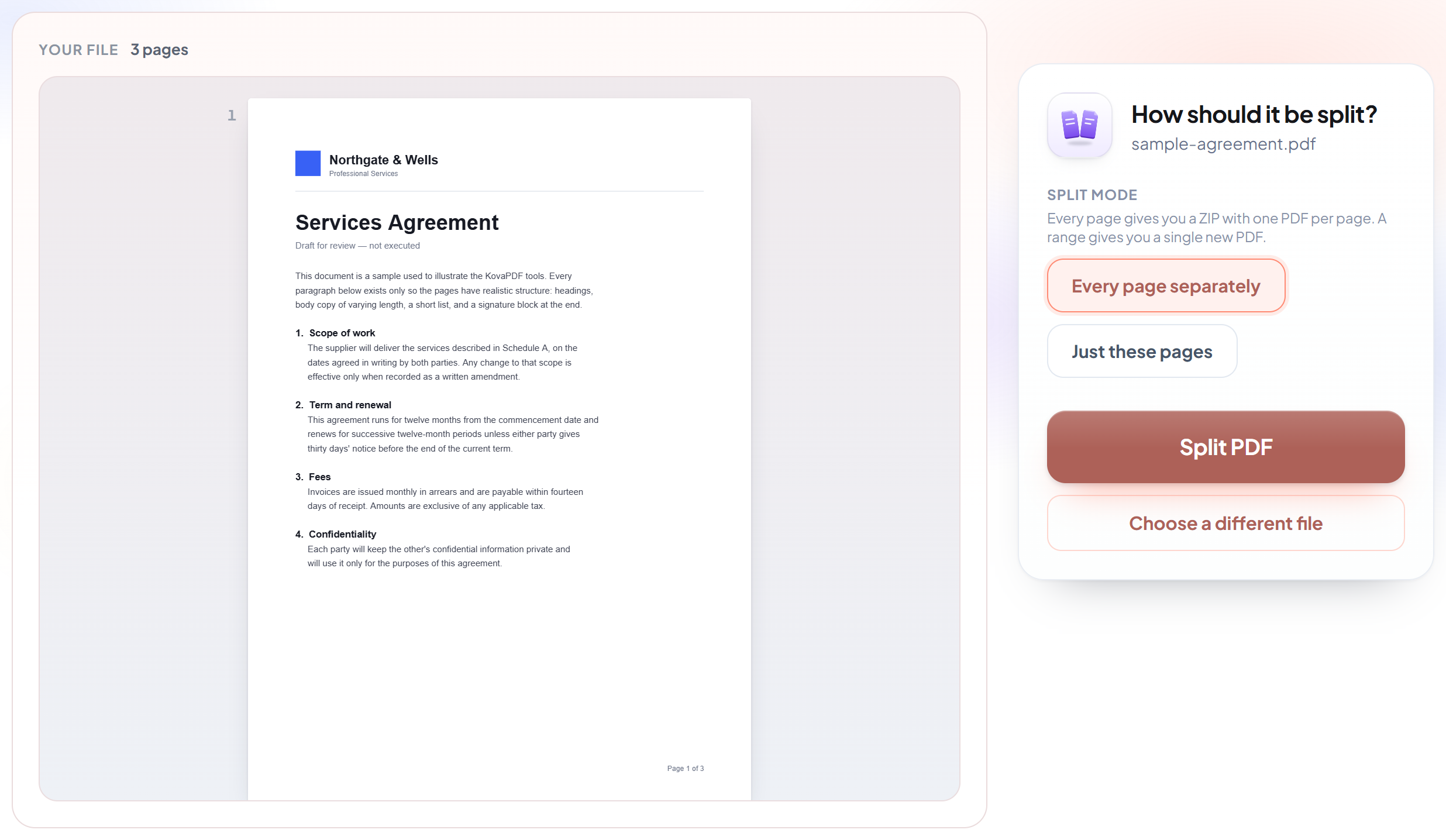
Choose how to split it
Extract a page range into its own file, or split every page into a separate document. The page count is shown so you can check the range before you run it.
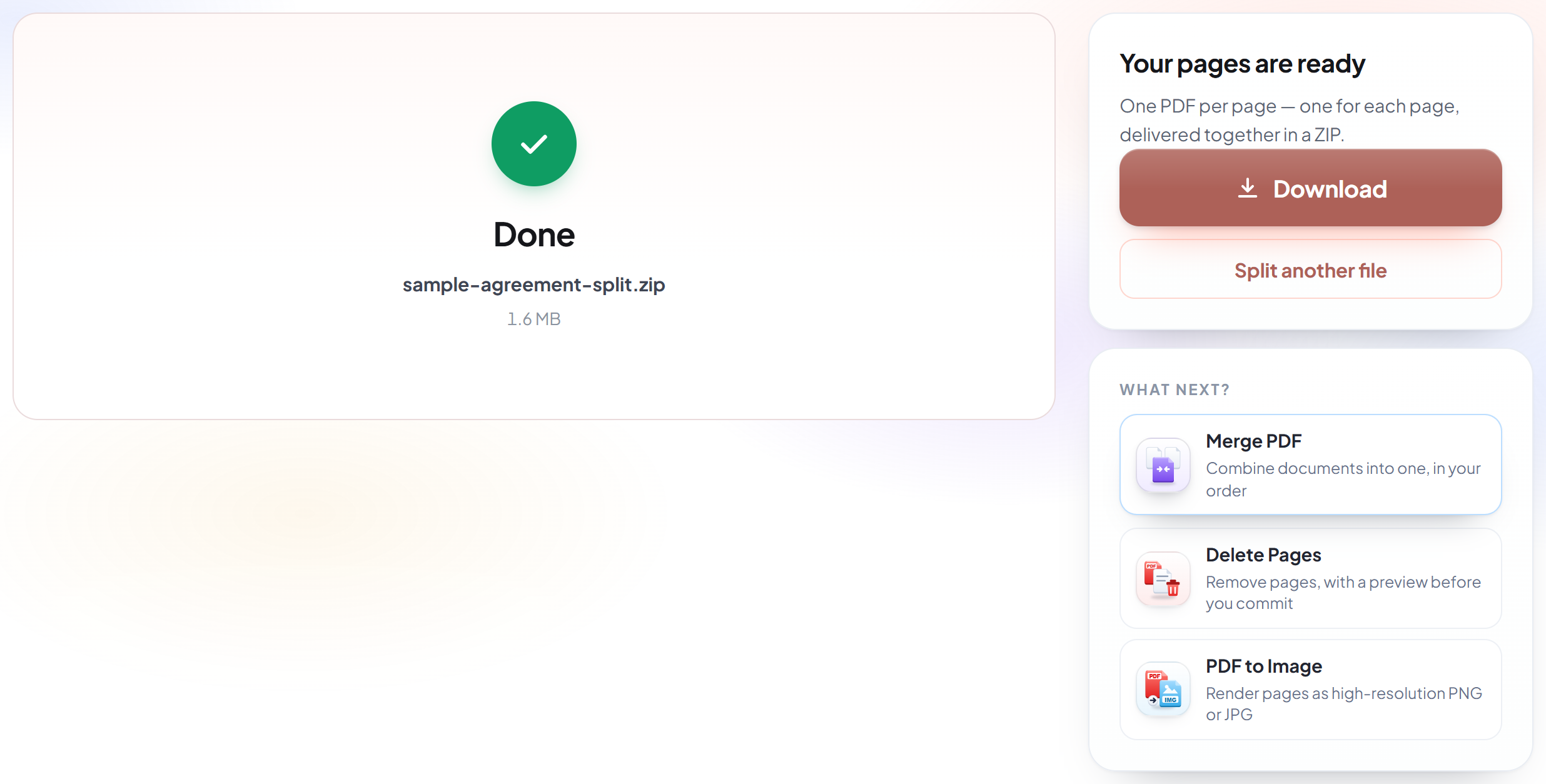
Split and download
Your results are ready immediately. The original file on your device is never modified.
How to split a PDF
Pull out the pages you need, or break a long document into separate files.
Upload your PDF
Drag your file onto the upload panel, or click it to pick one from your device. Nothing is sent anywhere until you start the job, and the working copy is deleted the moment it finishes.
Choose how to split it
Extract a page range into its own file, or split every page into a separate document. The page count is shown so you can check the range before you run it.
Split and download
Your results are ready immediately. The original file on your device is never modified.
Frequently asked questions about PDF teilen
How do I write a page range?
Hyphens for runs, commas for separate pages: "2-5, 9, 14-18". Pages are numbered from 1.
What is the difference between splitting and deleting pages?
Splitting produces new files and leaves the original alone. Delete Pages gives you the same document with pages removed. If you want to keep most of the document, Delete Pages is more direct.
Do I get one file back or several?
That depends on which you asked for. Naming a range gives you a single PDF containing those pages. Splitting every page gives you a zip with one PDF per page inside it, each named after the page it came from.
Do the split pages keep their quality?
Yes. The pages are copied across as they are, not re-rendered — the text stays selectable, images keep their original resolution, and nothing is compressed on the way out.
Is it free?
Yes. Every tool works without paying and without an account. Files can be up to 200 pages and 80 MB, and a run that fails costs you nothing.
Do I need to create an account?
No. All tools work without signing in. An account raises your hourly allowance and lets you see what you have processed.
What happens to my file?
It travels over an encrypted connection into a directory created for that single request, is processed, is returned to you, and the working copy is deleted as the request finishes. We keep a record that an operation ran — never the filename or the contents.