Bild in Text
Holen Sie den Text aus einem Foto, Screenshot oder Scan — mit mehrsprachiger Texterkennung.
- Kostenlos nutzbar
- Läuft auf jedem Gerät
- Nichts zu installieren
- Fotos und Screenshots
- Acht Sprachen, automatisch erkannt
- Text kopieren oder herunterladen
- Ohne Konto
JPG · PNG · WebP
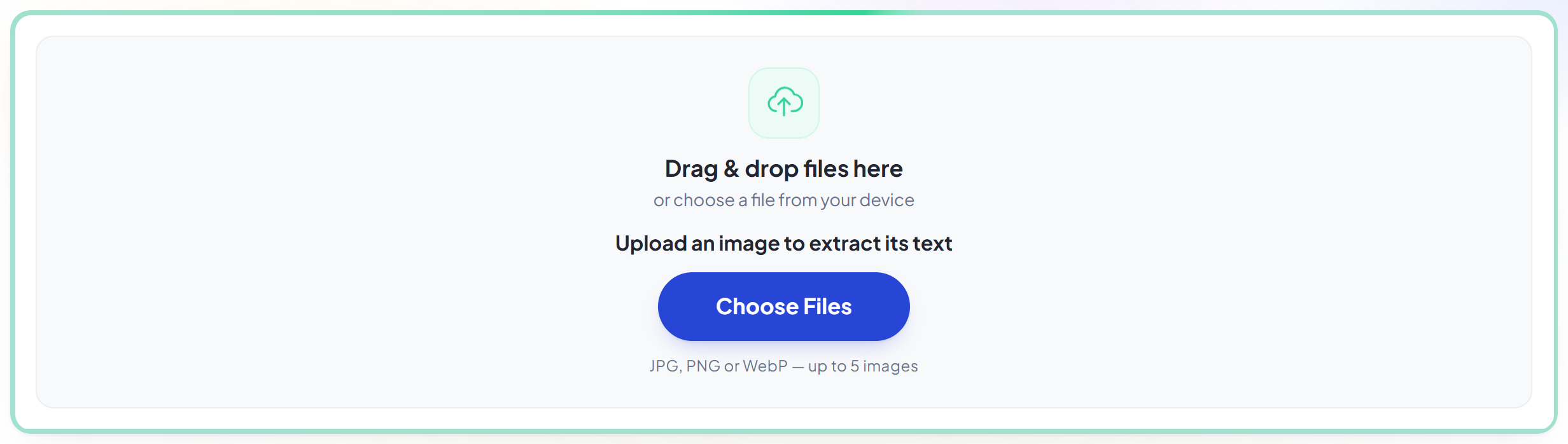
Dateien hierher ziehen
oder eine Datei von Ihrem Gerät auswählen
Upload an image to extract its text
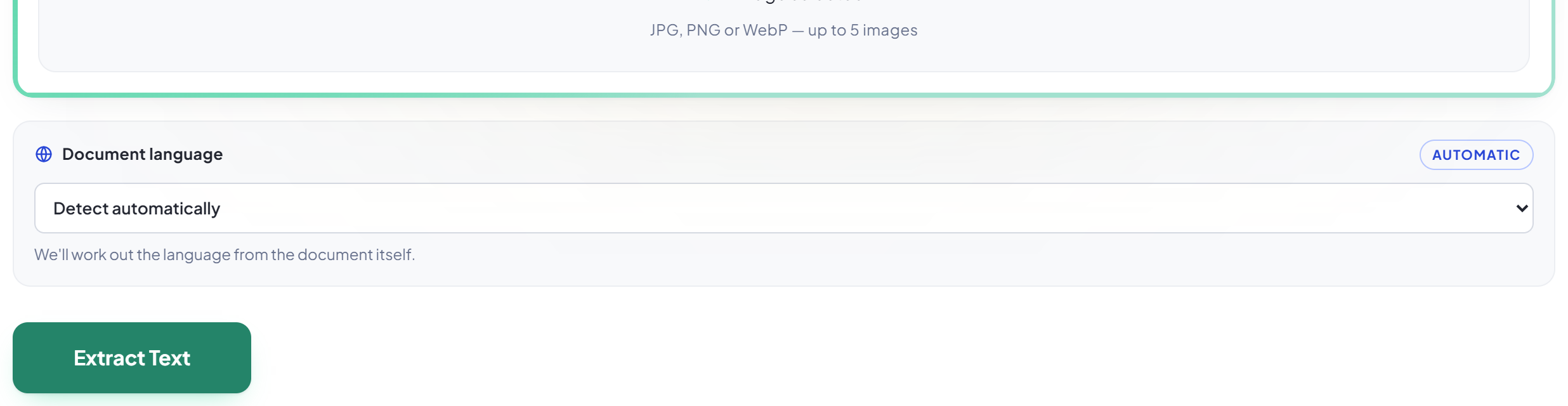
JPG, PNG or WebP — up to 5 images
We'll work out the language from the document itself.
So funktioniert es
Bild in Text in drei Schritten
Upload up to five images
Drag your file onto the upload panel, or click it to pick one from your device. Nothing is sent anywhere until you start the job, and the working copy is deleted the moment it finishes.
Let it read them
The language is detected for you, or you can name it yourself if you already know. Each image is read separately and kept separate in the result.
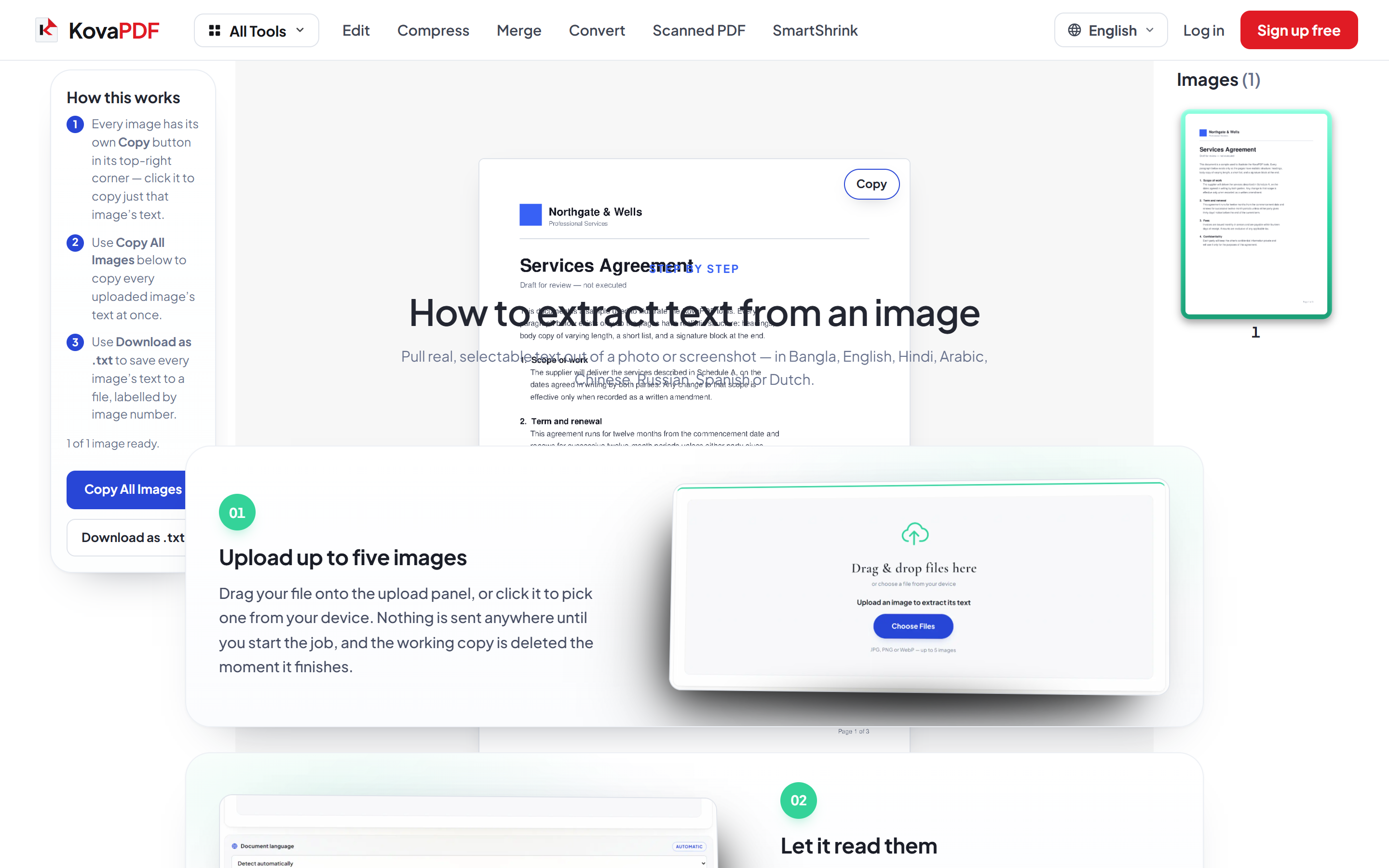
Text kopieren oder herunterladen
Copy one image's text, copy everything at once, or download it all as a .txt file. Recognition is an estimate — check anything that matters.
How to extract text from an image
Pull real, selectable text out of a photo or screenshot — in Bangla, English, Hindi, Arabic, Chinese, Russian, Spanish or Dutch.
Upload up to five images
Drag your file onto the upload panel, or click it to pick one from your device. Nothing is sent anywhere until you start the job, and the working copy is deleted the moment it finishes.
Let it read them
The language is detected for you, or you can name it yourself if you already know. Each image is read separately and kept separate in the result.
Text kopieren oder herunterladen
Copy one image's text, copy everything at once, or download it all as a .txt file. Recognition is an estimate — check anything that matters.
Frequently asked questions about Bild in Text
Which languages are supported?
Bangla, English, Hindi, Spanish, Dutch, Arabic, Chinese and Russian. The language is detected automatically, or you can select it yourself.
How many images can I process at once?
Up to five, and each one's text is kept separate in the result.
How accurate is it?
Usually high on clear, well-lit images and lower on small text, photographs taken at an angle, and handwriting. It is an estimate — check anything important before relying on it.
Is it free?
Yes. Every tool works without paying and without an account. Files can be up to 200 pages and 80 MB, and a run that fails costs you nothing.
Do I need to create an account?
No. All tools work without signing in. An account raises your hourly allowance and lets you see what you have processed.
What happens to my file?
It travels over an encrypted connection into a directory created for that single request, is processed, is returned to you, and the working copy is deleted as the request finishes. We keep a record that an operation ran — never the filename or the contents.