PowerPoint in PDF
Wandeln Sie eine Präsentation in ein PDF um: eine Folie pro Seite, Schriften eingebettet.
- Behält Ihr Layout
- Läuft auf jedem Gerät
- Nach der Verarbeitung gelöscht
- Eine Seite pro Folie
- In der Größe der Folie
- Schriften und Bilder bleiben
- Ohne Referentennotizen
.pptx · .ppt
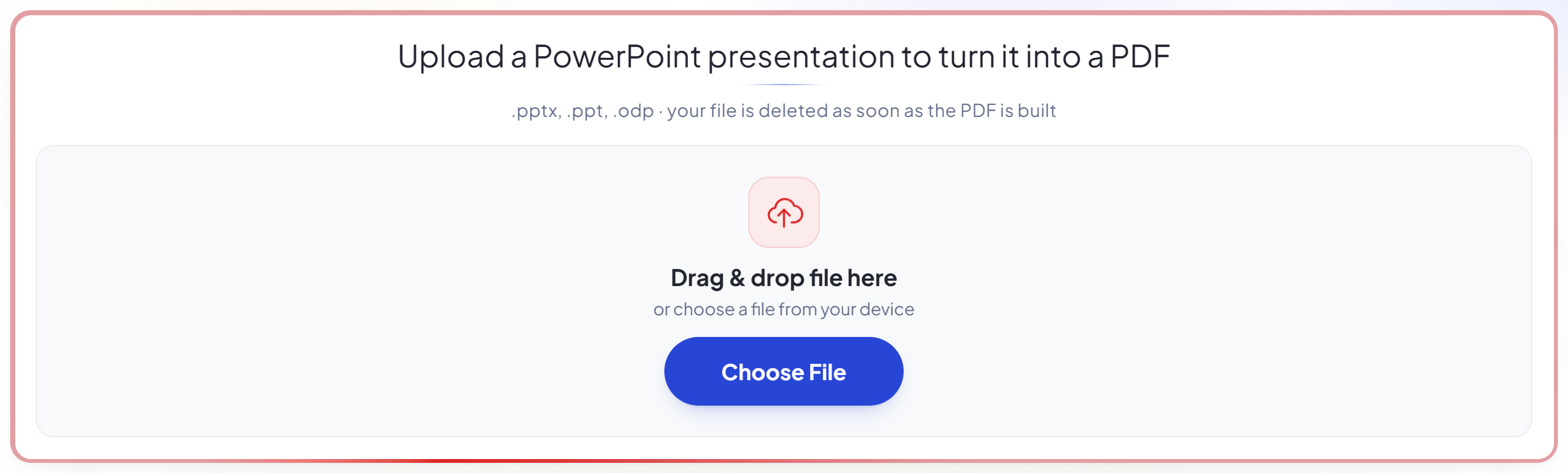
Upload a PowerPoint presentation to turn it into a PDF
.pptx, .ppt, .odp · your file is deleted as soon as the PDF is built
Datei hierher ziehen
oder eine Datei von Ihrem Gerät auswählen
So funktioniert es
PowerPoint in PDF in drei Schritten
Upload your presentation
Drag a .pptx (or .ppt, .odp) onto the panel, or click it to pick one. Your file is deleted as soon as the PDF is built.
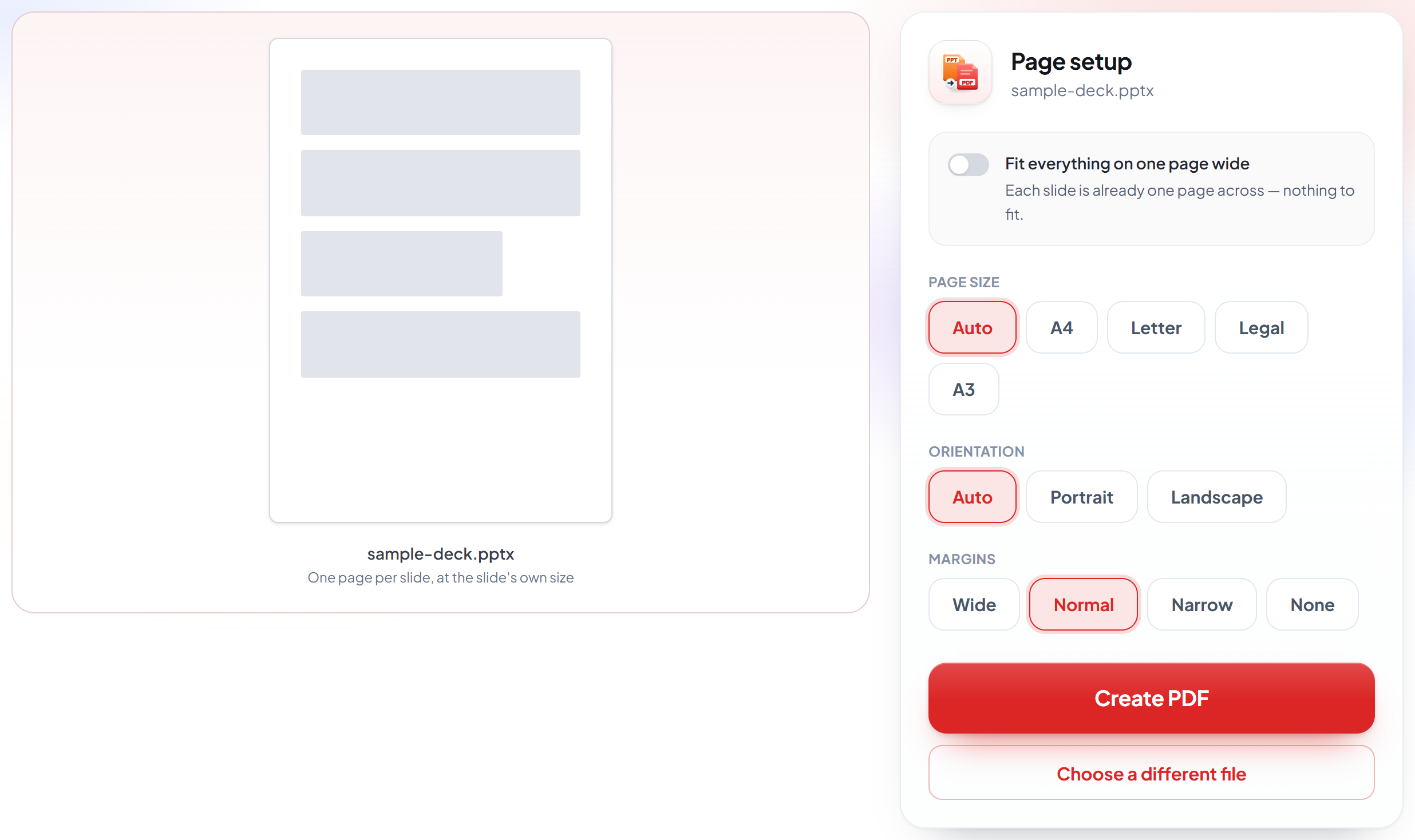
Confirm the page
Each slide becomes one page at the presentation's own slide size, so a 16:9 deck stays 16:9 and nothing needs fitting.
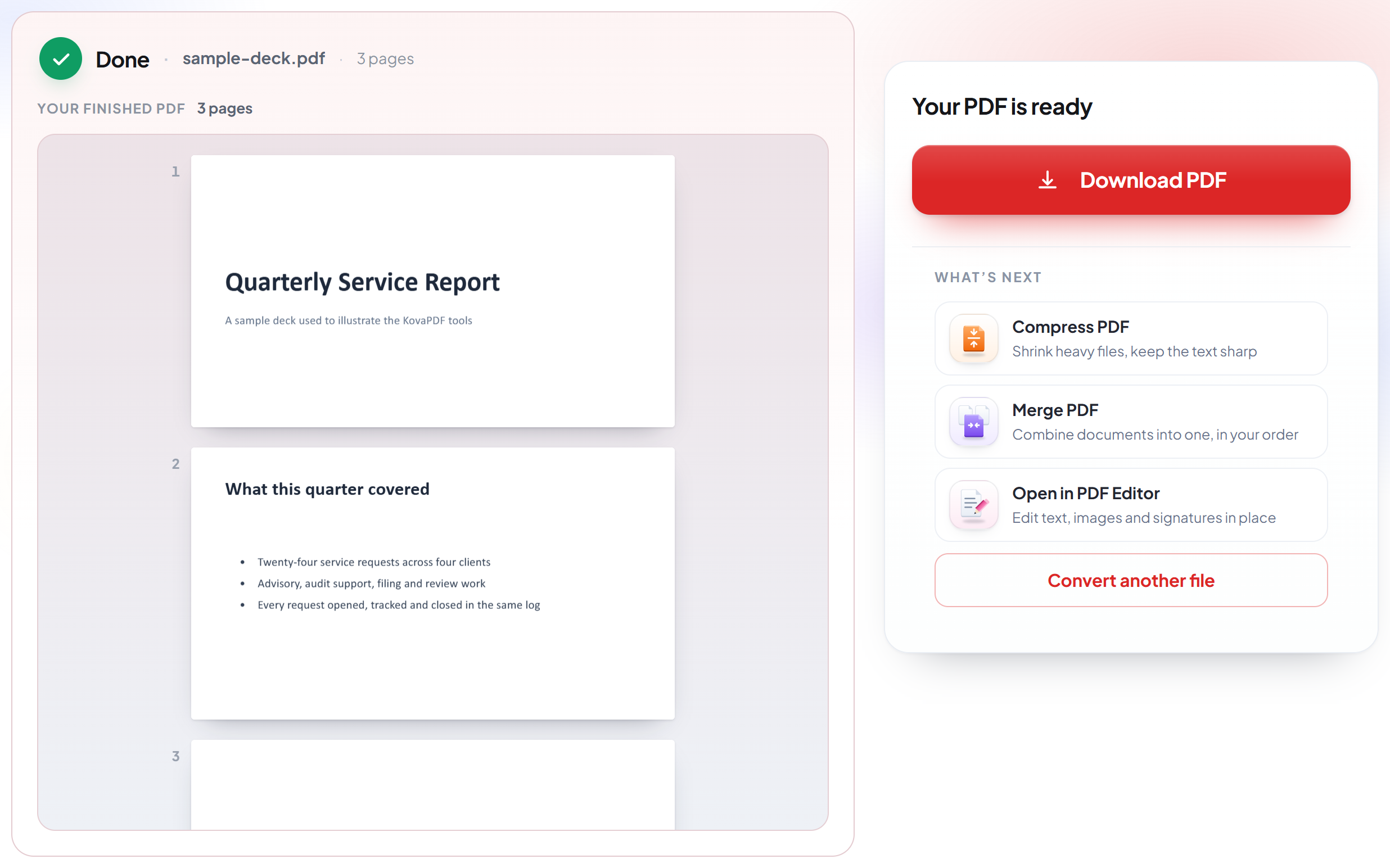
Download your PDF
Fonts, images and layout come across as designed, ready to email or print as a handout.
How to convert PowerPoint to PDF
One page per slide, at the size you designed them.
Upload your presentation
Drag a .pptx (or .ppt, .odp) onto the panel, or click it to pick one. Your file is deleted as soon as the PDF is built.
Confirm the page
Each slide becomes one page at the presentation's own slide size, so a 16:9 deck stays 16:9 and nothing needs fitting.
Download your PDF
Fonts, images and layout come across as designed, ready to email or print as a handout.
Frequently asked questions about PowerPoint in PDF
How are slides laid out in the PDF?
One slide per page, at the presentation's own slide size -- 16:9 stays 16:9. A slide is a fixed canvas, so nothing can run off the edge and there is no fitting to do.
Do animations and transitions come across?
No -- a PDF is a still document. Each slide is rendered in its final state, which is what a printed or shared deck shows anyway.
Are speaker notes included?
No. The PDF contains the slides themselves, which is what a handout or an emailed deck needs.
Which files can I upload?
.pptx, .ppt and .odp.
Is it free?
Yes. Every tool works without paying and without an account. Files can be up to 200 pages and 80 MB, and a run that fails costs you nothing.
Do I need to create an account?
No. All tools work without signing in. An account raises your hourly allowance and lets you see what you have processed.
What happens to my file?
It travels over an encrypted connection into a directory created for that single request, is processed, is returned to you, and the working copy is deleted as the request finishes. We keep a record that an operation ran — never the filename or the contents.