ODS in PDF
Wandeln Sie eine LibreOffice-Calc-Tabelle in ein PDF um, ohne Spalten zu verlieren.
- Behält Ihr Layout
- Läuft auf jedem Gerät
- Nach der Verarbeitung gelöscht
- Alle Spalten auf der Seite
- Nicht auf Extrablätter zerschnitten
- Aus LibreOffice oder OpenOffice
- Die Kopfzeile wiederholt sich
.ods
Upload an OpenDocument spreadsheet to turn it into a PDF
.ods · your file is deleted as soon as the PDF is built
Datei hierher ziehen
oder eine Datei von Ihrem Gerät auswählen
So funktioniert es
ODS in PDF in drei Schritten
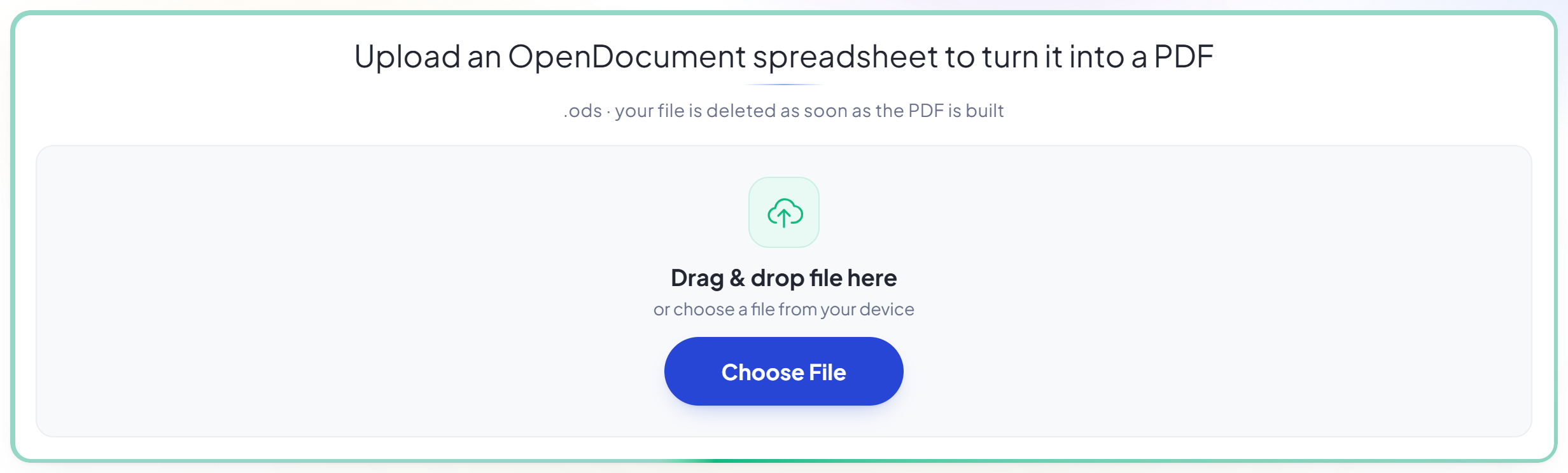
Upload your spreadsheet
Drag an .ods onto the panel, or click it to pick one. Your file is deleted as soon as the PDF is built.
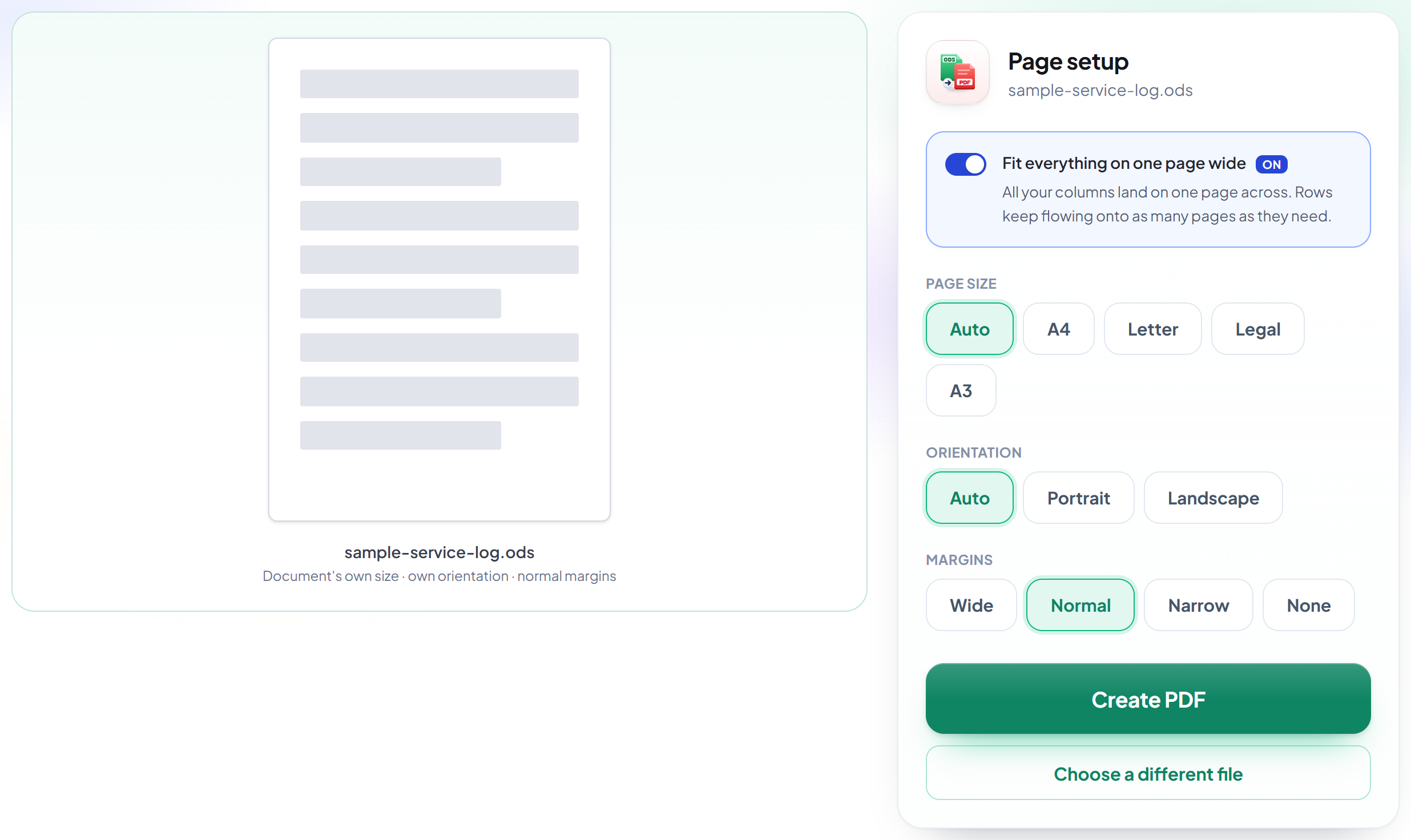
Check the page setup
'Fit everything on one page wide' is already on, which is what stops a wide sheet being sliced across extra pages. Only the width is fitted, so the type stays readable.
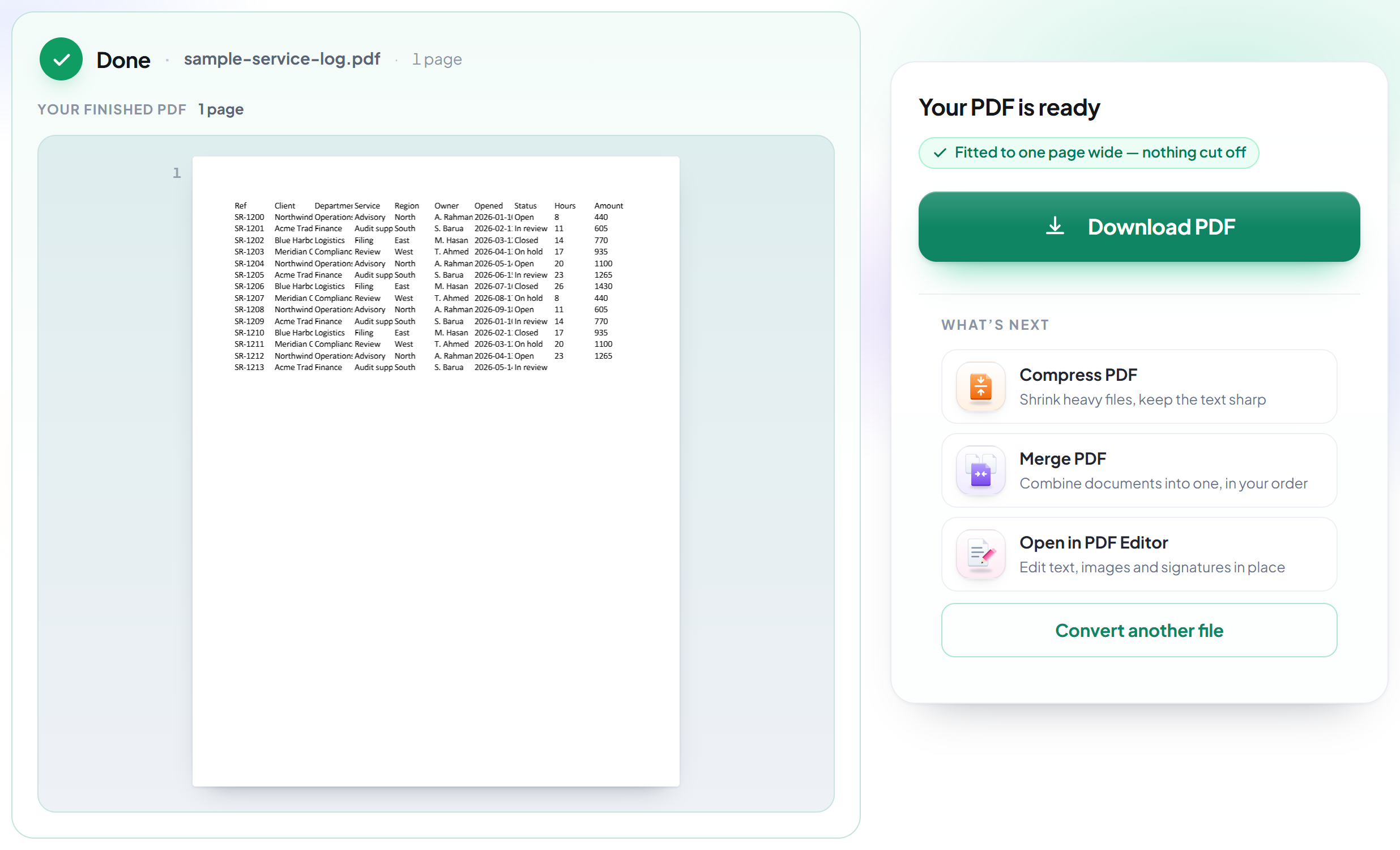
Download your PDF
Every column is on the page, and only the height runs onto further pages.
How to convert ODS to PDF without losing columns
Every column on the page across, rows flowing down as far as they need.
Upload your spreadsheet
Drag an .ods onto the panel, or click it to pick one. Your file is deleted as soon as the PDF is built.
Check the page setup
'Fit everything on one page wide' is already on, which is what stops a wide sheet being sliced across extra pages. Only the width is fitted, so the type stays readable.
Download your PDF
Every column is on the page, and only the height runs onto further pages.
Frequently asked questions about ODS in PDF
Will my columns get cut off?
No. 'Fit everything on one page wide' is on by default, which puts every column on the page across and lets rows carry on down as many pages as they need.
Will it squash hundreds of rows onto one page?
No. Only the WIDTH is fitted. Height flows onto as many pages as it needs, so the type stays readable.
Which files can I upload?
.ods. For .xlsx or .csv, use Excel to PDF or CSV to PDF.
Is it free?
Yes. Every tool works without paying and without an account. Files can be up to 200 pages and 80 MB, and a run that fails costs you nothing.
Do I need to create an account?
No. All tools work without signing in. An account raises your hourly allowance and lets you see what you have processed.
What happens to my file?
It travels over an encrypted connection into a directory created for that single request, is processed, is returned to you, and the working copy is deleted as the request finishes. We keep a record that an operation ran — never the filename or the contents.