PDF in Excel
Holen Sie Tabellen aus einem PDF als echte Zellen zurück — nicht als Text in einer Spalte.
- Behält Ihr Layout
- Läuft auf jedem Gerät
- Nach der Verarbeitung gelöscht
- Tabellen landen in echten Zellen
- Ein Arbeitsblatt pro Seite
- Zahlen bleiben Zahlen
- Öffnet in Excel oder LibreOffice
Datei hierher ziehen
oder eine Datei von Ihrem Gerät auswählen
Upload a PDF to convert it into an editable Excel spreadsheet
Nur PDF-Dateien
So funktioniert es
PDF in Excel in drei Schritten
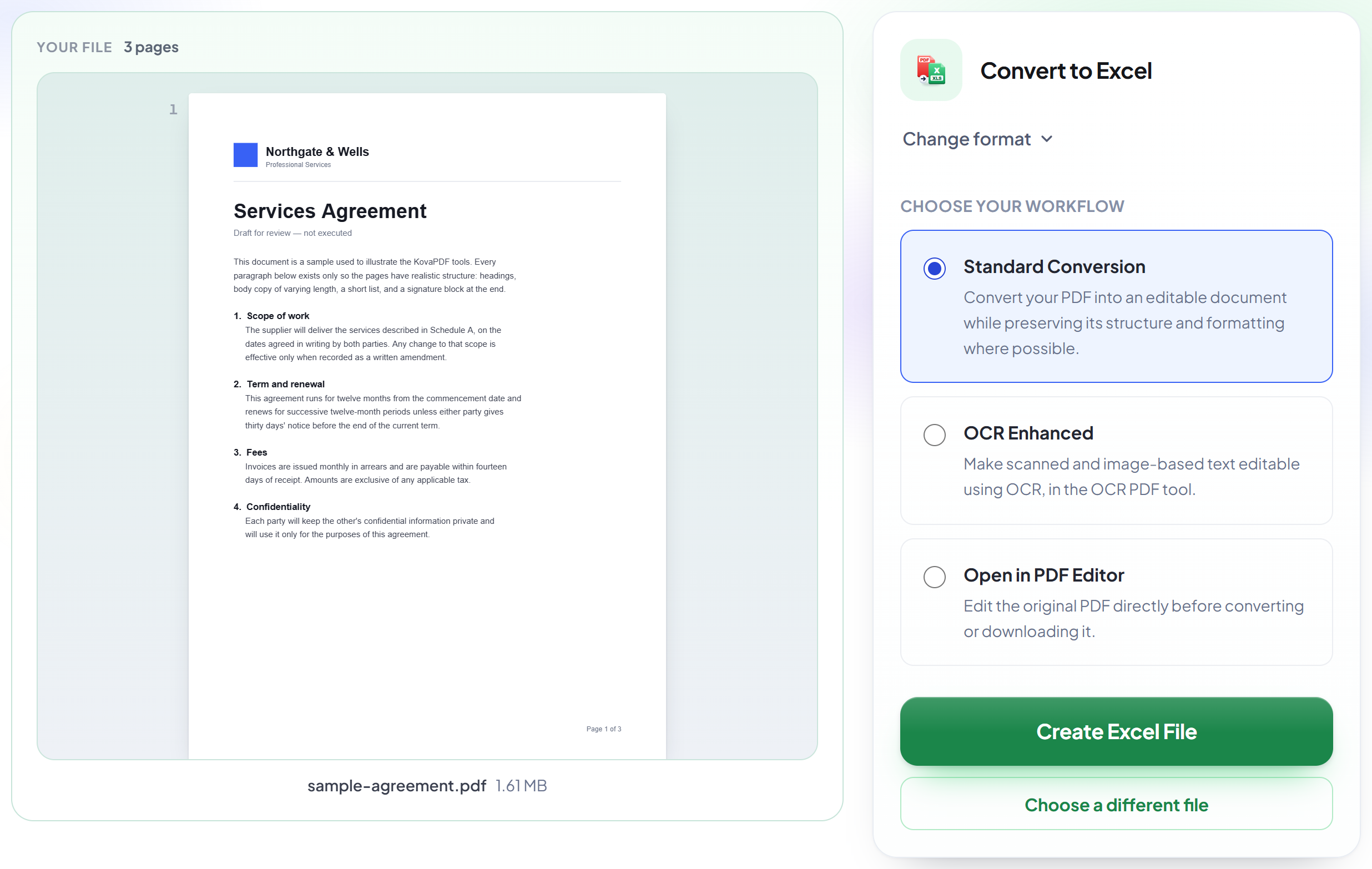
Upload your PDF
Drag your file onto the upload panel, or click it to pick one from your device. Nothing is sent anywhere until you start the job, and the working copy is deleted the moment it finishes.
It reads your document's layout
Each page becomes its own worksheet, with text split into columns wherever the PDF's own spacing shows a real table.
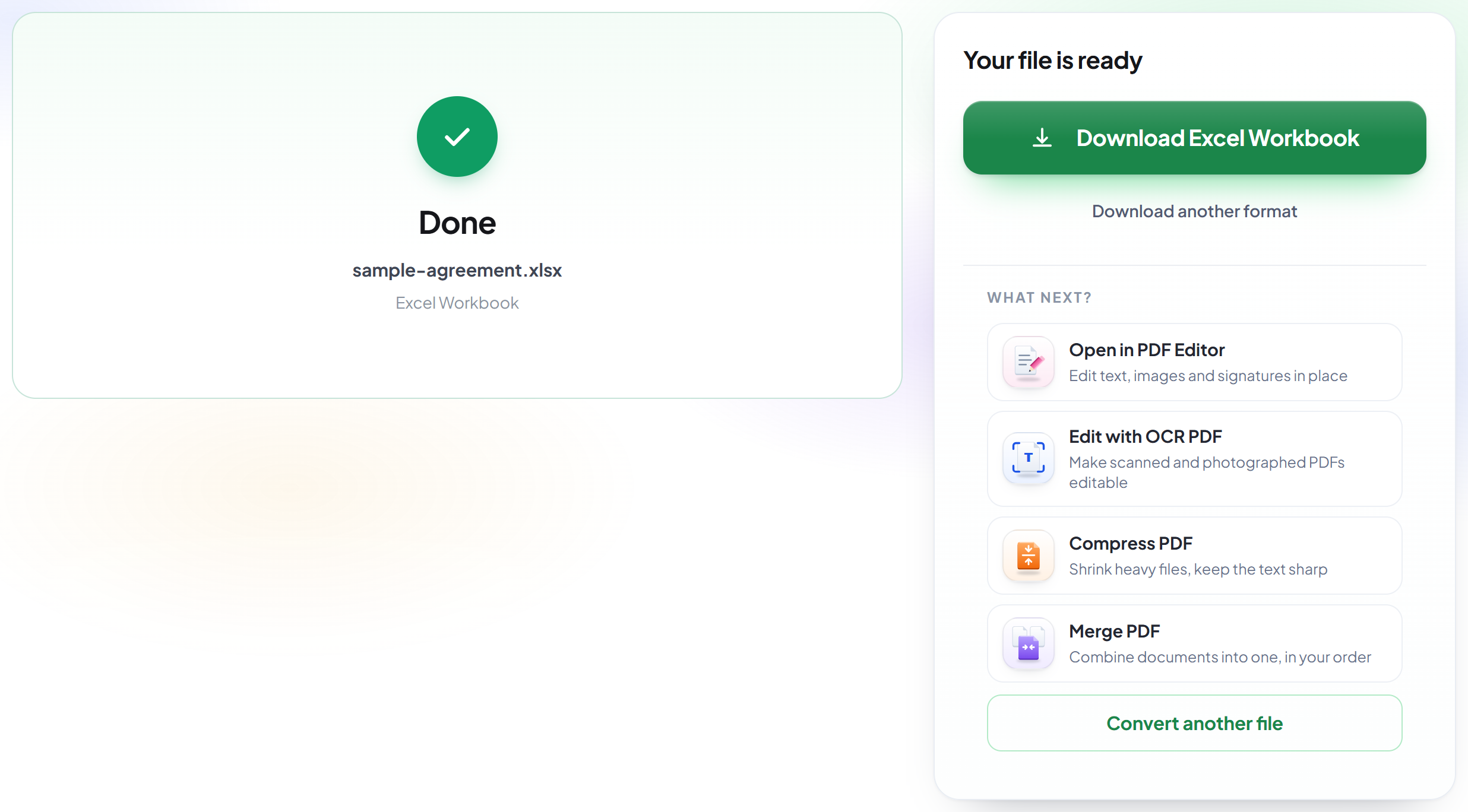
Download your workbook
Open it in Excel to sort, filter or calculate on the extracted data directly.
How to convert a PDF to Excel
Turn a PDF's tables and text into a real Excel workbook.
Upload your PDF
Drag your file onto the upload panel, or click it to pick one from your device. Nothing is sent anywhere until you start the job, and the working copy is deleted the moment it finishes.

It reads your document's layout
Each page becomes its own worksheet, with text split into columns wherever the PDF's own spacing shows a real table.
Download your workbook
Open it in Excel to sort, filter or calculate on the extracted data directly.
Frequently asked questions about PDF in Excel
Will my tables come out as real columns?
Where the PDF lays text out with clear gaps — most invoices, statements and price lists — yes, each gap becomes a column. Plain paragraphs have no columns to detect, so they come through as one cell per line.
How are pages organised?
Each page of the PDF becomes its own worksheet in the workbook, named "Page 1", "Page 2" and so on.
Does it work on scanned PDFs?
No — it needs a real text layer to read. A scanned or photographed page has no text to extract, so there is nothing to convert.
Is it free?
Yes. Every tool works without paying and without an account. Files can be up to 200 pages and 80 MB, and a run that fails costs you nothing.
Do I need to create an account?
No. All tools work without signing in. An account raises your hourly allowance and lets you see what you have processed.
What happens to my file?
It travels over an encrypted connection into a directory created for that single request, is processed, is returned to you, and the working copy is deleted as the request finishes. We keep a record that an operation ran — never the filename or the contents.