PDF-Größe ändern
Bringen Sie jedes Dokument auf A4, Letter oder Legal — mit erhaltenen Proportionen.
- Kostenlos nutzbar
- Läuft auf jedem Gerät
- Nach der Verarbeitung gelöscht
- A4, A3, A5, Letter oder Legal
- Der Inhalt wird nicht verzerrt
- Die Ränder bleiben gleichmäßig
- Alle Seiten werden angepasst
Fit a PDF to a standard page size
A4, Letter, Legal and more · your upload is deleted as soon as the resized file is built
Datei hierher ziehen
oder eine Datei von Ihrem Gerät auswählen
So funktioniert es
PDF-Größe ändern in drei Schritten
Upload your PDF
Drag your file onto the upload panel, or click it to pick one from your device. Nothing is sent anywhere until you start the job, and the working copy is deleted the moment it finishes.
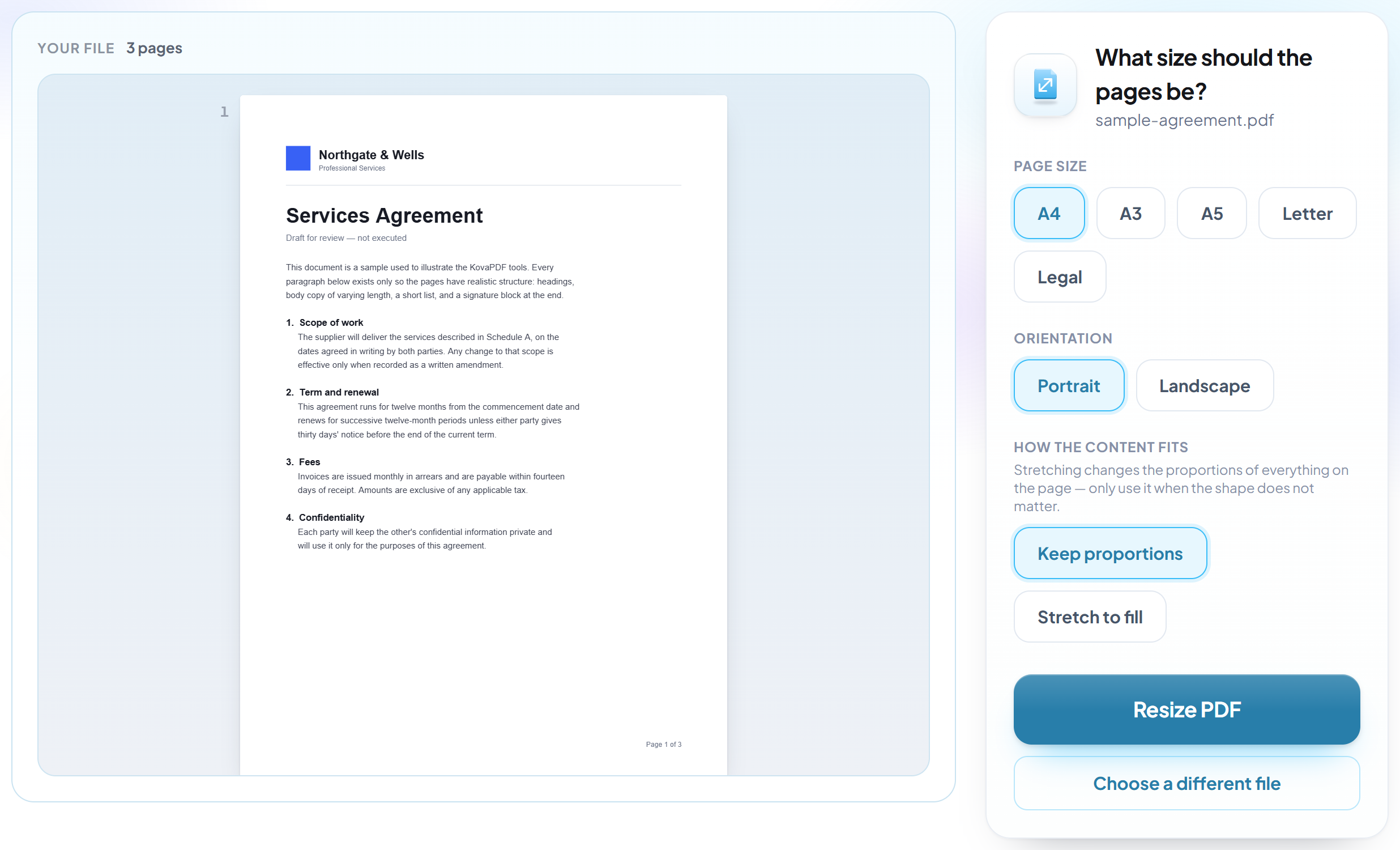
Pick the new page size
Choose the target size and the content is scaled to fit it, keeping its proportions so nothing is stretched or cropped.
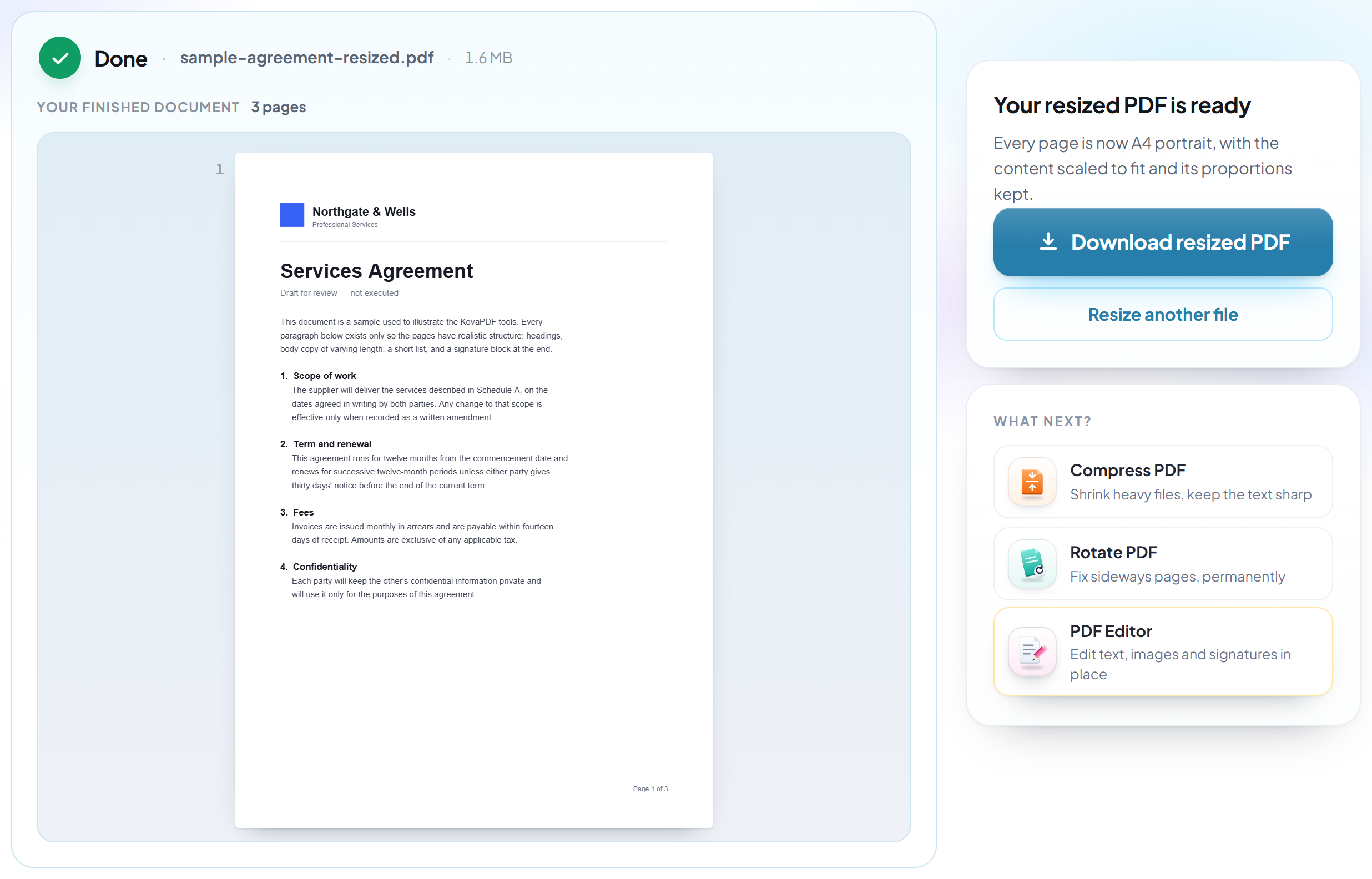
Resize and download
Every page is rewritten at the new size, ready to print on the paper you actually have.
How to resize PDF pages
Move a document onto a different paper size — A4, A3, A5, Letter or Legal.
Upload your PDF
Drag your file onto the upload panel, or click it to pick one from your device. Nothing is sent anywhere until you start the job, and the working copy is deleted the moment it finishes.
Pick the new page size
Choose the target size and the content is scaled to fit it, keeping its proportions so nothing is stretched or cropped.
Resize and download
Every page is rewritten at the new size, ready to print on the paper you actually have.
Frequently asked questions about PDF-Größe ändern
Which page sizes are supported?
A4, A3, A5, Letter and Legal, in portrait or landscape.
Will my content get stretched?
No. Content is scaled proportionally to fit the new page and centred, so nothing is distorted or cropped.
Can I make it fill the page edge to edge instead?
Yes, by choosing to stretch rather than fit. That fills the new page exactly and will distort the content if the two page shapes differ — which is why fitting is the default.
Why is my A4 document not exactly A4 already?
Documents made from screenshots, exports and phone scans are often a size nobody chose — slightly off A4, or an unusual shape entirely. That is what this tool is for: it prints and files correctly afterwards, because the page is genuinely the size it claims to be.
Is it free?
Yes. Every tool works without paying and without an account. Files can be up to 200 pages and 80 MB, and a run that fails costs you nothing.
Do I need to create an account?
No. All tools work without signing in. An account raises your hourly allowance and lets you see what you have processed.
What happens to my file?
It travels over an encrypted connection into a directory created for that single request, is processed, is returned to you, and the working copy is deleted as the request finishes. We keep a record that an operation ran — never the filename or the contents.