Freelance Invoice Generator
Show the work, the price and what is left to pay. Create a project or retainer invoice, check every page and download a PDF you can send to your client.
- Free to use
- Works on any device
- Stays on your device
- Project or retainer invoices
- Amount paid and balance due
- The preview matches the PDF
- Browser saving is optional
Everything the Freelance Invoice Generator can do
Make a clear invoice for project or retainer work and download it as a PDF. Free, with no account.
The invoice
- Your business, logo and client details
- Item rows with quantities and prices, a project reference and notes
- Tax and discount, issue date and due date
- Amount already paid, with the balance left to pay
While you work
- A live preview that uses the same layout as the PDF
- Fixed project and monthly retainer examples with fictional details
- Optional saving in this browser, kept apart from other drafts
- Start the next invoice with your business and payment details kept
What you get back
- A PDF to send to your client yourself
- Open the PDF in the editor for further changes
- Nothing is sent, charged or recorded for you
How it works
Freelance Invoice Generator in three steps
Start blank or from an example
Begin with an empty invoice, or load the fixed project or monthly retainer example to see how a finished one reads. Browser saving stays off unless you turn it on.
Describe the work and the payment
Add your business and client details, list the work with quantities and prices, set the dates and enter any amount already paid. The preview follows every change.
Check the preview and download the PDF
The preview uses the same layout as the PDF. Read every page, download the file and send it to your client yourself.
Freelance Invoice Generator: a visual walkthrough
Fill in the form, check the live preview and download a PDF to send to your client.
Start blank or from an example
Begin with an empty invoice, or load the fixed project or monthly retainer example to see how a finished one reads. Browser saving stays off unless you turn it on.

Describe the work and the payment
Add your business and client details, list the work with quantities and prices, set the dates and enter any amount already paid. The preview follows every change.
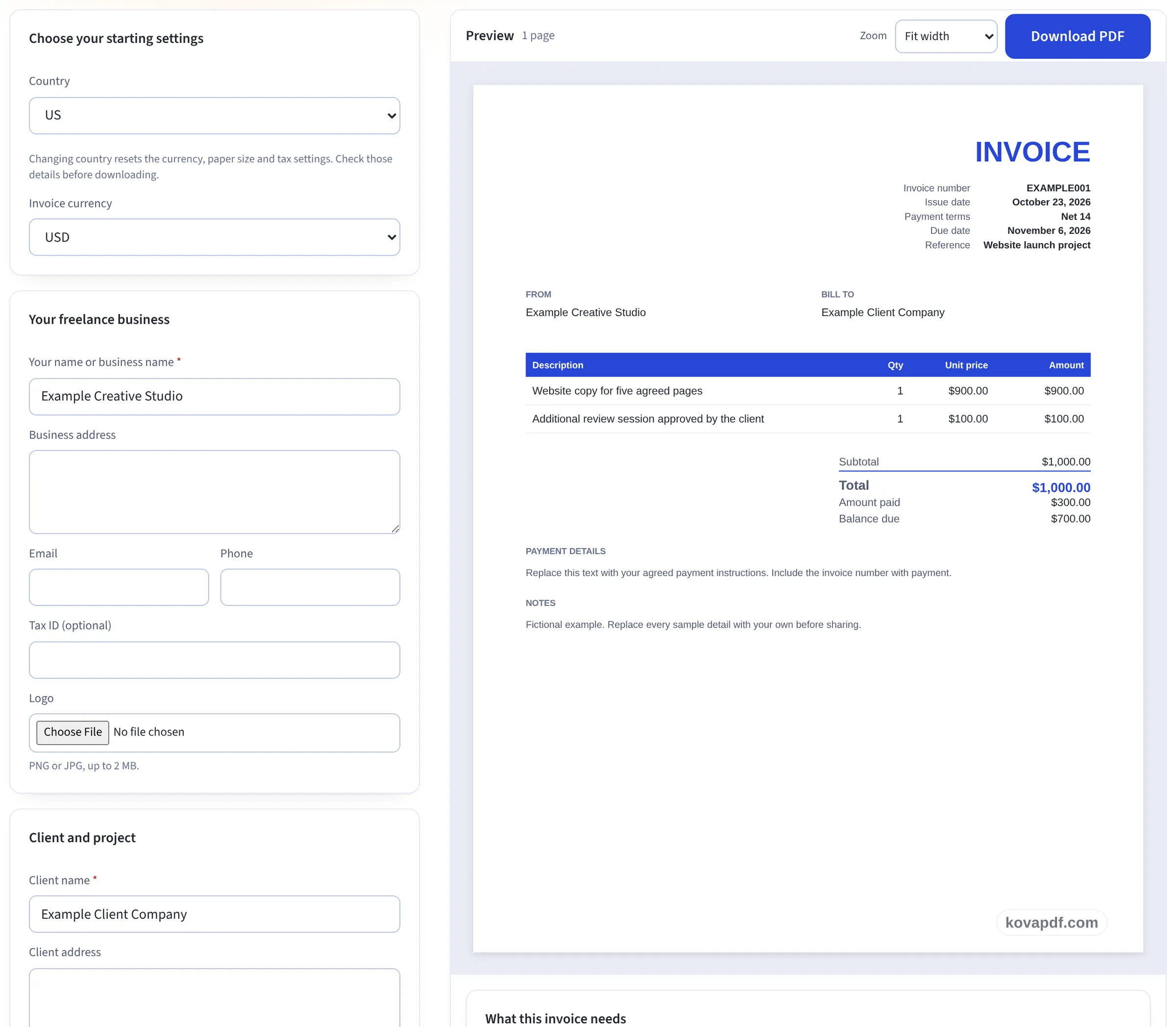
Check the preview and download the PDF
The preview uses the same layout as the PDF. Read every page, download the file and send it to your client yourself.
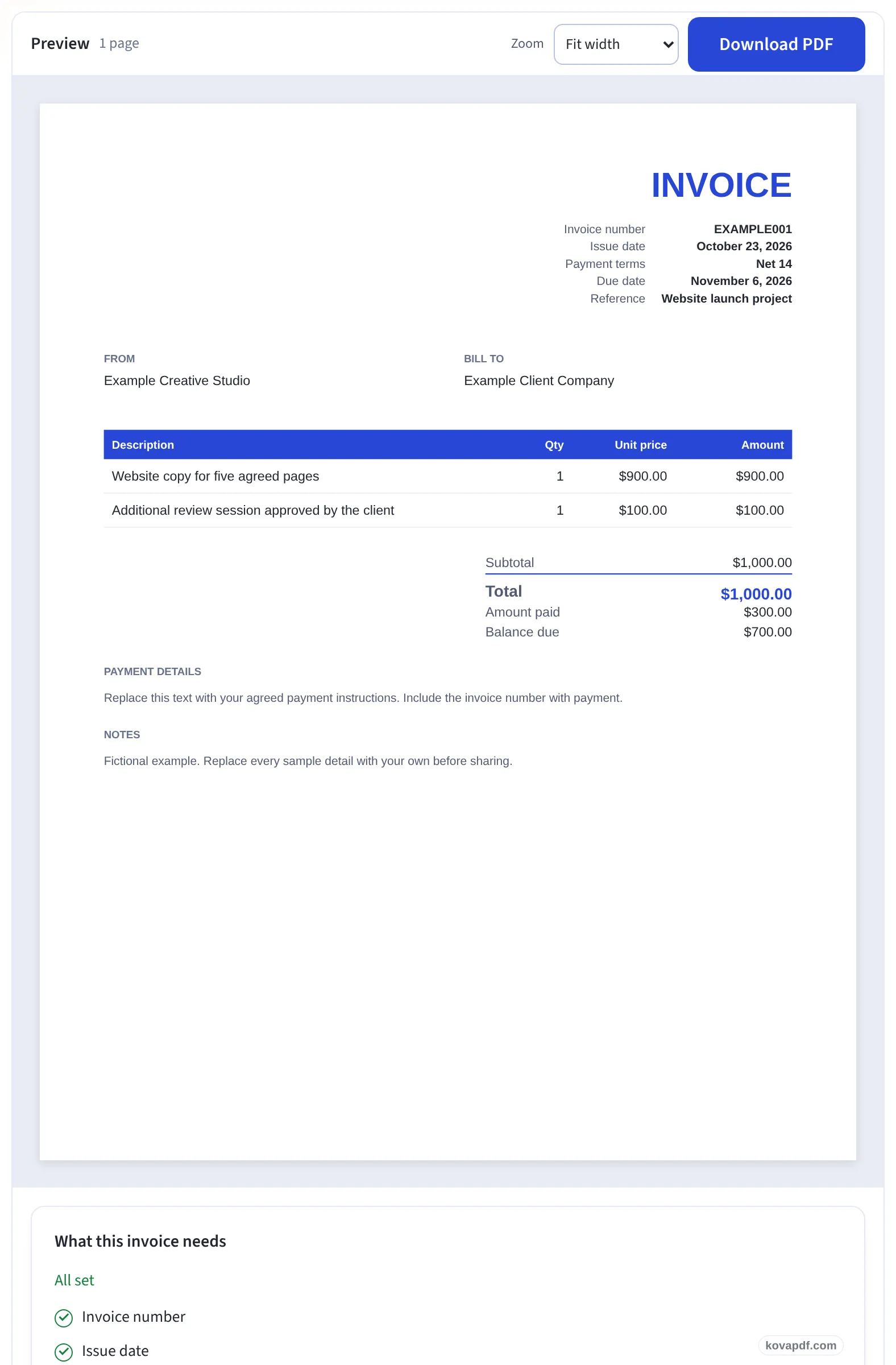
Give your client an invoice they can act on
A client should be able to connect the invoice with the work they approved. Use the project reference for the job name or purchase order, describe the deliverables in the item rows, write the payment instructions in full and check the due date beside the issue date.
For example, a project fee of $900 and an approved review session of $100 make a $1,000 total before any tax or discount you choose. If you have already received $300, enter that payment separately so the balance is $700. These figures are an illustration, not a suggested price.
Charging by the hour? The Hourly Invoice Generator has time entries. Use a quote before the work is approved, a receipt to record a payment and a credit note when you need a separate document that refers to an invoice. For a fuller walkthrough, read how to invoice as a freelancer.
Frequently asked questions about Freelance Invoice Generator
What happens to my details?
The invoice is built in your browser. Nothing is saved unless you turn on browser saving; the draft then stays in this browser under its own storage key, and turning saving off removes it. Downloads do not need saving.
Can I start with a blank invoice?
Yes. The form starts with empty business and client details. You can also load a fictional project or monthly retainer example. Loading an example asks before replacing the current draft.
Will this send an invoice or collect payment?
No. It creates a PDF for you to check and send yourself. It does not send email, charge a card or move money.
Can I record a deposit?
Yes. Enter a payment you have received in Amount already paid. The preview shows the total, the payment and the remaining balance. Check the payment against your own records.
What if I bill for hours?
Use the Hourly Invoice Generator when you need to record time and hourly rates. This form suits projects, retainers and other work you describe with quantities and prices.
Freelance Invoice Generator guides and articles

Related tools
All PDF tools · 15 step-by-step guides · How your files are handled