Numéroter les pages d'un PDF
Ajoutez des numéros de page à neuf positions, au format voulu, avec un aperçu avant application.
- Gratuit
- Fonctionne sur tous les appareils
- Supprimé après traitement
- Les pages de garde sont sautées
- Un numéro de départ au choix
- Formats « Page 3 sur 12 »
- Dans un coin ou au centre
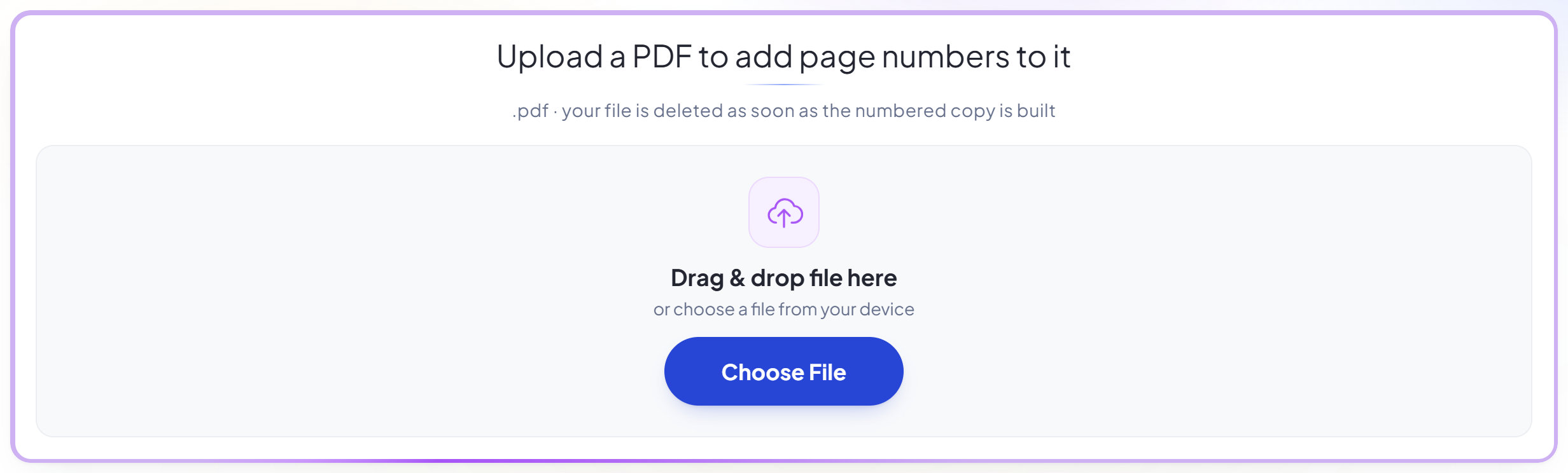
Upload a PDF to add page numbers to it
.pdf · your file is deleted as soon as the numbered copy is built
Glissez votre fichier ici
ou choisissez un fichier sur votre appareil
Comment ça marche
Numéroter les pages d'un PDF en trois étapes
Upload your PDF
Drag a .pdf onto the panel, or click it to pick one. Your file is deleted as soon as the numbered copy is built.
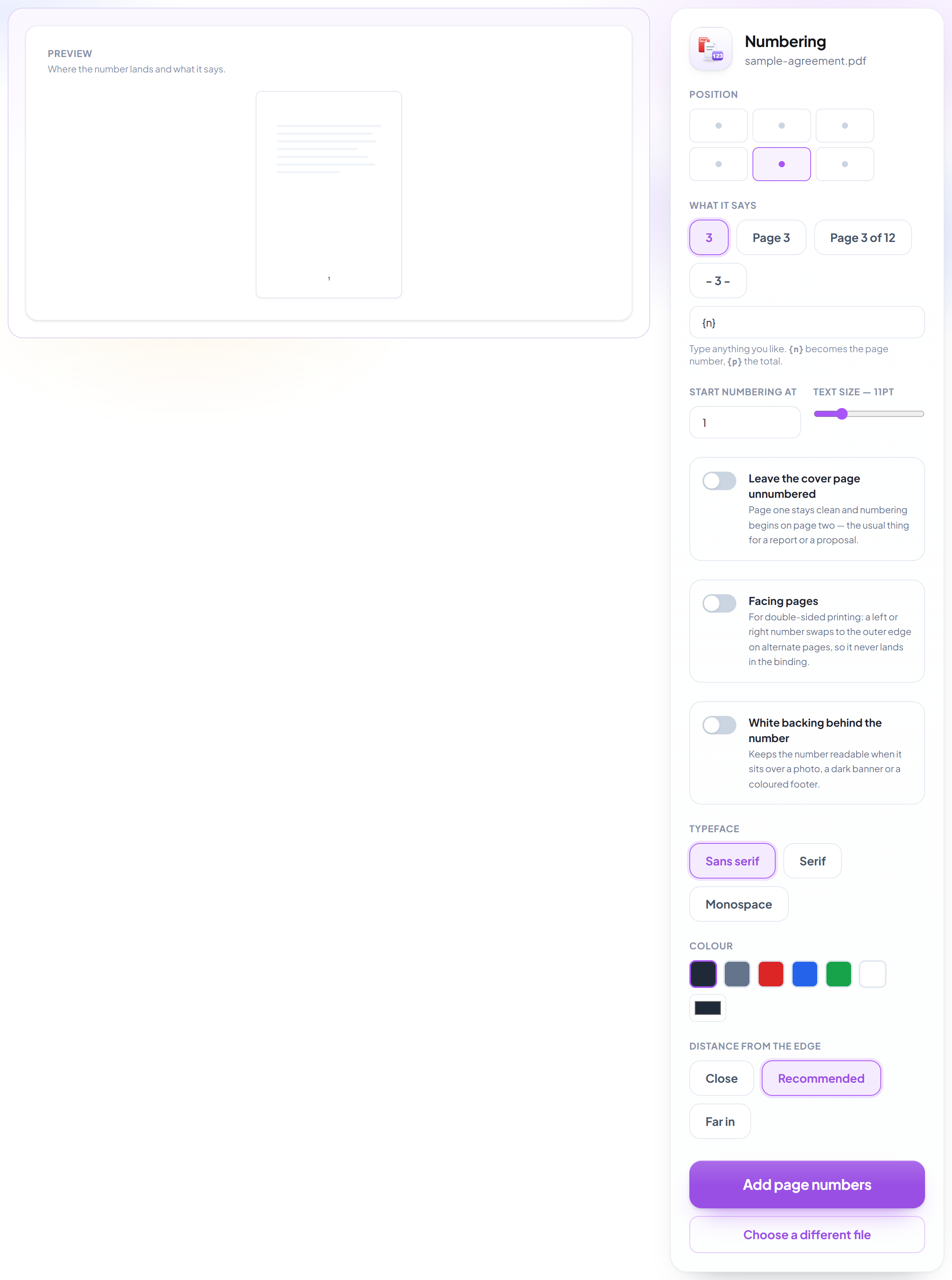
Place the numbers
Nine positions, formats like 'Page 3 of 12', a starting number of your choice, and switches for skipping the cover and for double-sided printing. The preview beside the settings updates as you change them.
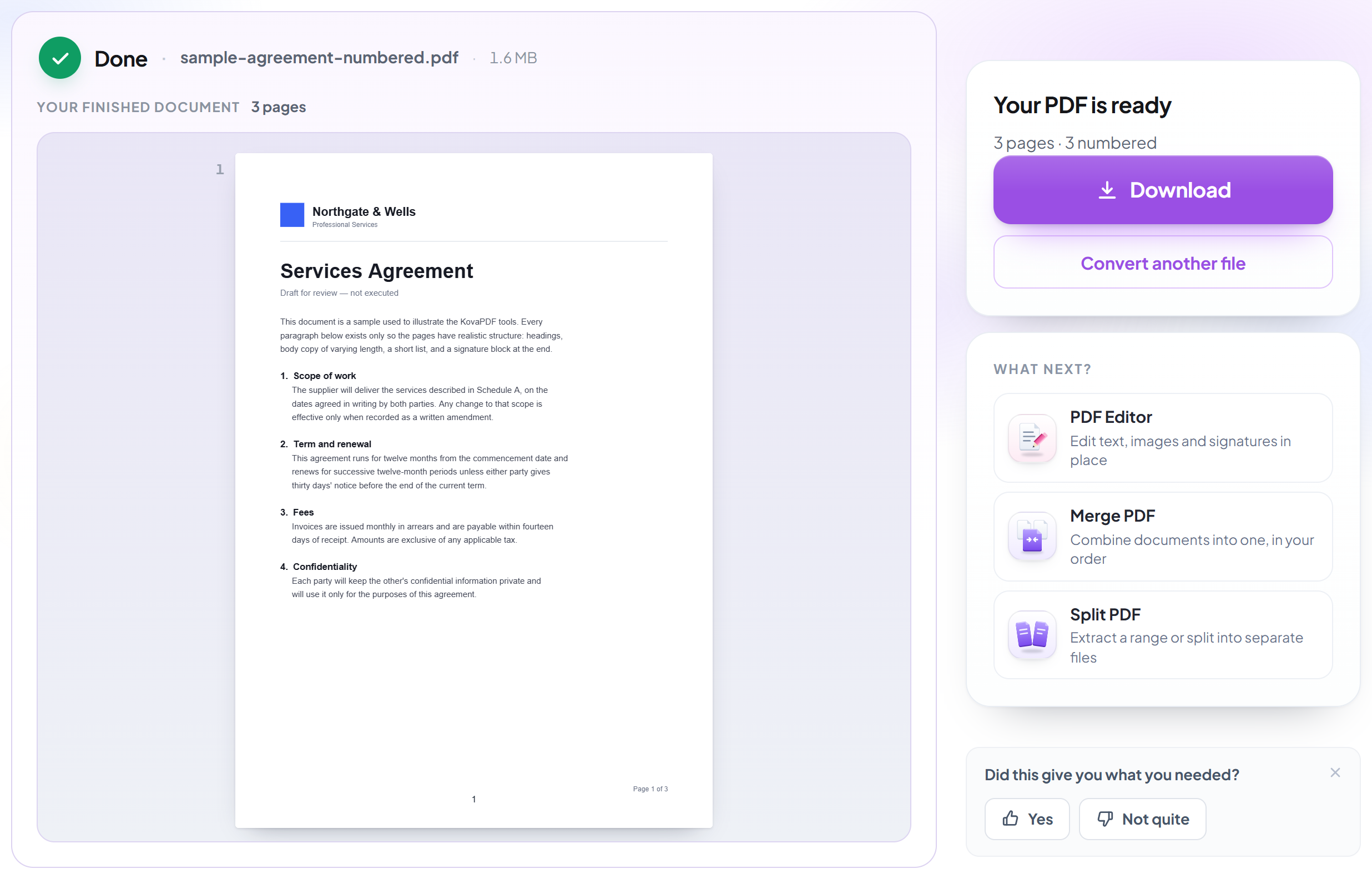
Download your PDF
The result says how many pages were numbered, and whether the cover was left clean.
How to add page numbers to a PDF
See exactly where they will land before you convert.
Upload your PDF
Drag a .pdf onto the panel, or click it to pick one. Your file is deleted as soon as the numbered copy is built.
Place the numbers
Nine positions, formats like 'Page 3 of 12', a starting number of your choice, and switches for skipping the cover and for double-sided printing. The preview beside the settings updates as you change them.
Download your PDF
The result says how many pages were numbered, and whether the cover was left clean.
Frequently asked questions about Numéroter les pages d'un PDF
Can I leave the cover page unnumbered?
Yes -- one switch. Page one stays clean and numbering starts on page two, which is the usual thing for a report or a proposal.
Can I start at a number other than 1?
Yes, any number. Useful when the document continues from another volume, or when the front matter was numbered separately.
Can it say 'Page 3 of 12'?
Yes. Pick that format or write your own -- {n} becomes the page's number and {p} the total.
What is 'facing pages' for?
Double-sided printing. A number placed left or right swaps to the outer edge on alternate pages, so it never ends up in the binding. Centre positions are unaffected.
Will the number be readable over a dark footer or a photo?
Switch on the white backing and it sits on a small opaque pill. You can also change the colour, including to white.
Can I see where it will land before converting?
Yes -- a live page preview updates as you change the position, format, size and colour. No competitor tested shows you this before you have spent the conversion.
Is it free?
Yes. Every tool works without paying and without an account. Files can be up to 200 pages and 80 MB, and a run that fails costs you nothing.
Do I need to create an account?
No. All tools work without signing in. An account raises your hourly allowance and lets you see what you have processed.
What happens to my file?
It travels over an encrypted connection into a directory created for that single request, is processed, is returned to you, and the working copy is deleted as the request finishes. We keep a record that an operation ran — never the filename or the contents.