Protéger un PDF
Ajoutez un mot de passe avec chiffrement AES-256 et décidez précisément ce qui est autorisé.
- Sûr et privé
- Fonctionne sur tous les appareils
- Rien à installer
- Un mot de passe pour l’ouvrir
- Impression et copie sous contrôle
- La modification et l’extraction aussi
- Rien d’autre ne change
Upload a PDF to lock it with a password
.pdf · your file is deleted as soon as the protected copy is built
Glissez votre fichier ici
ou choisissez un fichier sur votre appareil
Comment ça marche
Protéger un PDF en trois étapes
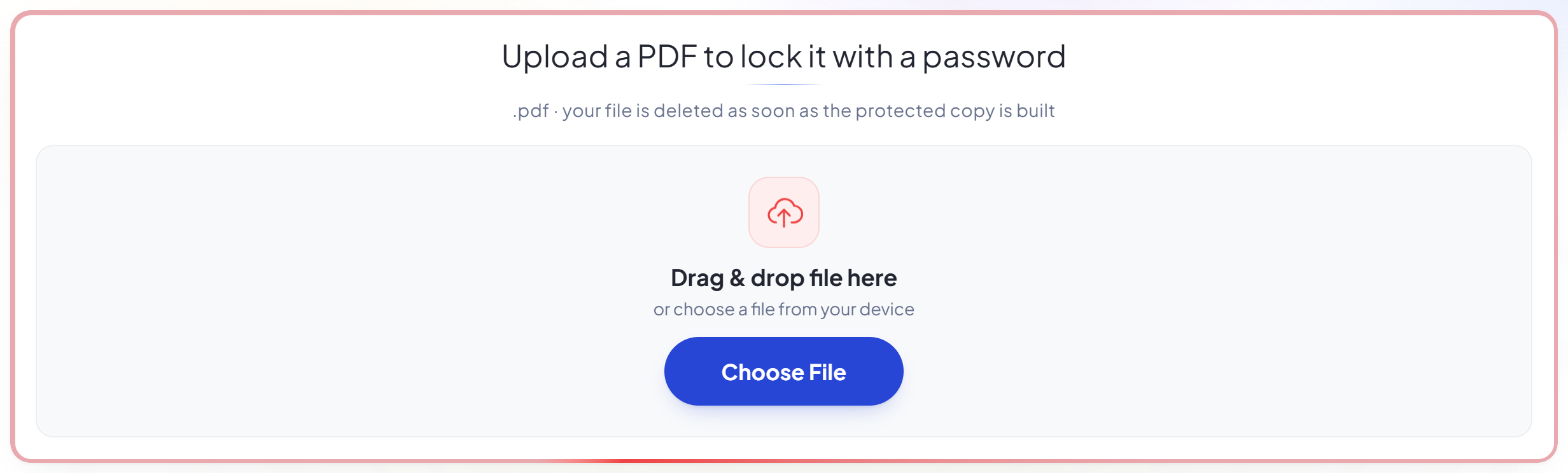
Upload your PDF
Drag a .pdf onto the panel, or click it to pick one. Your file and password are used once and then deleted.
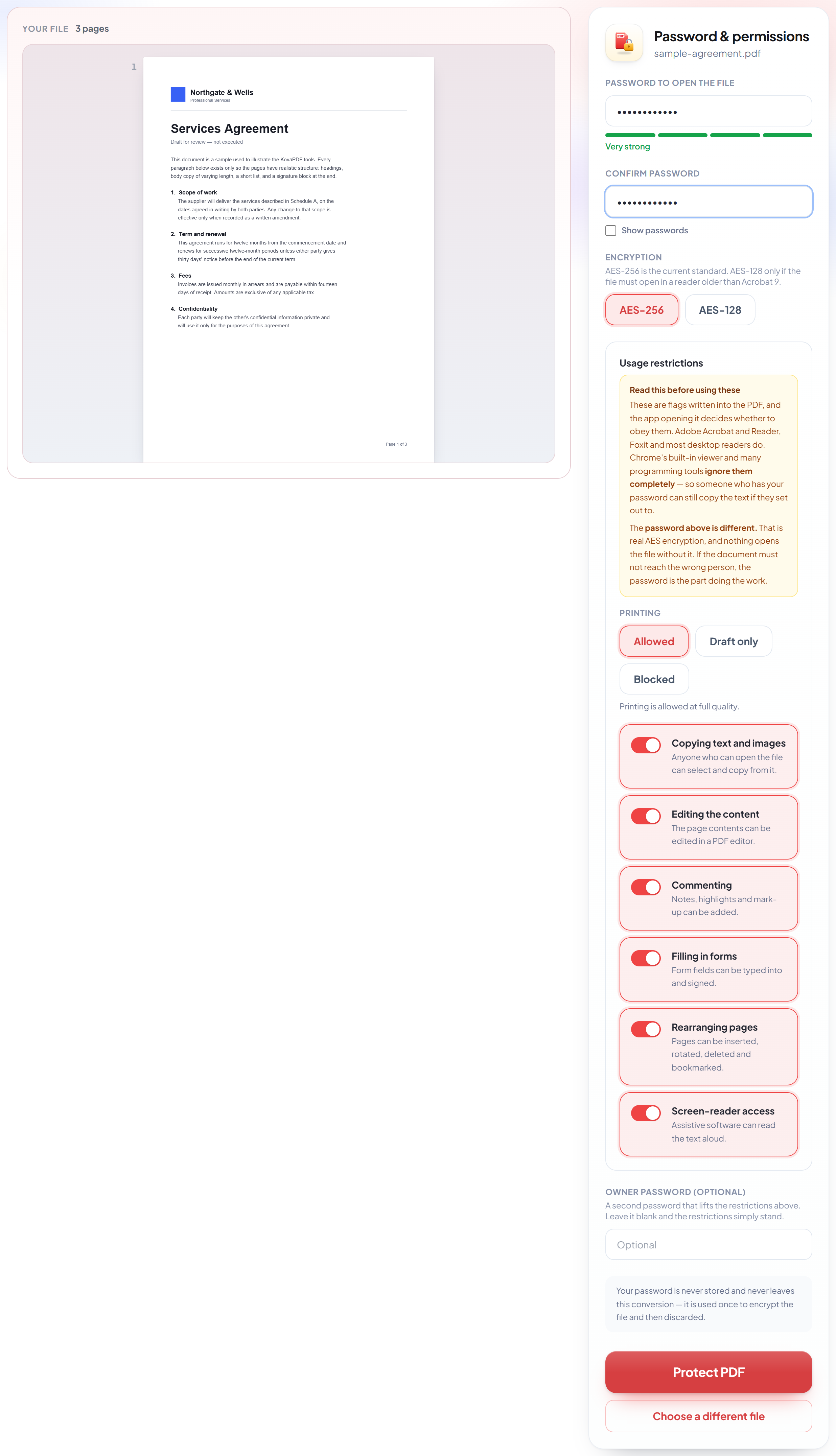
Set the password and restrictions
The password is real encryption -- nothing opens the file without it. The restrictions below it are flags that Acrobat and most desktop readers honour but Chrome's viewer ignores, and the screen says so next to each one.
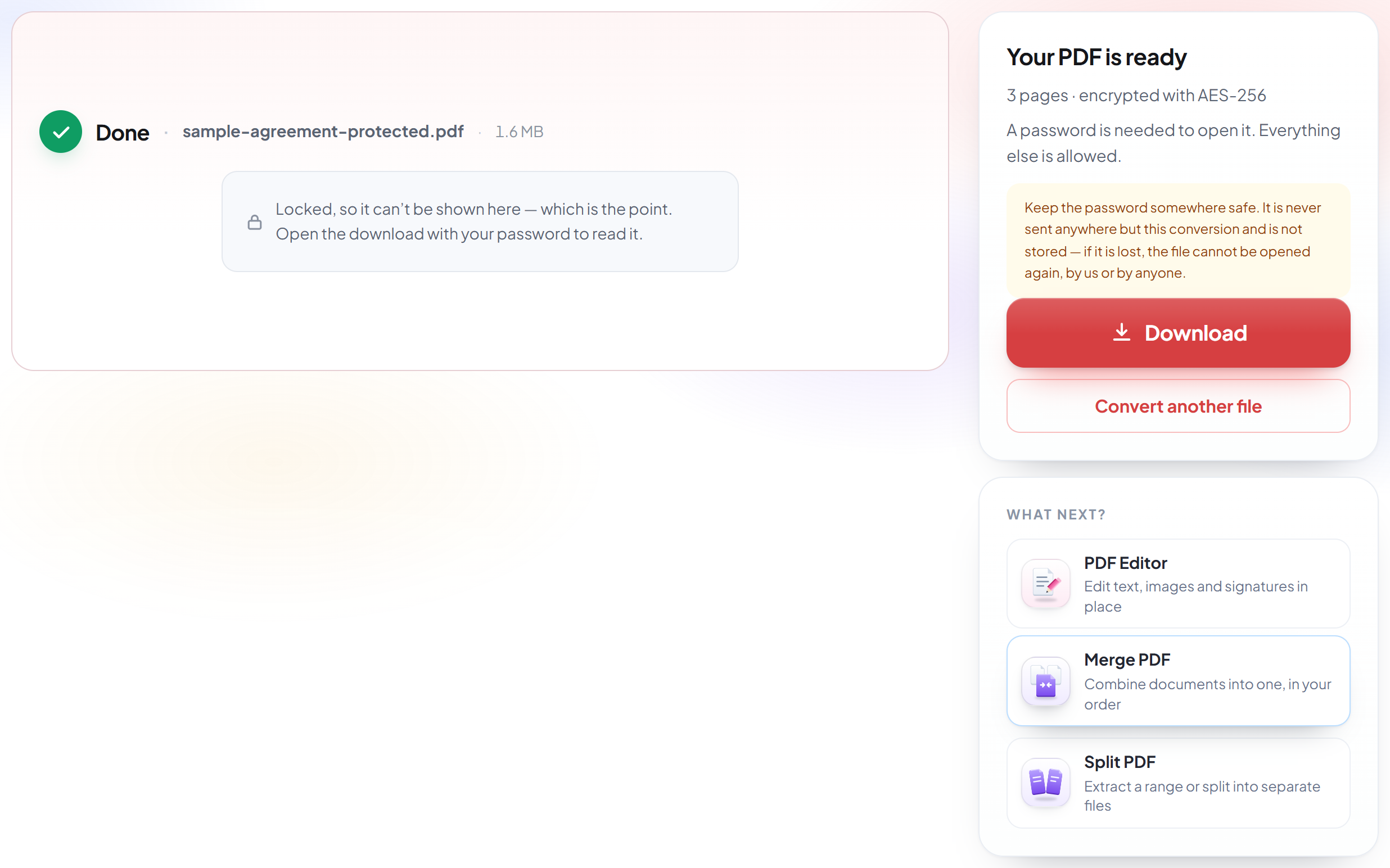
Download your protected PDF
The result says which cipher was used and exactly what was marked as not allowed. Keep the password safe -- it cannot be recovered.
How to password-protect a PDF
AES-256 encryption, and every permission control free.
Upload your PDF
Drag a .pdf onto the panel, or click it to pick one. Your file and password are used once and then deleted.
Set the password and restrictions
The password is real encryption -- nothing opens the file without it. The restrictions below it are flags that Acrobat and most desktop readers honour but Chrome's viewer ignores, and the screen says so next to each one.
Download your protected PDF
The result says which cipher was used and exactly what was marked as not allowed. Keep the password safe -- it cannot be recovered.
Frequently asked questions about Protéger un PDF
How strong is the encryption?
AES-256 by default, which is the only cipher the current PDF standard (ISO 32000-2) recommends. AES-128 is offered for readers older than Acrobat 9. We do not offer RC4 at all -- it is long broken, and some tools still quietly use it.
Can I control printing and copying, not just opening?
Yes, and all of it is free: printing (allowed, draft quality only, or blocked), copying, editing, commenting, form filling, rearranging pages and screen-reader access. Adobe puts these behind Acrobat Pro and several free tools offer none at all.
What is the owner password for?
It is a second password that lifts the restrictions for whoever holds it, while the first password is what is needed to open the file. Leave it blank and the restrictions simply stand. We deliberately do not reuse your open password as the owner password -- that would let anyone who can open the file also strip its restrictions.
Can you recover my password if I lose it?
No, and nobody can. The password is used for this one conversion and never stored. If it is lost the file cannot be opened again -- keep it somewhere safe.
I blocked copying, but I can still copy the text. Is it broken?
No — and this is worth understanding before you rely on it. The restriction really is written into your file correctly; you can verify that in Acrobat, where Copy and Select All will be greyed out. But PDF permissions are a request, not a lock: the app opening the file decides whether to obey. Adobe Acrobat and Reader, Foxit and most desktop readers do. Chrome's built-in viewer and text-extraction libraries ignore them entirely. So anyone who has your password can still get the text out if they set out to.
Then what actually stops someone reading my PDF?
The password. That is real AES-256 encryption — the file's contents are unreadable without it, and no reader, tool or website can get around that. Measured directly: without the password, both a PDF library and Ghostscript refuse to open the file at all. If your document must not reach the wrong person, the password is the part doing the work; the permissions are a courtesy layer on top for people who already have it.
Is it free?
Yes. Every tool works without paying and without an account. Files can be up to 200 pages and 80 MB, and a run that fails costs you nothing.
Do I need to create an account?
No. All tools work without signing in. An account raises your hourly allowance and lets you see what you have processed.
What happens to my file?
It travels over an encrypted connection into a directory created for that single request, is processed, is returned to you, and the working copy is deleted as the request finishes. We keep a record that an operation ran — never the filename or the contents.