Filigrane PDF
Apposez un texte ou un logo sur son propre calque, sur toutes les pages ou seulement certaines.
- Gratuit
- Fonctionne sur tous les appareils
- Supprimé après traitement
- Du texte ou votre logo
- Sur son propre calque
- Le contenu n’est pas touché
- Opacité, angle et position
Glissez votre fichier ici
ou choisissez un fichier sur votre appareil
Upload a PDF to add your watermark
Fichiers PDF uniquement
Comment ça marche
Filigrane PDF en trois étapes
Upload your PDF
Drag your file onto the upload panel, or click it to pick one from your device. Nothing is sent anywhere until you start the job, and the working copy is deleted the moment it finishes.
Place and style the watermark
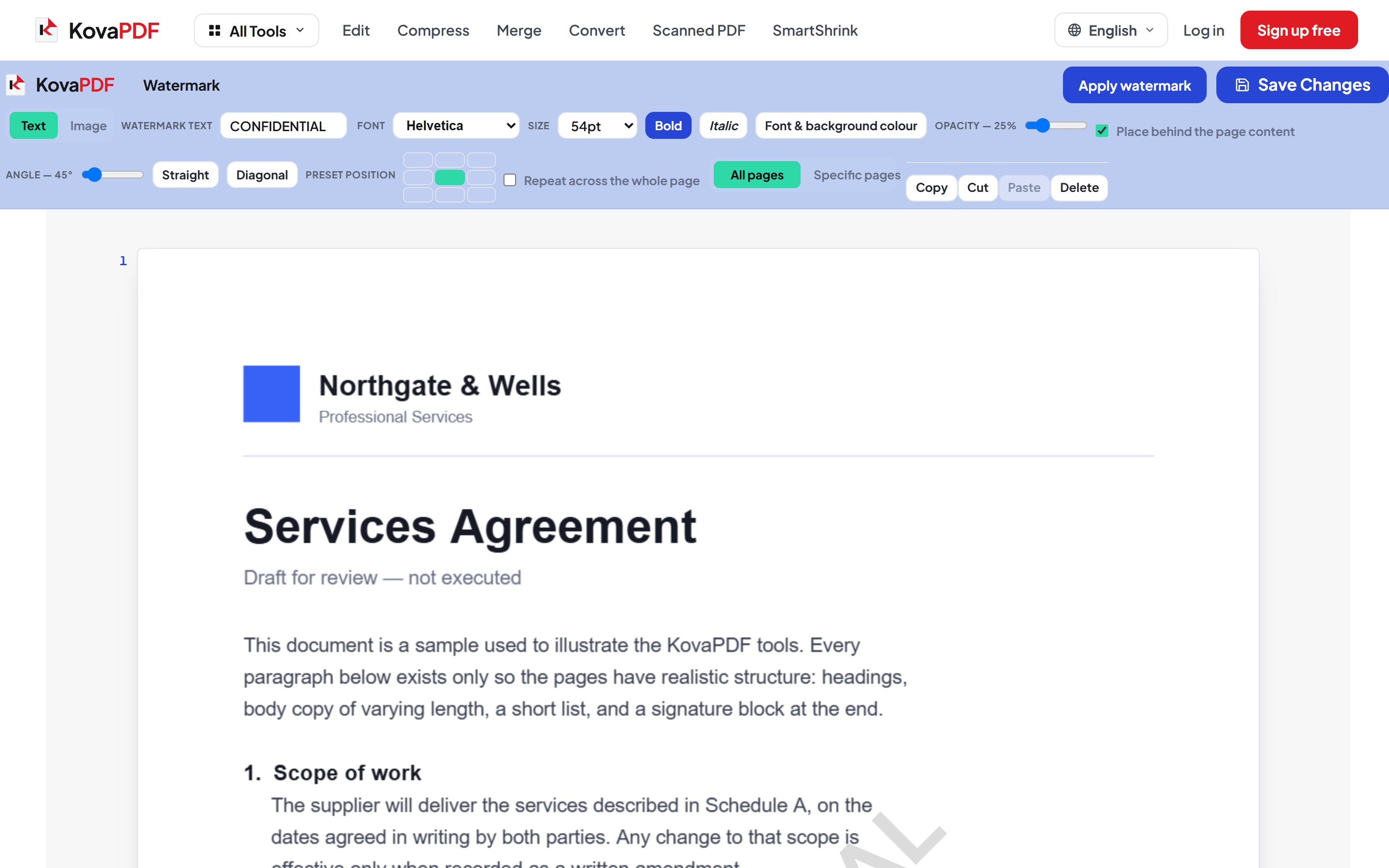
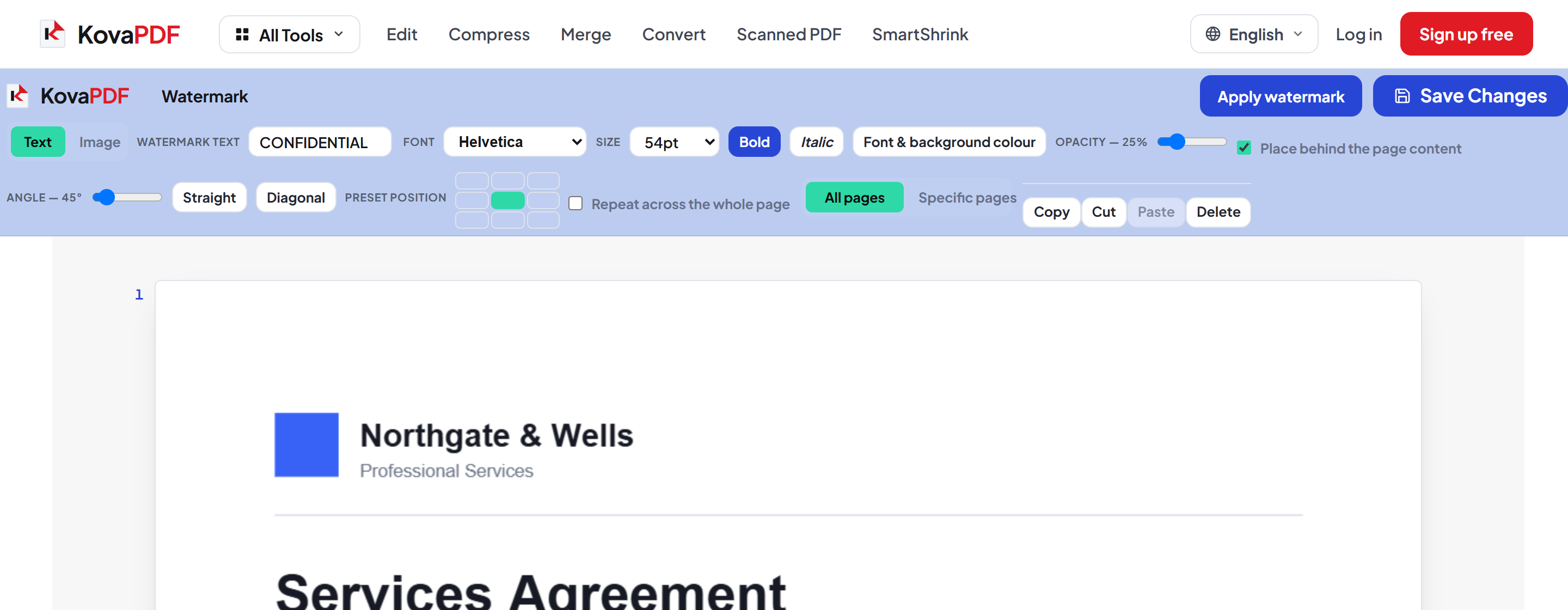
Type your text or drop in a logo, then set the size, angle, opacity and position. Choose every page or just the ones you name.
Save and download
The watermark is written onto its own layer, so the original text and images stay exactly as they were.
How to watermark a PDF
Stamp text or an image across your pages without touching the content underneath.
Upload your PDF
Drag your file onto the upload panel, or click it to pick one from your device. Nothing is sent anywhere until you start the job, and the working copy is deleted the moment it finishes.

Place and style the watermark
Type your text or drop in a logo, then set the size, angle, opacity and position. Choose every page or just the ones you name.
Save and download
The watermark is written onto its own layer, so the original text and images stay exactly as they were.
Frequently asked questions about Filigrane PDF
Does the watermark damage the original content?
No. It is drawn onto its own layer, so the text and images underneath are unchanged.
Can I use an image or logo?
Yes. Both text and image watermarks are supported, with control over size, angle, opacity and position.
Can I watermark only some pages?
Yes. Apply it to every page or to a range you choose.
Is it free?
Yes. Every tool works without paying and without an account. Files can be up to 200 pages and 80 MB, and a run that fails costs you nothing.
Do I need to create an account?
No. All tools work without signing in. An account raises your hourly allowance and lets you see what you have processed.
What happens to my file?
It travels over an encrypted connection into a directory created for that single request, is processed, is returned to you, and the working copy is deleted as the request finishes. We keep a record that an operation ran — never the filename or the contents.