Fusionner PDF
Combinez plusieurs fichiers PDF en un seul document. Réorganisez-les librement avant de fusionner.
- Gratuit
- Fonctionne sur tous les appareils
- Supprimé après traitement
- Autant de fichiers que vous voulez
- Dans votre ordre, pas le nôtre
- Les formats de page ne changent pas
- Un seul document en retour
Combine PDFs into one document
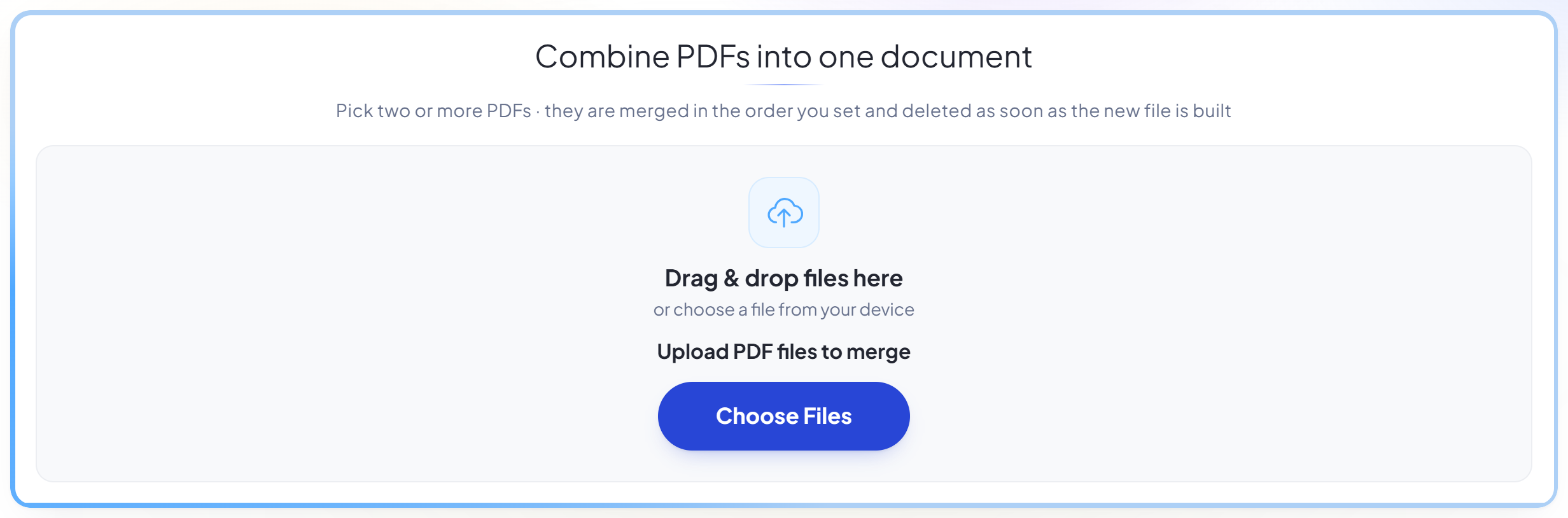
Pick two or more PDFs · they are merged in the order you set and deleted as soon as the new file is built
Glissez vos fichiers ici
ou choisissez un fichier sur votre appareil
Comment ça marche
Fusionner PDF en trois étapes
Upload your PDFs
Drag your file onto the upload panel, or click it to pick one from your device. Nothing is sent anywhere until you start the job, and the working copy is deleted the moment it finishes.
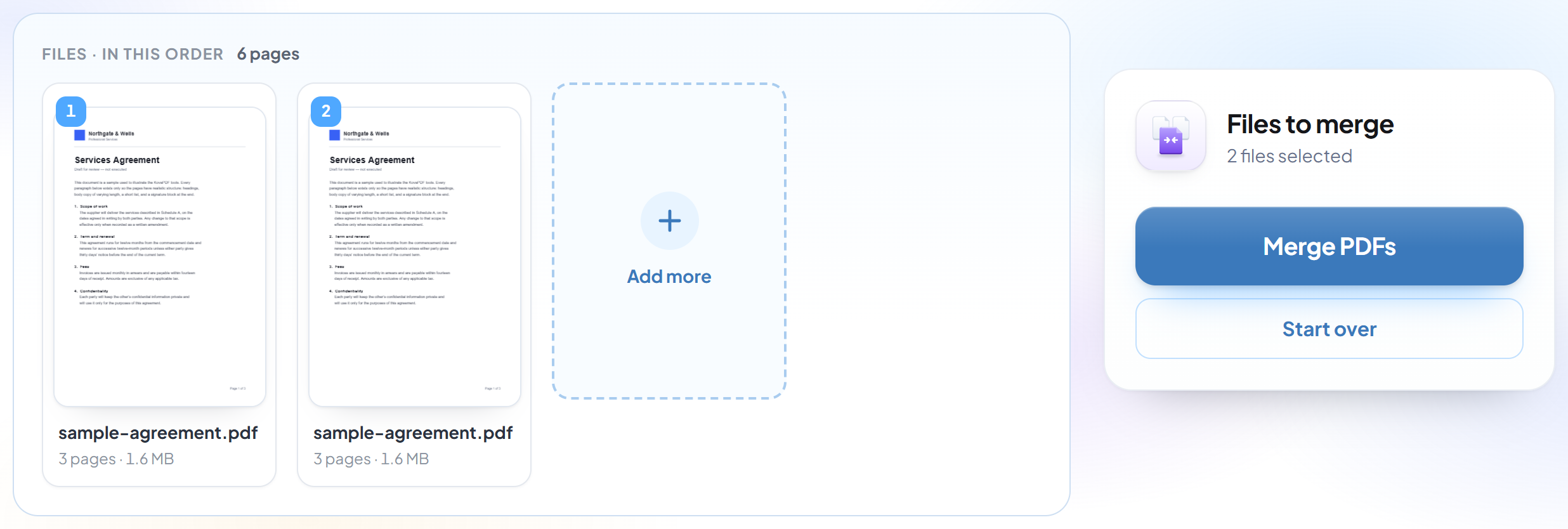
Put them in order
Every file you add appears in the list. Drag them into the order you want the finished document to follow, and remove anything you added by mistake.
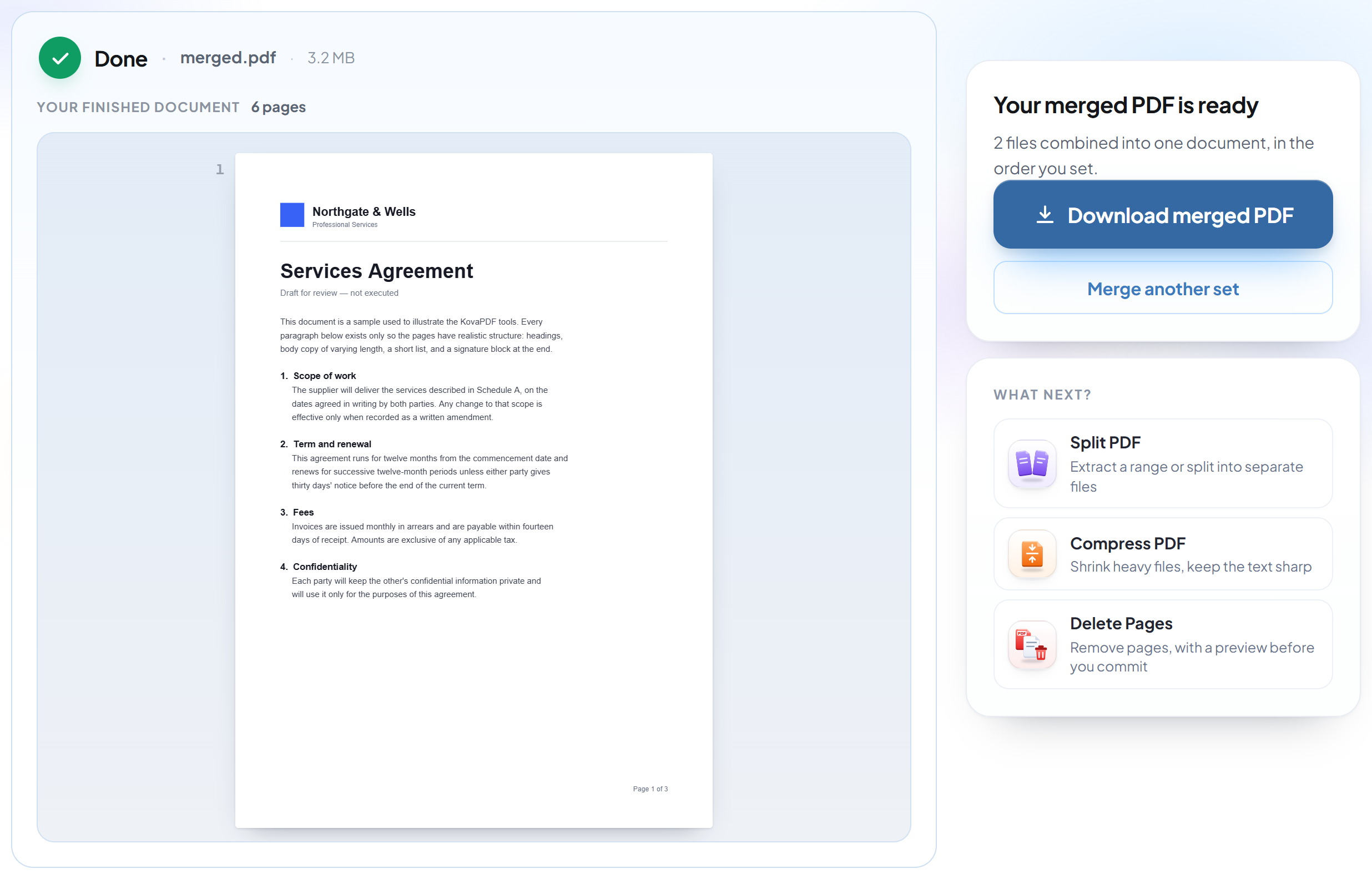
Merge and download
The files are joined into a single document with all pages intact — no re-compression, no quality loss.
How to merge PDF files
Combine as many documents as you need into one, in exactly the order you want.
Upload your PDFs
Drag your file onto the upload panel, or click it to pick one from your device. Nothing is sent anywhere until you start the job, and the working copy is deleted the moment it finishes.
Put them in order
Every file you add appears in the list. Drag them into the order you want the finished document to follow, and remove anything you added by mistake.
Merge and download
The files are joined into a single document with all pages intact — no re-compression, no quality loss.
Frequently asked questions about Fusionner PDF
How many files can I merge at once?
Up to 30 in a single operation, within the 200-page and 80 MB limits.
Does merging reduce quality?
No. Pages are copied across without re-encoding, so text stays sharp and images are untouched. It also means the merged file is roughly the sum of its parts.
Can I control the page order?
Yes. Every file you add appears in a list you can drag into the order you want before merging.
Is it free?
Yes. Every tool works without paying and without an account. Files can be up to 200 pages and 80 MB, and a run that fails costs you nothing.
Do I need to create an account?
No. All tools work without signing in. An account raises your hourly allowance and lets you see what you have processed.
What happens to my file?
It travels over an encrypted connection into a directory created for that single request, is processed, is returned to you, and the working copy is deleted as the request finishes. We keep a record that an operation ran — never the filename or the contents.