Déverrouiller un PDF
Retirez le mot de passe que vous connaissez, ou les restrictions d'impression et de copie.
- Sûr et privé
- Fonctionne sur tous les appareils
- Rien à installer
- Retire un mot de passe que vous connaissez
- Ou lève les restrictions
- Les pages restent exactement telles quelles
- S’ouvre ensuite partout
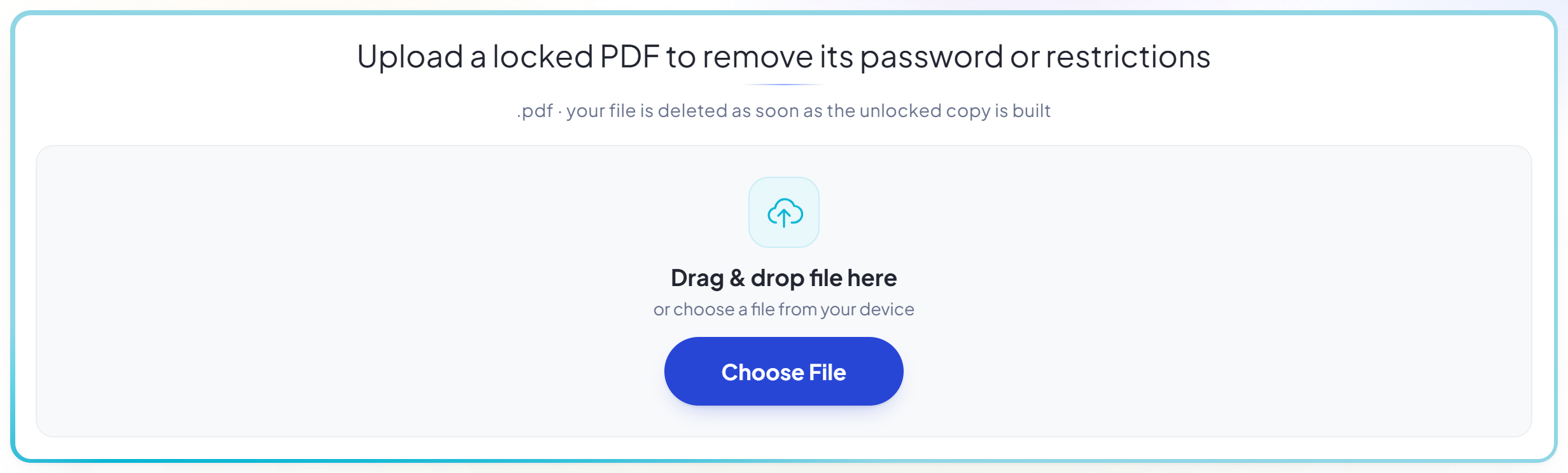
Upload a locked PDF to remove its password or restrictions
.pdf · your file is deleted as soon as the unlocked copy is built
Glissez votre fichier ici
ou choisissez un fichier sur votre appareil
Comment ça marche
Déverrouiller un PDF en trois étapes
Upload your locked PDF
Drag the .pdf onto the panel, or click it to pick one. The file is checked straight away to see what sort of lock it carries.
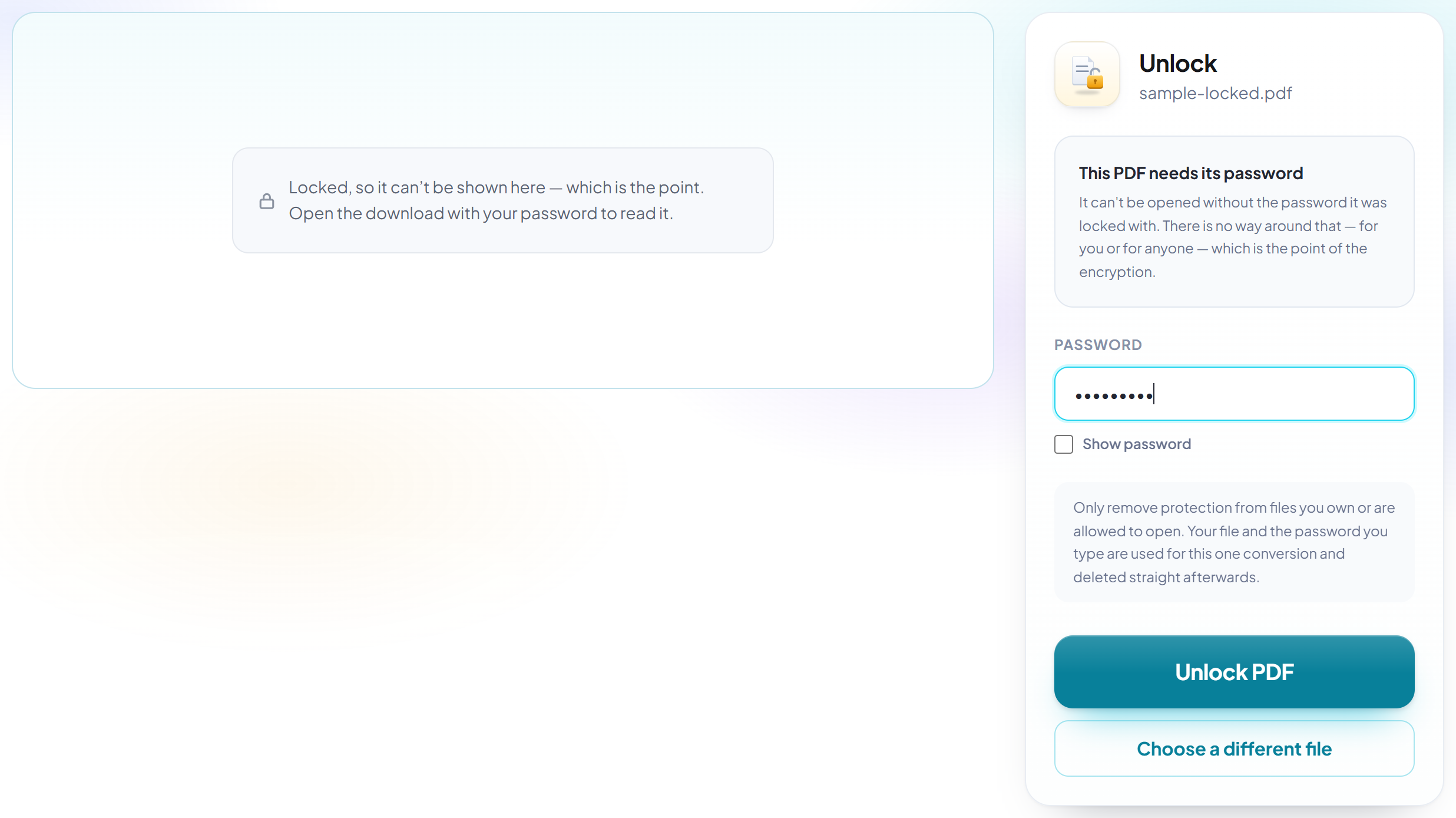
Type the password -- only if one exists
A file that needs a password to open asks for it here. A file that merely blocks printing or copying needs no password at all, and this screen says so instead of demanding one you never had.
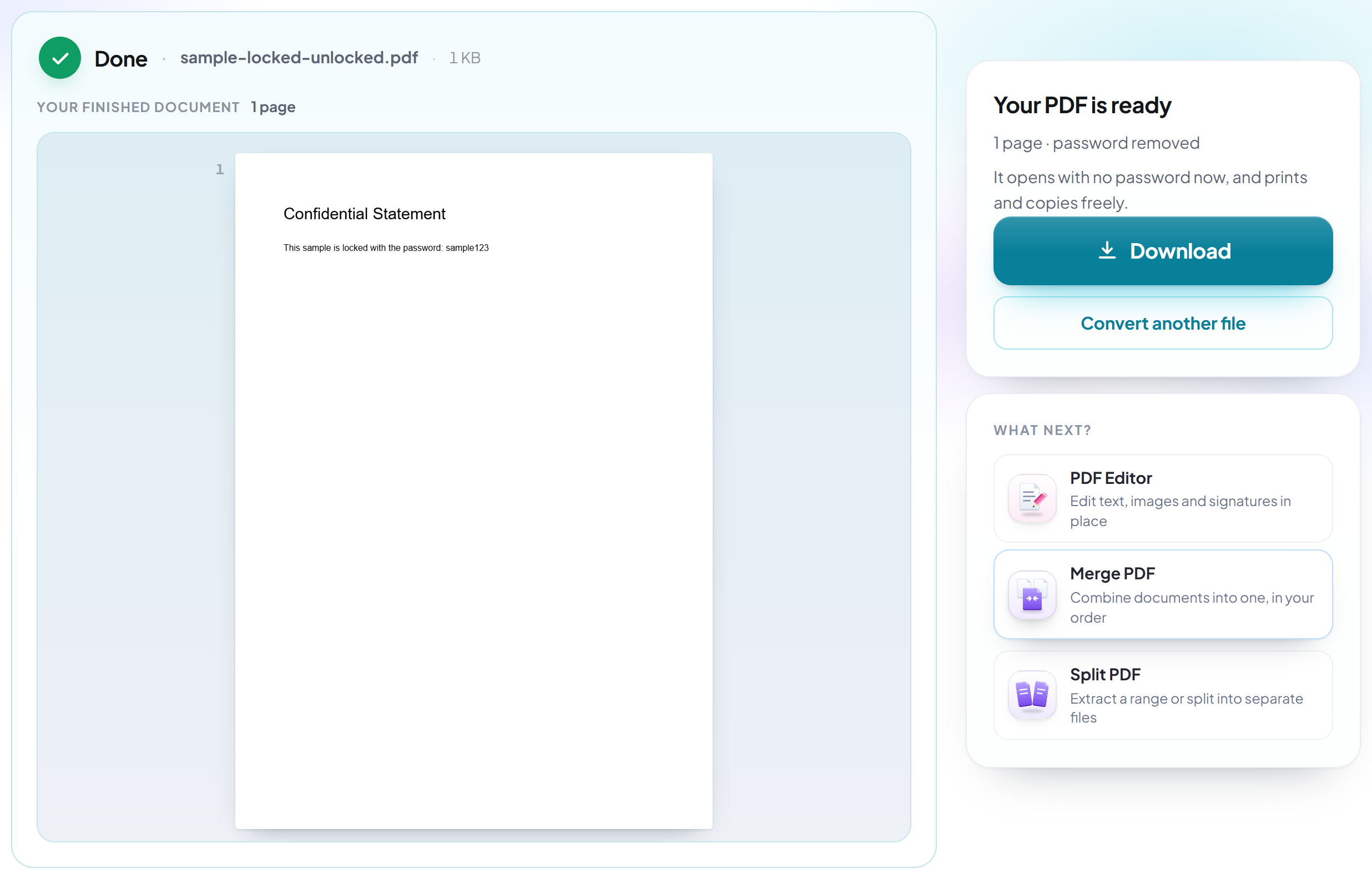
Download your unlocked PDF
It opens with no password now, and prints and copies freely.
How to unlock a PDF
We check which kind of lock your file has before asking for anything.
Upload your locked PDF
Drag the .pdf onto the panel, or click it to pick one. The file is checked straight away to see what sort of lock it carries.
Type the password -- only if one exists
A file that needs a password to open asks for it here. A file that merely blocks printing or copying needs no password at all, and this screen says so instead of demanding one you never had.
Download your unlocked PDF
It opens with no password now, and prints and copies freely.
Frequently asked questions about Déverrouiller un PDF
Do I need to know the password?
It depends which kind of lock your file has, and we check before asking. If it needs a password to open, yes -- there is no way around that, for us or for anyone, which is the point of encryption. If it opens fine but blocks printing or copying, no password exists and none is asked for.
My PDF opens fine but won't let me print. Is that this tool?
Yes, and this is the case most tools handle badly. Those are owner restrictions rather than a password, and they can be removed without one. Other converters ask for a password that was never set, which is why people conclude the file is broken.
Can you break a password I don't know?
No. We do not attempt to guess, crack or bypass passwords, and a tool claiming otherwise for a modern AES-encrypted file is not being honest with you.
Is the unlocked file identical to the original?
The pages, their contents and the document title and author are carried across. Interactive form fields and bookmarks are not preserved, because producing a reliably unencrypted file means rebuilding the document rather than editing it in place. If you need those, keep the original alongside.
Is it legal to do this?
Only remove protection from files you own or are otherwise allowed to open. Your file and password are used for the one conversion and deleted immediately afterwards.
Is it free?
Yes. Every tool works without paying and without an account. Files can be up to 200 pages and 80 MB, and a run that fails costs you nothing.
Do I need to create an account?
No. All tools work without signing in. An account raises your hourly allowance and lets you see what you have processed.
What happens to my file?
It travels over an encrypted connection into a directory created for that single request, is processed, is returned to you, and the working copy is deleted as the request finishes. We keep a record that an operation ran — never the filename or the contents.