PDF en JPG
Convertissez chaque page en image PNG ou JPG haute résolution, prête à l'emploi.
- Conserve votre mise en page
- Fonctionne sur tous les appareils
- Supprimé après traitement
- PNG ou JPG
- Haute résolution
- Une image par page
- Prêtes pour vos diapos et vos posts
Turn PDF pages into images
Each page rendered at 150 DPI as PNG or JPG · your upload is deleted as soon as the images are built
Glissez votre fichier ici
ou choisissez un fichier sur votre appareil
Comment ça marche
PDF en JPG en trois étapes
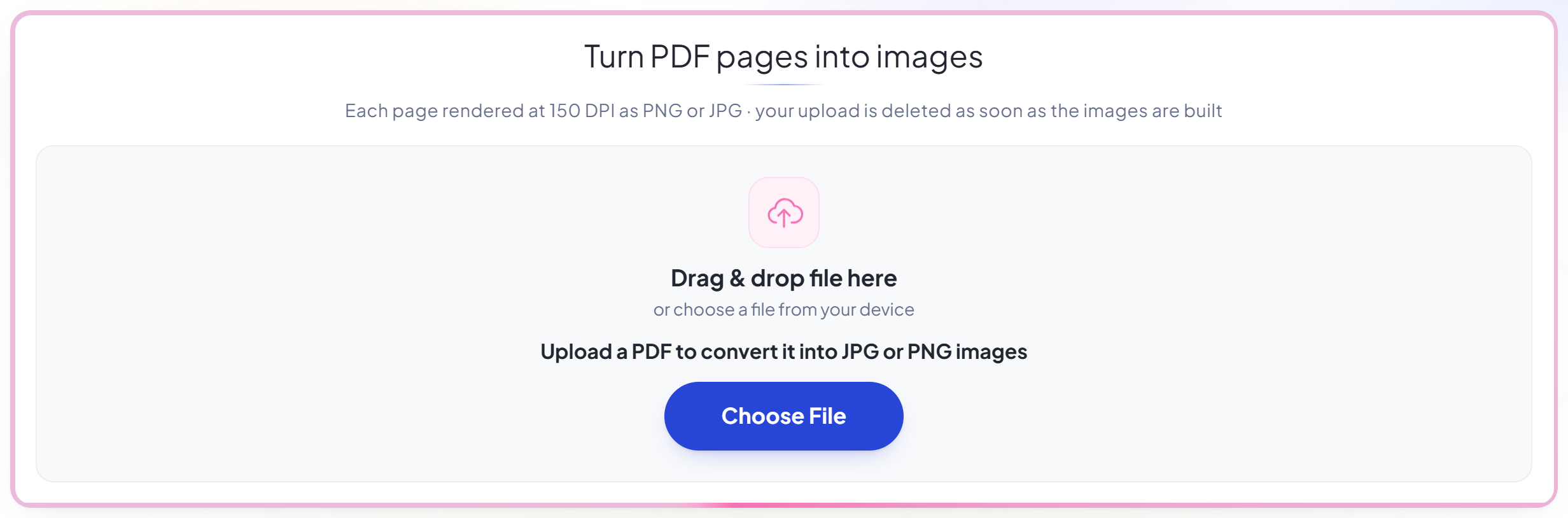
Upload your PDF
Drag your file onto the upload panel, or click it to pick one from your device. Nothing is sent anywhere until you start the job, and the working copy is deleted the moment it finishes.
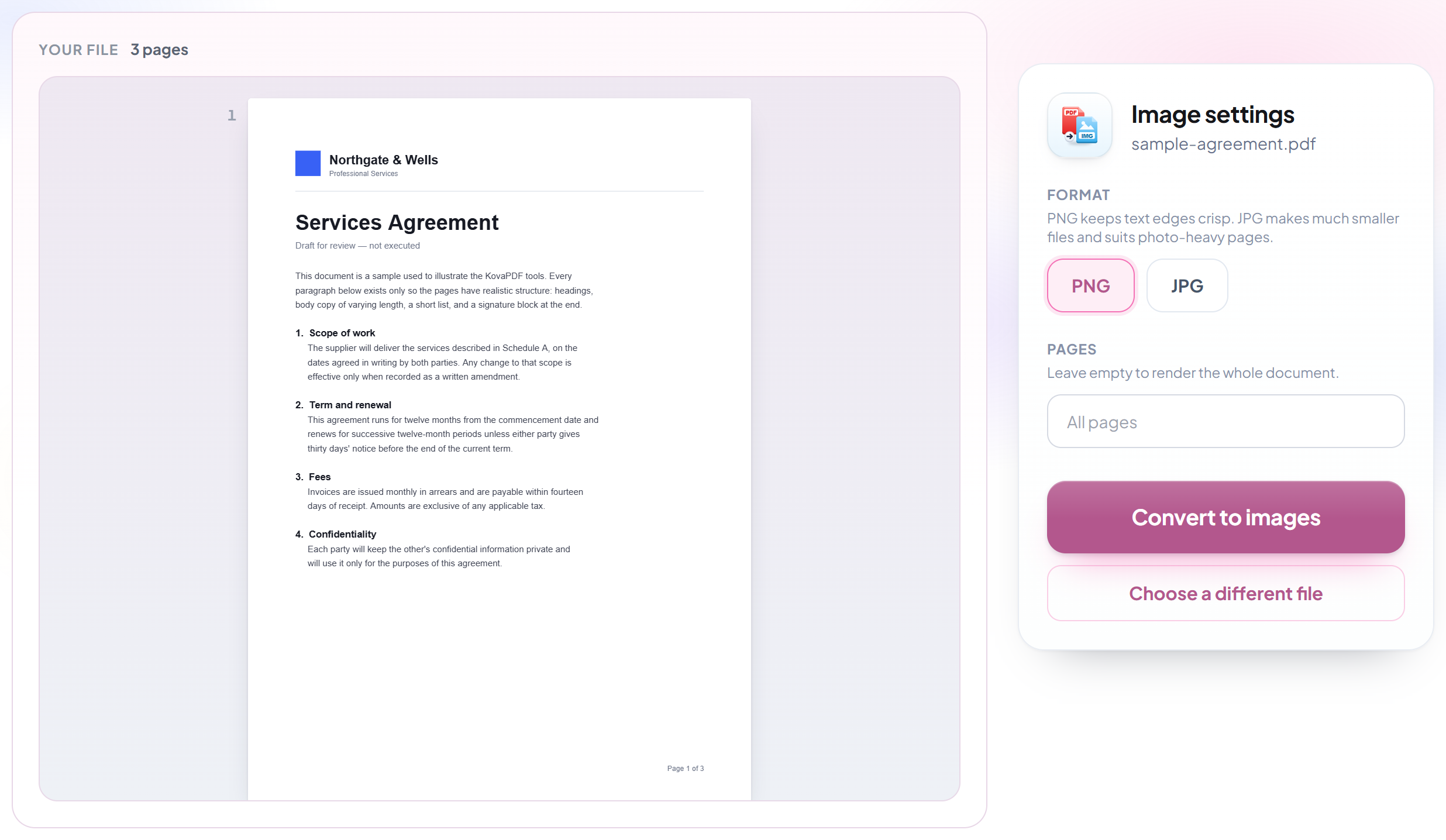
Choose the format
PNG keeps text edges crisp and supports transparency; JPG makes smaller files for photographs and scans. Pick whichever suits where the image is going.
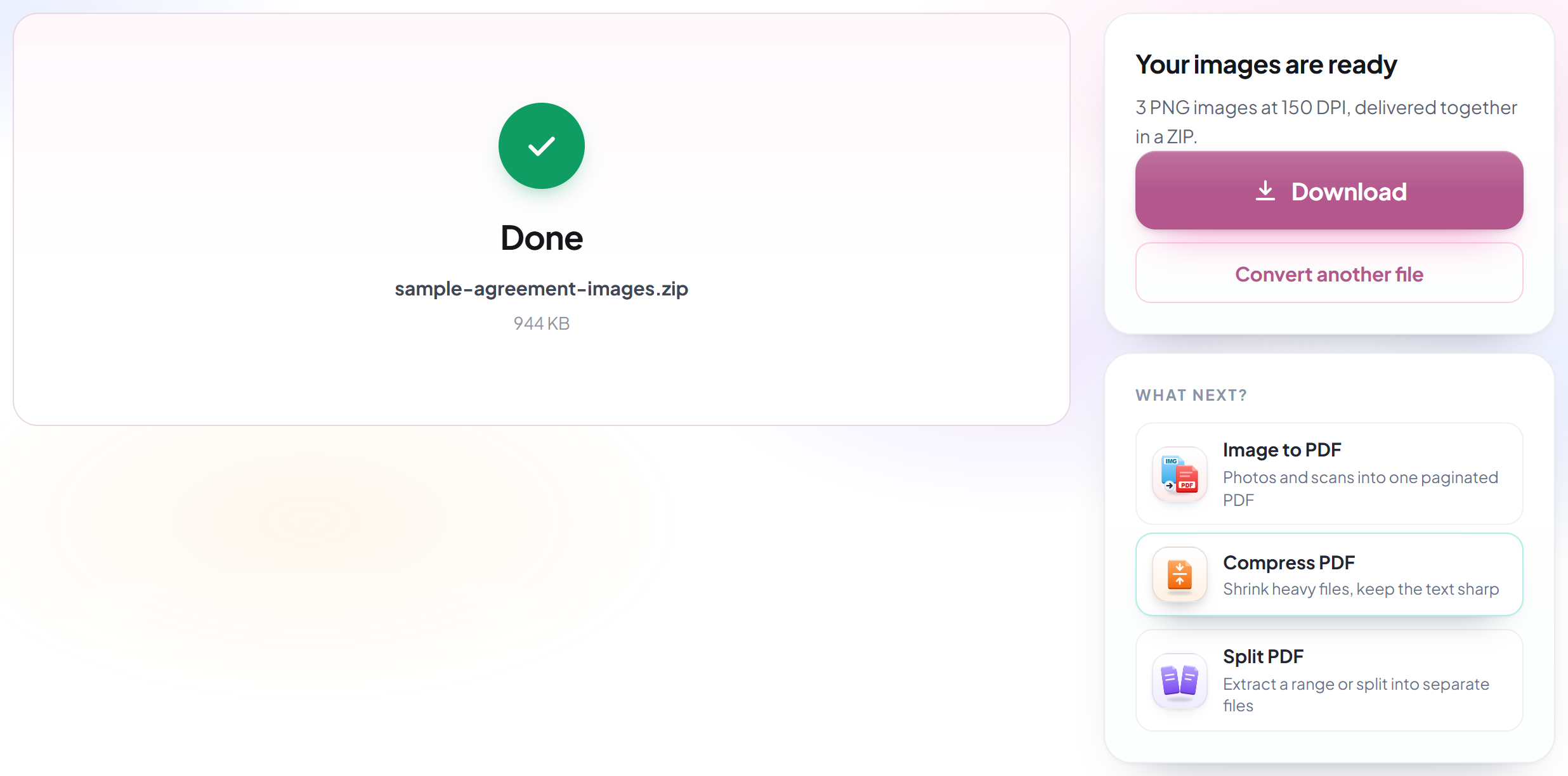
Convert and download
Every page is rendered at a resolution high enough to stay sharp when it is enlarged.
How to convert a PDF to images
Turn pages into pictures you can drop into a slide, a post or a document.
Upload your PDF
Drag your file onto the upload panel, or click it to pick one from your device. Nothing is sent anywhere until you start the job, and the working copy is deleted the moment it finishes.
Choose the format
PNG keeps text edges crisp and supports transparency; JPG makes smaller files for photographs and scans. Pick whichever suits where the image is going.
Convert and download
Every page is rendered at a resolution high enough to stay sharp when it is enlarged.
Frequently asked questions about PDF en JPG
Should I choose PNG or JPG?
PNG keeps text edges crisp and supports transparency, which suits documents and diagrams. JPG produces smaller files and suits photographs and scans.
What resolution are the images?
150 dots per inch, which makes an A4 page about 1240 by 1754 pixels. That is sharper than a screen needs and large enough to crop a detail out of, without producing files too big to send.
Do I get one image per page?
Yes. A single-page document comes back as one image file. More than one page comes back as a zip with one image per page inside, numbered in order.
Can I convert just a few pages?
Yes. Name the pages the same way you would anywhere else here — hyphens for runs, commas for separate pages, as in "1, 4-6". Leave it empty and every page is converted.
Is it free?
Yes. Every tool works without paying and without an account. Files can be up to 200 pages and 80 MB, and a run that fails costs you nothing.
Do I need to create an account?
No. All tools work without signing in. An account raises your hourly allowance and lets you see what you have processed.
What happens to my file?
It travels over an encrypted connection into a directory created for that single request, is processed, is returned to you, and the working copy is deleted as the request finishes. We keep a record that an operation ran — never the filename or the contents.