Page layout
Add blank pages to a PDF for double sided printing
In short
In an ordinary duplex job that begins on a front side, odd file pages print on fronts and even file pages on backs. If a new section would begin on an even position, insert a blank before it. Recalculate later starts after each insertion and verify the printer preview.

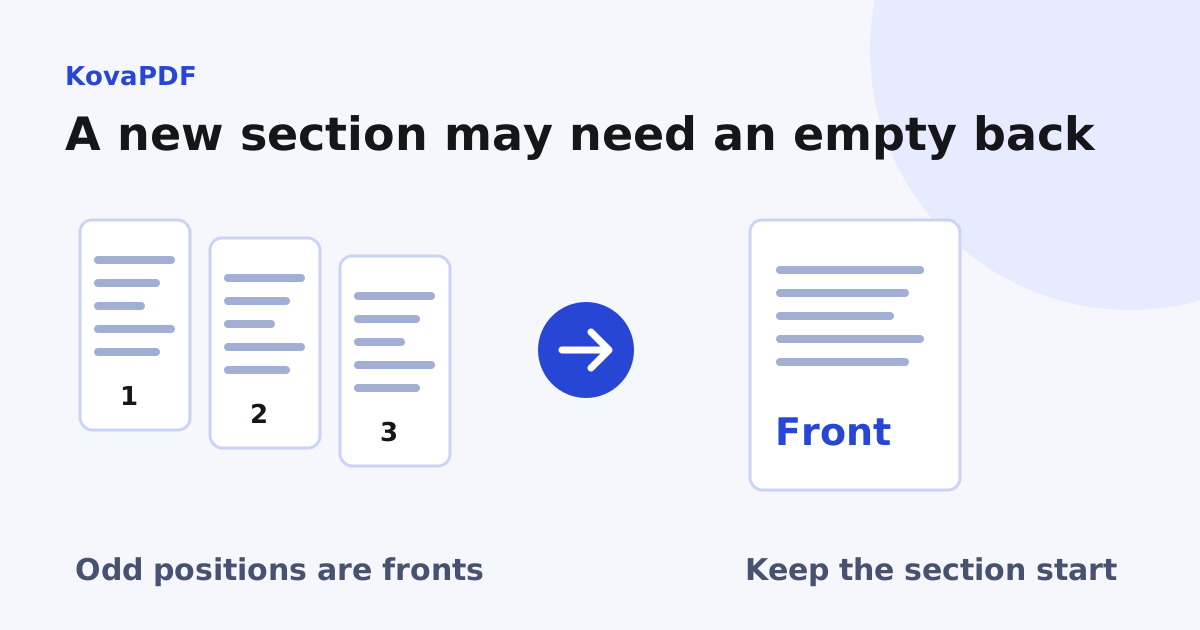
Which page positions print on the front?
For a continuous duplex job beginning on the front of a sheet, file pages 1, 3 and 5 are fronts. Pages 2, 4 and 6 are backs. This uses file positions, not whatever number is printed in the footer.
A cover, contents page or inserted divider still occupies a position. Count it even if it has no visible number. If the print job starts on another side, uses a special cover tray or treats documents separately, verify that setup rather than applying the ordinary parity rule blindly.
When does a section need a blank before it?
Suppose the first section has three file pages. The next section would start at position 4, on the back of the second sheet. Insert a blank at position 4 and the new section starts at position 5, a front.
If the first section has four pages, the next already starts at position 5 and needs no parity blank. Adding one anyway would move it to an even position and create the problem you were trying to solve.
What did our page tool test do?
We took a three page sample and inserted a blank after its first page with KovaPDF's page-plan engine. The saved PDF had four pages, with the blank matching the A4 595.28 by 841.89 point page box. That operation changes the parity of every later page by one.
The test verifies insertion and page count. It does not exercise your printer, binding edge or cover tray. Use Add Blank Page to prepare the sequence and a physical print preview or proof to confirm the output path.
Why must I work from the front?
Every insertion shifts all later positions. Mark the intended section starts, process the first one that needs a blank, then recalculate the later starts. A list of positions made before any insertion becomes stale as soon as the first blank is added.
When joining several documents with Merge PDF, review whether each component must begin on a front. A source that prints correctly as a separate job may start on a back after it is appended to another odd-length component.
Should the blank say anything?
An intentional blank can remain empty, or carry a short note if the recipient needs reassurance that no content is missing. A full section title is a different content choice. The divider insertion guide explains that distinction.
Do not remove required information to create a blank. Preserve all original pages and inspect apparently empty sheets for faint marks, signatures or reverse-side notes. Your working copy should make the intended printing sequence explicit without changing the document's evidence.
What should I check in print settings?
Confirm duplex is enabled, the intended binding edge is selected and blank pages are not being skipped. A setting that suppresses blanks can undo the parity you prepared in the PDF. Print a short sample covering a section boundary before sending the full job.
If the aim is fewer sheets, printing a long PDF on fewer sheets explains why duplex and multiple pages per side solve different problems. Add final page numbers only after the blank placement and content sequence are settled.
Common questions
Do printed page labels determine front and back?
No. File positions and the print setup determine parity. An unnumbered cover still counts.
Does an odd length section need a blank after it?
In an ordinary continuous duplex job, a following section that must start on a front may need one. Calculate its actual file start position.
Why did later section starts change?
An inserted blank shifts every later file position by one, so recalculate from the front.
Can a printer skip my parity blanks?
A blank suppression setting can change the intended result. Check the preview and print a section boundary sample.
Is a section divider automatically a blank back?
No. A titled divider is content. Its presence also affects parity, which must be calculated separately.
When should I number the document?
After the page order and intentional blanks are final, then verify the numbering against the actual sequence.
KovaPDF on your computer and phone
Use KovaPDF on your computer, where many tools work with no internet, and on your phone. The same account works in both.