Working with scans
How to make a PDF readable for ChatGPT
In short
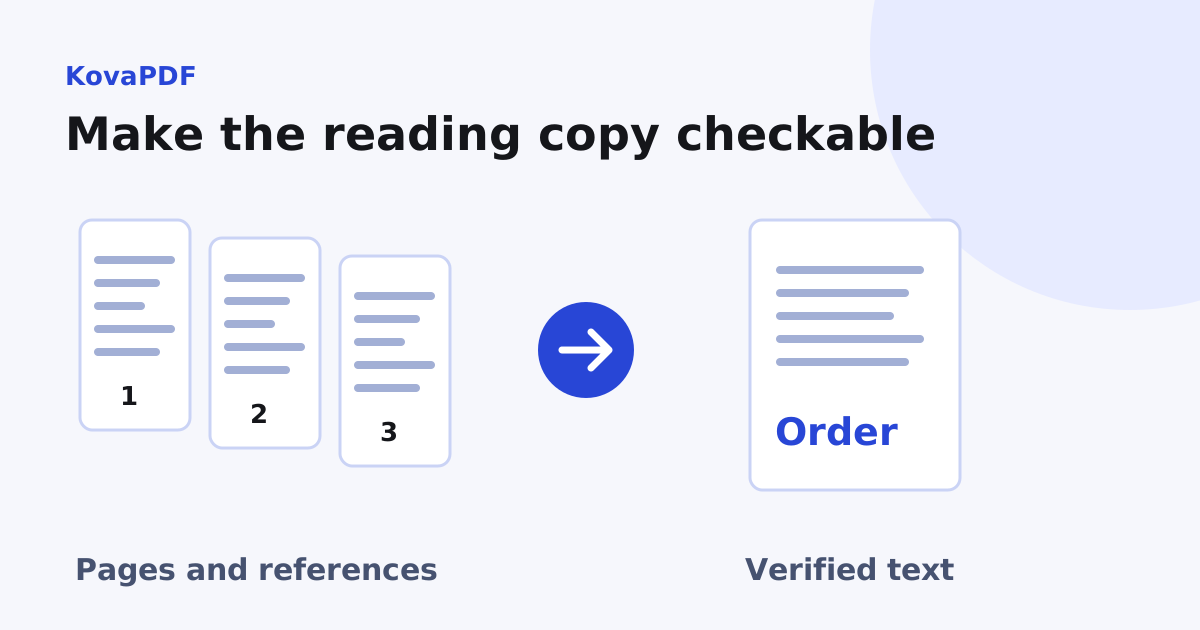
Check that the PDF exposes the words you need in a sensible order. If it is a scan, recognise and proofread the text; if its layout extracts badly, prepare a checked text copy with page references. A successful upload does not establish that every page or table was read correctly.
Try it on your file
Get the text out of your PDF
Scanned pages are read with OCR. Copy the text into ChatGPT, or download it as a text file.
Drop your PDF here
It opens in PDF to Text with your file already loaded.
What should I test before uploading?
Pick a distinctive sentence from the first page, one from the middle and one near the end. Try extracting them with PDF to Text. Compare the output with the visible page. This tests whether the needed words are available, rather than assuming a filename ending in PDF describes how its contents are stored.
Also inspect a table, footnote or caption if those matter to your question. A document can have selectable paragraphs but poor table reading order. Ask about the information you have verified, and keep the original available for checking any answer.
What does our scan test tell us?
Our sample scan visibly contained four lines, yet the PDF text extractor returned zero text runs. After running KovaPDF's image recognition, the output included FIELD INSPECTION, Invoice total 125.50, Reference 4837 and Approved for payment.
That gave us text we could compare line by line with the image. It did not test any assistant's upload limits or prove that a remote reader would interpret it correctly. The useful result was a checked text representation with the amount and reference intact.
How do I prepare an image-only document?
Use OCR PDF or recognise the needed page images, selecting an appropriate language. Review the original scan quality before trusting the output. The selection guide explains why an image-only page needs recognition in the first place.
Check important values after OCR. A misread decimal or account reference can change the answer to a financial or administrative question. If a character remains ambiguous in the picture, mark that uncertainty in the reading copy rather than silently choosing a plausible value.
What if a table comes out in the wrong order?
Reconstruct a small table explicitly in a text copy and compare each row with the source. Include column headings and units. A sequence of values without their headers can be accurate character extraction but useless evidence for analysis.
For repeated multi-column pages, test the reading sequence before preparing a large batch. Recovering usable text covers nonsense characters, mixed scan pages and line breaks. These problems need a content check, not merely a smaller file.
How do I keep page context?
Add clear page references to a working text copy and preserve section headings. When a question depends on a definition or exception elsewhere, include that section too. An isolated sentence can lose its meaning even when every word is recognised correctly.
For a long document, verify that the ending is present as well as the opening. Ask for answers tied to specific pages and confirm those citations yourself. A confident answer is not evidence that the entire source was available.
Will compression solve a reading problem?
It can help a byte-size constraint, but it cannot turn image pixels into reliable text or repair table order. The compression versus page count guide separates those goals. Avoid rendering a typed PDF into low quality images merely to reduce its size.
Before sharing any document or extracted text, confirm that you are allowed to send its contents to the chosen destination. Include only the material required for the task, and retain the original locally so the result can be checked against what the document actually says.
Common questions
Does a successful upload prove the whole PDF was read?
No. Verify text coverage, table order and source page references for the information your question needs.
Should I OCR a PDF that already has good text?
Use its existing text when it extracts correctly. OCR is useful for image-only or otherwise unusable character data.
Will a smaller PDF fix scrambled table columns?
No. Byte size and reading order are separate issues. Prepare a checked table representation with its headings and units.
How can I make answers easier to verify?
Keep page references and section context in the reading copy, and compare reported facts with the original pages.