Converting files
Convert PowerPoint to PDF without PowerPoint installed
In short
You can submit the presentation file to PowerPoint to PDF without installing a presentation app on your device. Use the original file rather than screenshots or a renamed attachment. Review the downloaded pages before sending them on, because a successful conversion does not prove every slide looks right.

Which file do I need from the sender?
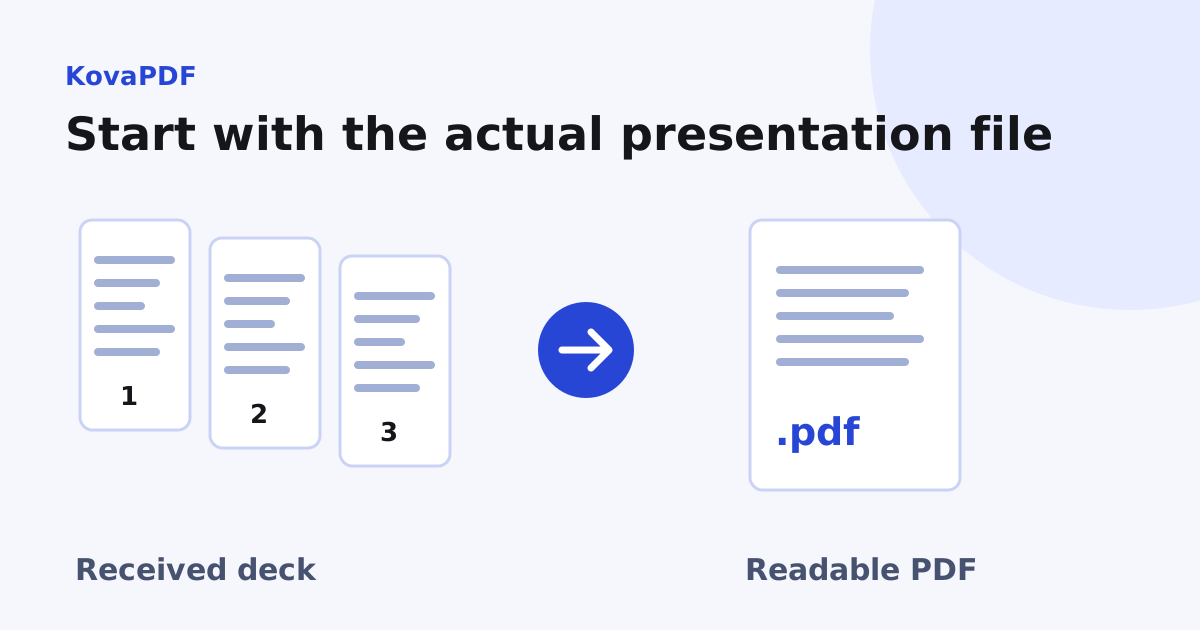
Ask for the actual presentation attachment. A message preview, a shortcut or a screenshot does not contain the editable slide structure. Save the attachment completely before selecting it in PowerPoint to PDF. Check the extension and the file size so you do not accidentally upload an empty download.
The tool accepts common presentation formats including PPTX, PPT and ODP. A macro enabled deck is a different case. Do not rename it to a plain PPTX and assume its contents changed. Ask the sender for an appropriate copy when the tool refuses the format.
How do I get the first PDF?
- Save a copy of the received presentation in a folder you can find.
- Select that file in the converter.
- Keep the original slide dimensions for a screen reading copy.
- Run the conversion and download the PDF.
- Open the result and confirm the first and last slides, page count and important figures.
No local presentation installation is needed for this path. It still needs a readable source file and an available conversion path. If processing fails, keep the error message and request a fresh export from the sender instead of repeatedly submitting the same damaged bytes.
What can I verify without seeing the original deck?
Use an expected slide count supplied by the sender, an outline or the message describing the deck. Look for blank pages, cut off headings, boxes that overlap and unexplained missing figures. You can detect those problems in the PDF even when you cannot compare every object with its source.
Our KovaPDF fixture had three widescreen slides and produced three PDF pages. Each output page measured about 960 by 540 points. The titles were extractable text, and the notes we had added to the deck were absent. This confirms the basic route on a real file, not every presentation feature.
What should I do about unavailable fonts?
Ask the sender for a PDF when exact typography matters. A converter may substitute a font that changes line breaks or symbols. Check names, formulas and bullet characters closely. If a report title is clipped, the fact that the file opened successfully does not make it suitable for distribution.
For a structured visual review, use the slide fidelity checklist. It explains which source slides reveal problems quickly when the sender can provide a reference image or open the original.
What about passwords, notes and hidden information?
If the presentation requires a password, obtain an authorised readable copy from the sender. A rename or a different filename does not remove encryption. Do not guess that missing notes or media were included: the tested conversion produced slide pages, not a presenter handout.
Read the result for information the sender did not intend to distribute. A slide that is harmless in a private meeting can still contain internal figures when attached as a static PDF. The sender should approve the content before you pass it to another audience.
What if several received files belong together?
Convert and review the deck first. If it belongs in a larger submission with text and scanned evidence, the mixed archive workflow explains ordering and checking the combined packet. Keep the presentation's source copy so corrections do not depend on editing the PDF.
When only the attachment size is the obstacle, use Compress PDF on a reviewed copy and compare the smallest labels again. Lowering file size should not become an excuse to send unreadable chart values.
Common questions
Do I need the presentation app installed?
No local installation is needed for this conversion path. You do need the actual readable presentation file.
Can I upload a screenshot of the attachment preview?
A screenshot is only an image. Ask for the presentation file when you need the full deck converted.
Does renaming a macro enabled file make it acceptable?
No. A filename change does not change its format or remove macro content.
What can I check when I cannot open the source?
Confirm the expected slide count and inspect for clipped text, blank pages, overlaps and missing figures. Request a reference copy when fidelity matters.
Will the converter provide speaker notes?
The tested route produced slide pages without the sample speaker notes. Prepare notes separately when needed.
What if the source is encrypted or damaged?
Request an authorised readable copy or a fresh export from the sender. Repeating the same failed upload does not repair it.
KovaPDF on your computer and phone
Use KovaPDF on your computer, where many tools work with no internet, and on your phone. The same account works in both.