Editor de PDF
Escreva direto na página, adicione imagens, formas e assinaturas, e salve um PDF de verdade.
- Gratuito
- Funciona em qualquer dispositivo
- Nada para instalar
- Escreva direto na página
- Imagens, formas e assinaturas
- Reordene ou remova páginas
- Salva um PDF de verdade
Arraste seu arquivo aqui
ou escolha um arquivo do seu dispositivo
Upload your PDF to start editing
Apenas arquivos PDF
Processed privately and deleted the moment the job finishes. Up to 200 pages and 80 MB per file.
Como funciona
Editor de PDF em três passos
Upload your PDF
Drag your file onto the upload panel, or click it to pick one from your device. Nothing is sent anywhere until you start the job, and the working copy is deleted the moment it finishes.
Edit it directly on the page
The document opens in the editor with your text already selectable. Click any line to retype it, or use the tool rail to add text, images, shapes, highlights and signatures anywhere you like.
Save and download
Save Changes writes your edits into the document itself and gives you a preview before the download. Fonts stay embedded, so the file opens correctly everywhere.
How to edit a PDF online
Three steps, no installation, and a real PDF at the end — not a picture of one.
Upload your PDF
Drag your file onto the upload panel, or click it to pick one from your device. Nothing is sent anywhere until you start the job, and the working copy is deleted the moment it finishes.
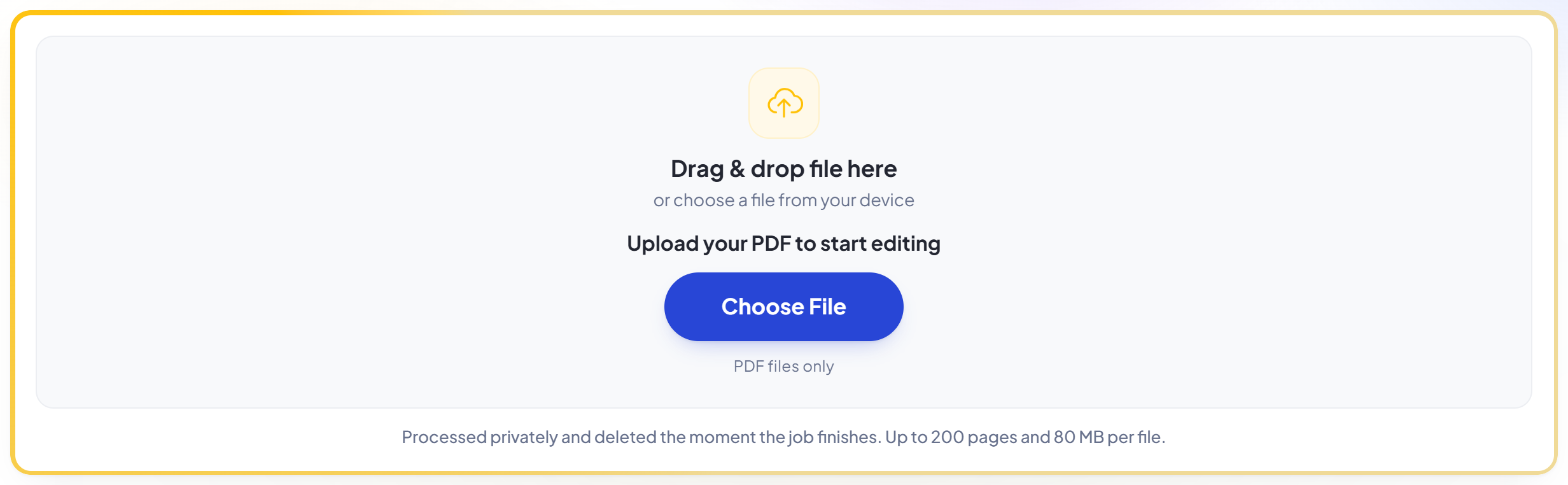
Edit it directly on the page
The document opens in the editor with your text already selectable. Click any line to retype it, or use the tool rail to add text, images, shapes, highlights and signatures anywhere you like.
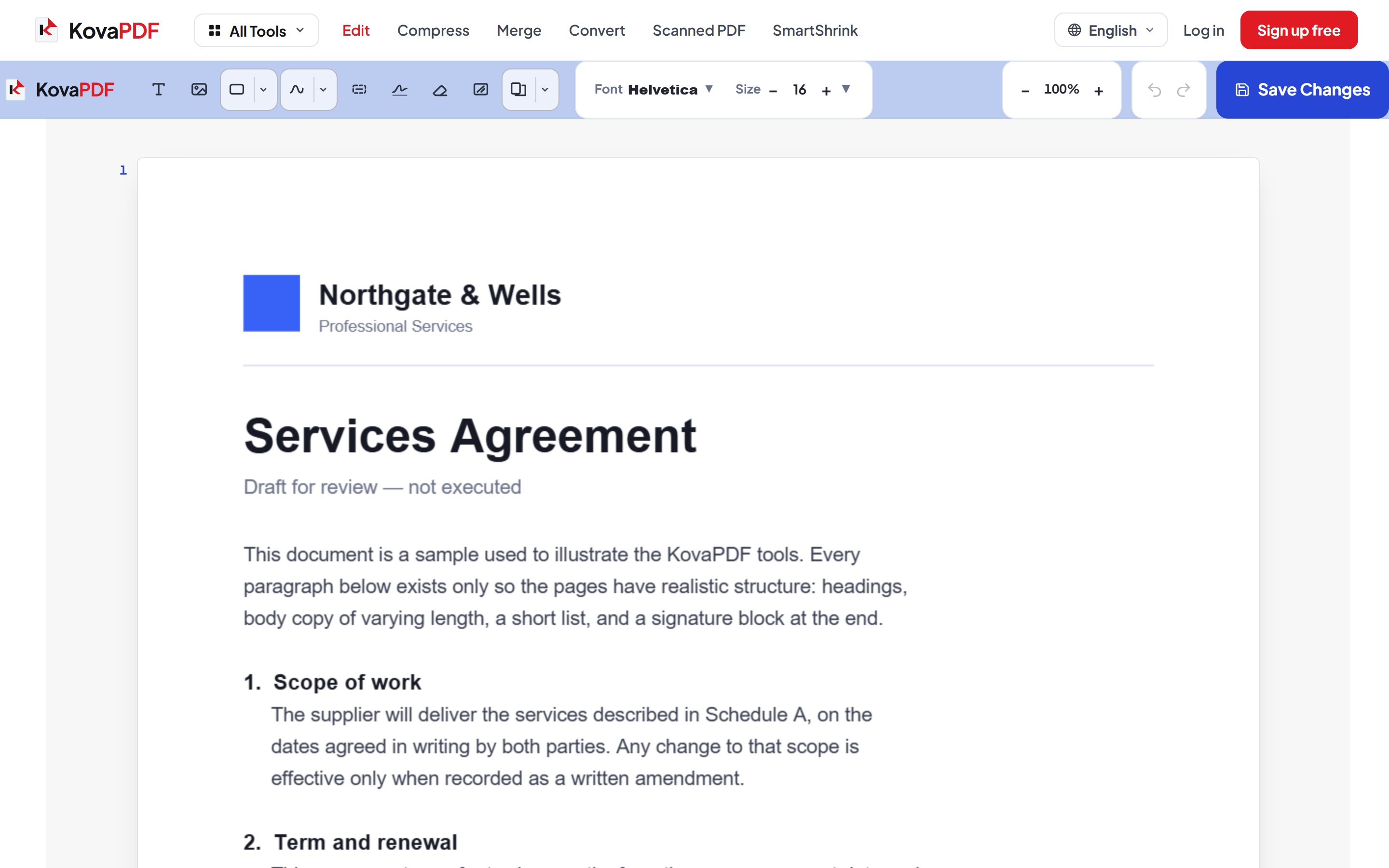
Save and download
Save Changes writes your edits into the document itself and gives you a preview before the download. Fonts stay embedded, so the file opens correctly everywhere.
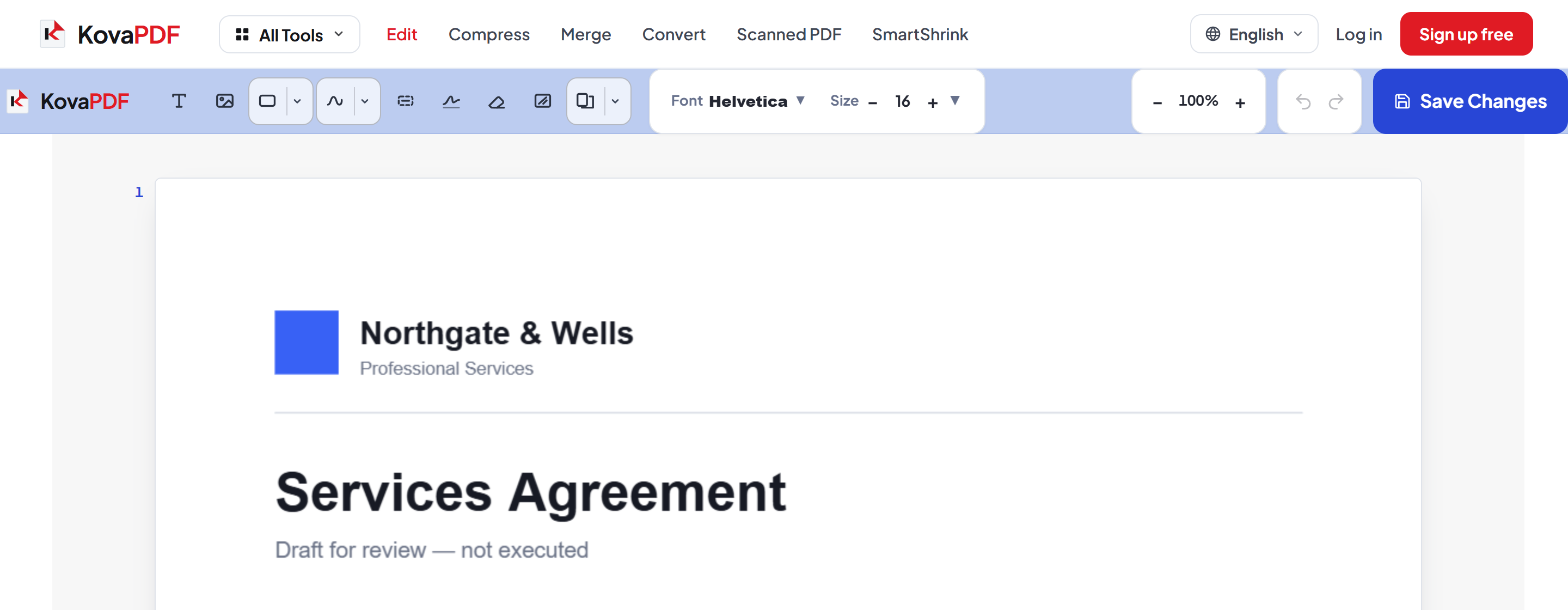
Frequently asked questions about Editor de PDF
Can I edit the existing text in a PDF?
Yes. Click any line and retype it — the editor matches the original font, size and position so a correction does not stand out. If clicking does nothing, the page is a scan with no text layer; use the OCR PDF tool for that.
Do my edits actually save into the PDF?
Yes. Changes are written into the file itself with fonts embedded, so the downloaded PDF opens correctly in Acrobat, Preview, Chrome and anywhere else.
Can I sign a PDF?
Yes. The Signature tool lets you draw a signature and place it anywhere on the page. It is a visual signature drawn into the document, not a cryptographic digital signature certificate.
Is it free?
Yes. Every tool works without paying and without an account. Files can be up to 200 pages and 80 MB, and a run that fails costs you nothing.
Do I need to create an account?
No. All tools work without signing in. An account raises your hourly allowance and lets you see what you have processed.
What happens to my file?
It travels over an encrypted connection into a directory created for that single request, is processed, is returned to you, and the working copy is deleted as the request finishes. We keep a record that an operation ran — never the filename or the contents.
Related tools
Todas as ferramentas de PDF · Como seus arquivos são tratados