JPG para PDF
Converta fotos e digitalizações em um único PDF paginado, na ordem que você escolher.
- Mantém o seu layout
- Funciona em qualquer dispositivo
- Apagado após o processo
- Muitas fotos, um documento
- Bem paginado
- JPG, PNG, WebP e HEIC
- Você decide a ordem
JPG · PNG · WebP
Turn photos and scans into one PDF
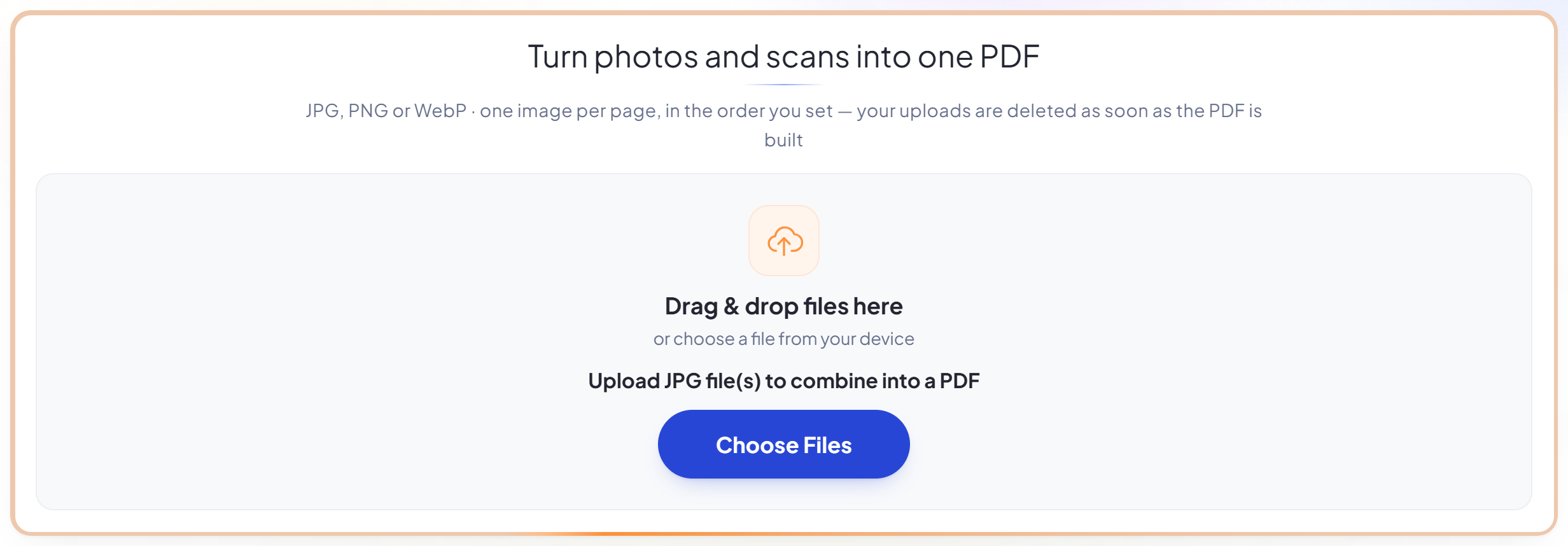
JPG, PNG or WebP · one image per page, in the order you set — your uploads are deleted as soon as the PDF is built
Arraste seus arquivos aqui
ou escolha um arquivo do seu dispositivo
Como funciona
JPG para PDF em três passos
Upload your images
Drag your file onto the upload panel, or click it to pick one from your device. Nothing is sent anywhere until you start the job, and the working copy is deleted the moment it finishes.
Arrange them
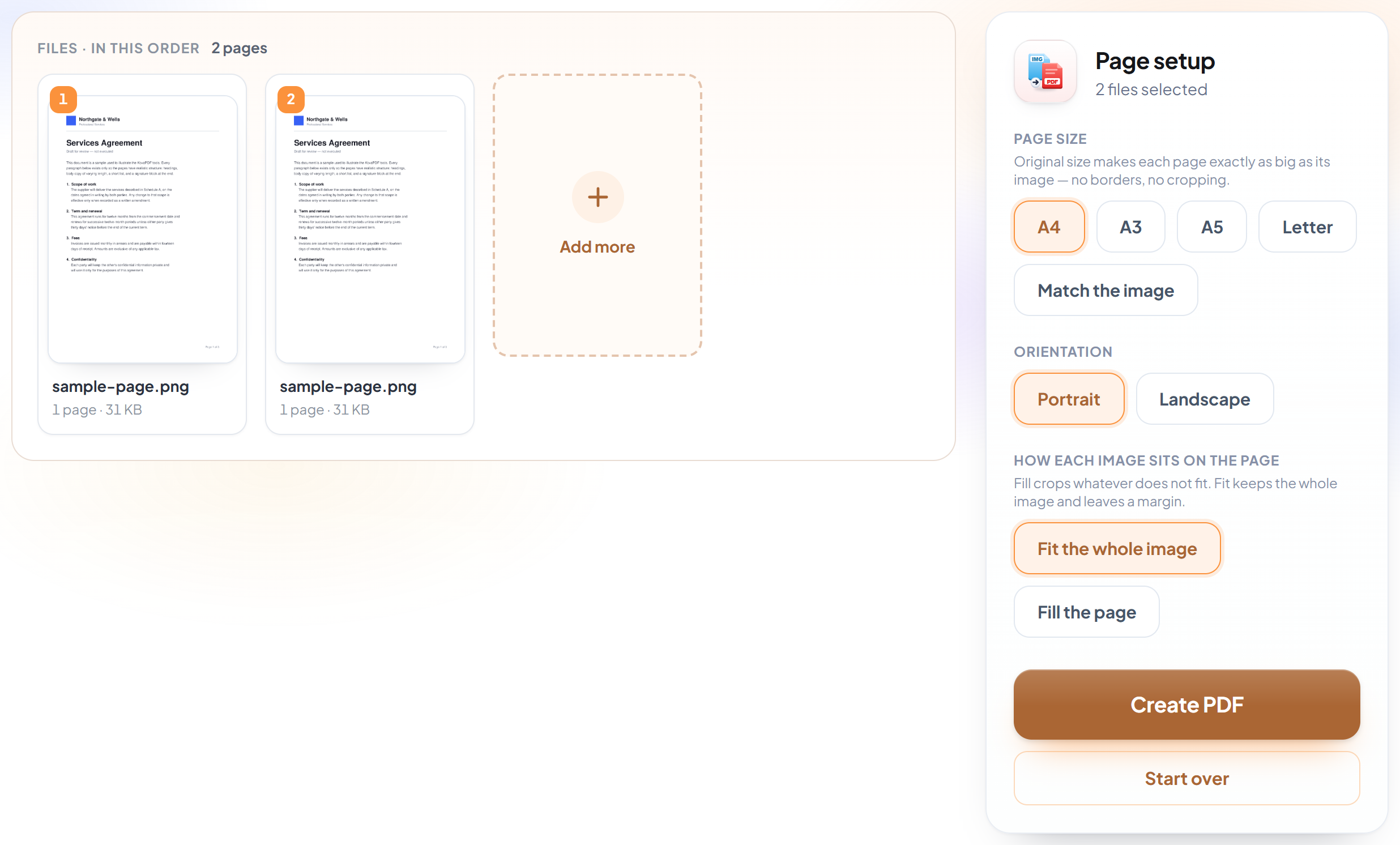
Add as many JPG, PNG or WebP files as you need and put them in order. Each becomes its own page, sized to fit without distortion.
Convert and download
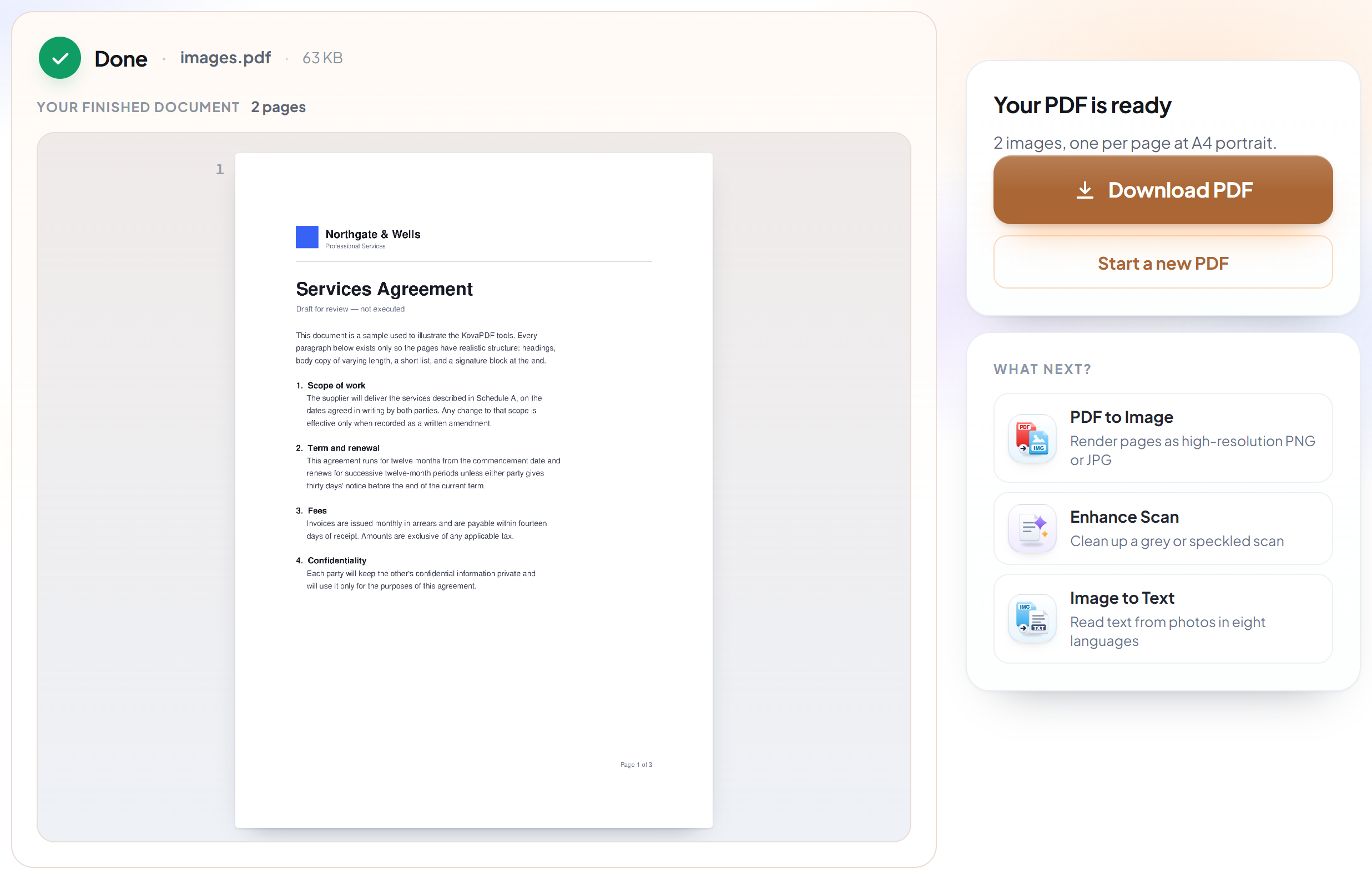
You get a single PDF that opens, prints and emails like any other — rather than a folder of loose pictures.
How to convert images to PDF
Turn photos and scans into one properly paginated document.
Upload your images
Drag your file onto the upload panel, or click it to pick one from your device. Nothing is sent anywhere until you start the job, and the working copy is deleted the moment it finishes.
Arrange them
Add as many JPG, PNG or WebP files as you need and put them in order. Each becomes its own page, sized to fit without distortion.
Convert and download
You get a single PDF that opens, prints and emails like any other — rather than a folder of loose pictures.
Frequently asked questions about JPG para PDF
Which image formats are supported?
JPG, PNG and WebP.
Will my photos lose quality?
No. Images are embedded at their original resolution and are not re-compressed.
Can I get selectable text from the result?
Not from this tool — the PDF contains pictures of words. Use Image to Text or the OCR PDF tool to recognise the text.
Is it free?
Yes. Every tool works without paying and without an account. Files can be up to 200 pages and 80 MB, and a run that fails costs you nothing.
Do I need to create an account?
No. All tools work without signing in. An account raises your hourly allowance and lets you see what you have processed.
What happens to my file?
It travels over an encrypted connection into a directory created for that single request, is processed, is returned to you, and the working copy is deleted as the request finishes. We keep a record that an operation ran — never the filename or the contents.
Related tools
Todas as ferramentas de PDF · Como seus arquivos são tratados