Word para PDF
Converta um documento Word em PDF com as fontes incorporadas, para ficar igual em qualquer lugar.
- Mantém o seu layout
- Funciona em qualquer dispositivo
- Apagado após o processo
- Fontes e imagens intactas
- As tabelas não se quebram
- A4, Carta ou Ofício
- Margens e orientação como você quiser
.docx · .doc · .rtf · .odt
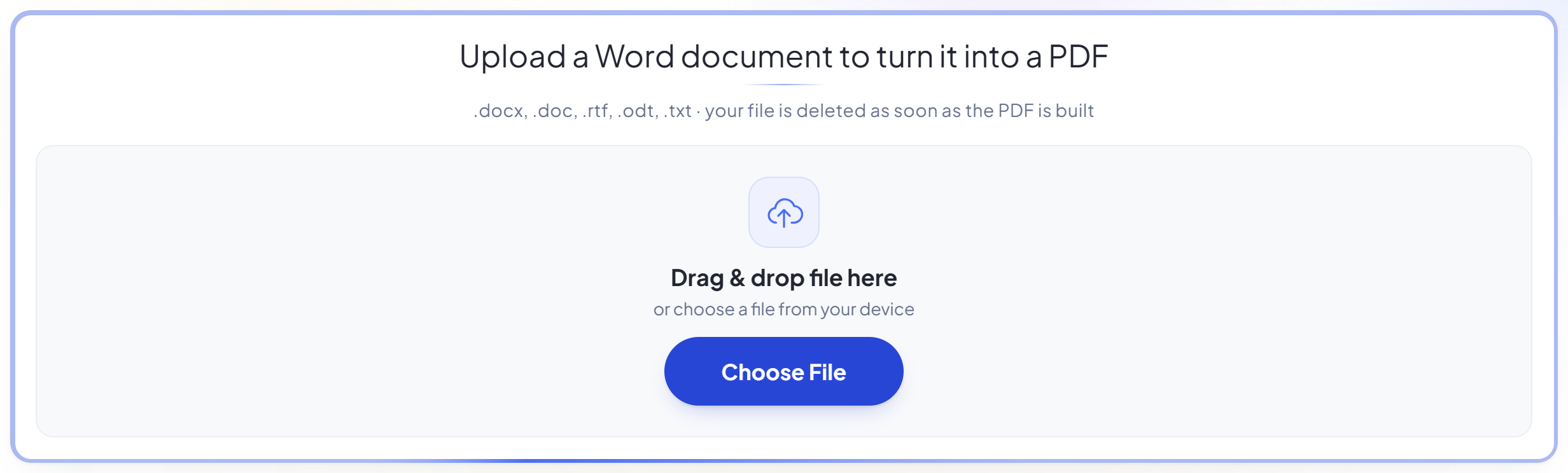
Upload a Word document to turn it into a PDF
.docx, .doc, .rtf, .odt, .txt · your file is deleted as soon as the PDF is built
Arraste seu arquivo aqui
ou escolha um arquivo do seu dispositivo
Como funciona
Word para PDF em três passos
Upload your document
Drag a .docx (or .doc, .rtf, .odt, .txt) onto the panel, or click it to pick one. Your file is deleted as soon as the PDF is built.
Set the page
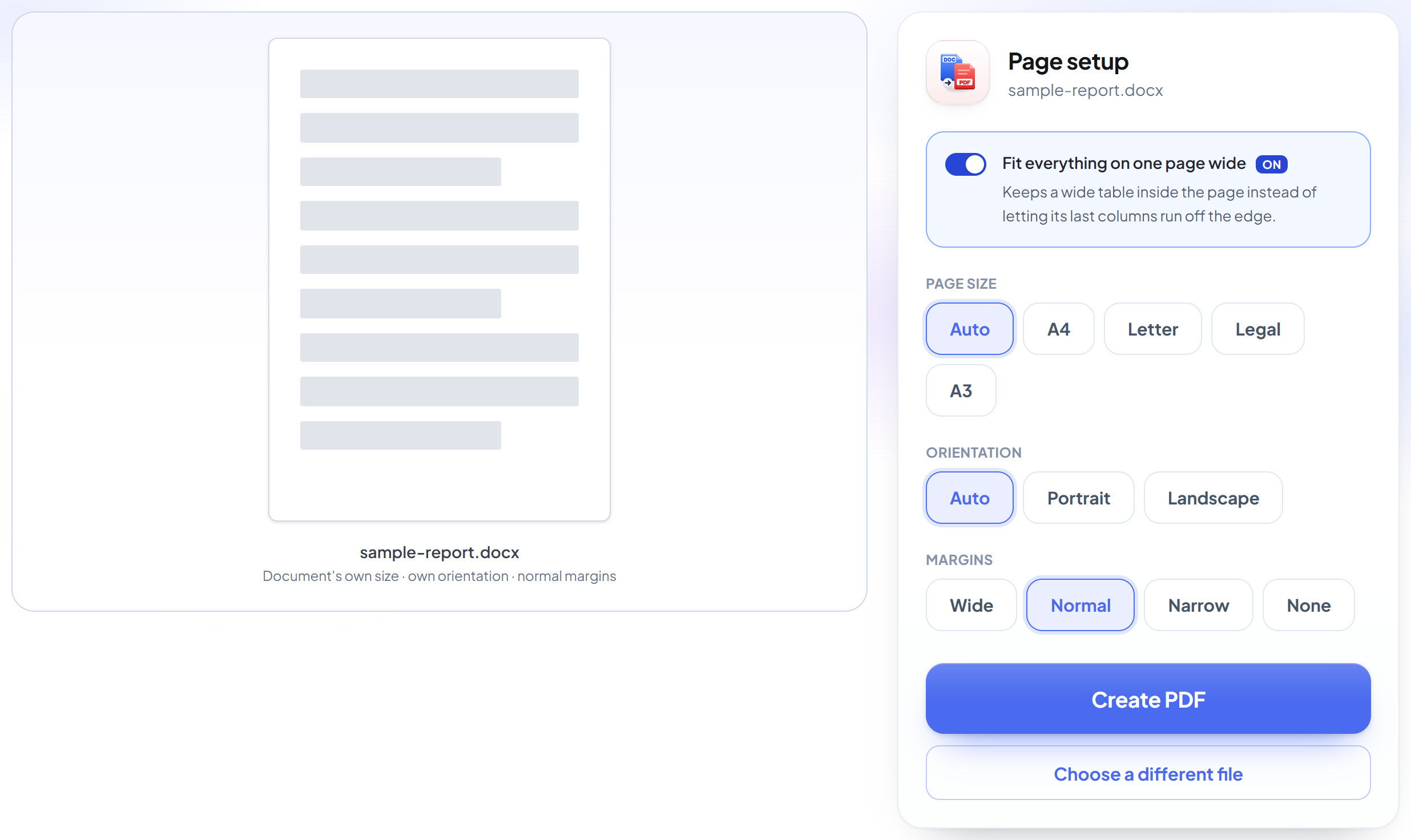
Page size, orientation and margins, with a live preview of the sheet you will get. Leave 'Fit everything on one page wide' on and a table too wide for the page is scaled to fit instead of being cut off.
Download your PDF
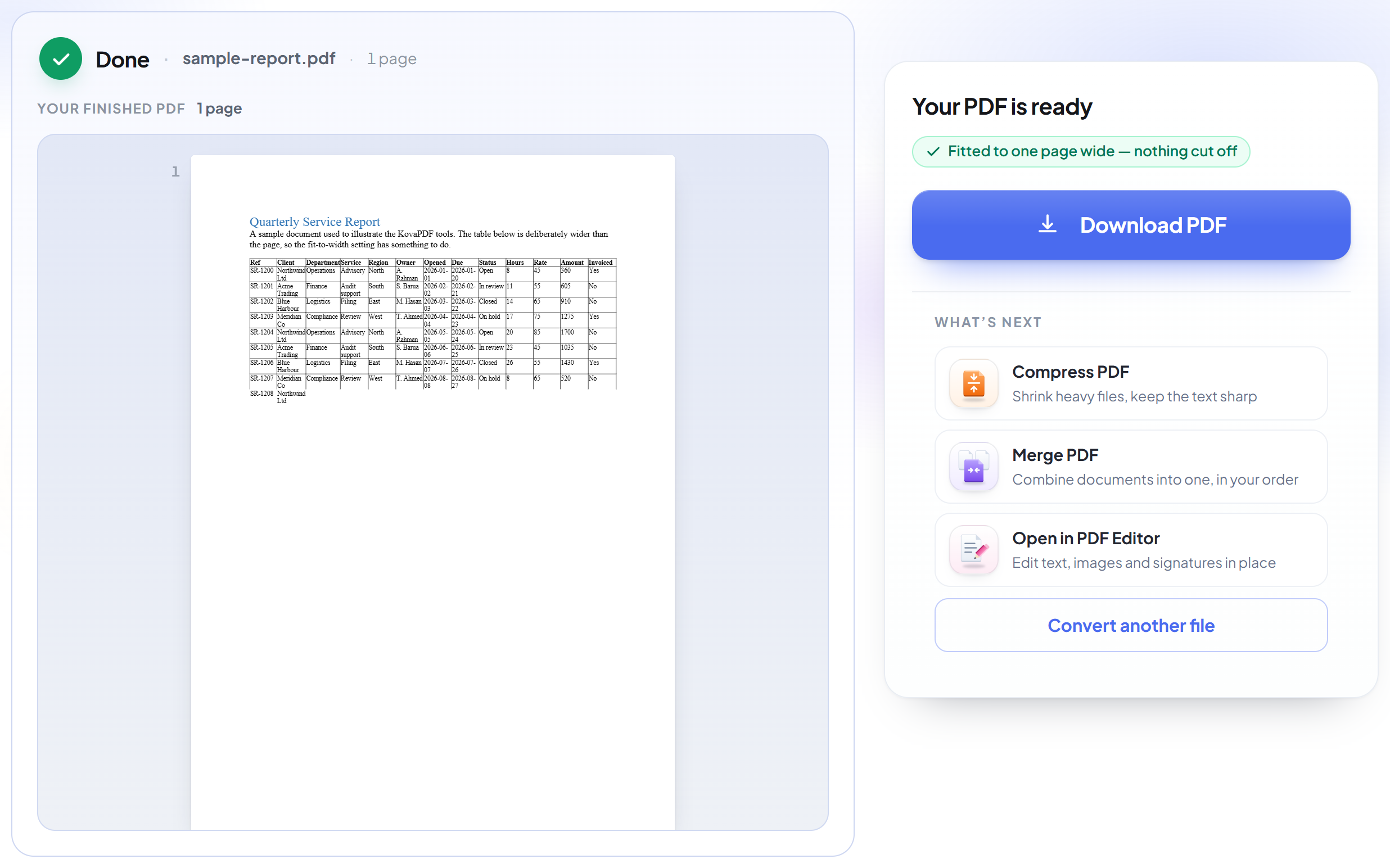
The result keeps your fonts, images, tables and page breaks exactly as Word laid them out.
How to convert Word to PDF
Choose the page your document prints on before you convert it, not after.
Upload your document
Drag a .docx (or .doc, .rtf, .odt, .txt) onto the panel, or click it to pick one. Your file is deleted as soon as the PDF is built.
Set the page
Page size, orientation and margins, with a live preview of the sheet you will get. Leave 'Fit everything on one page wide' on and a table too wide for the page is scaled to fit instead of being cut off.
Download your PDF
The result keeps your fonts, images, tables and page breaks exactly as Word laid them out.
Frequently asked questions about Word para PDF
Will my formatting survive?
Yes. The document is laid out by a real Office engine, so fonts, headings, images, tables, headers and footers, page breaks and numbering all come across as written. Metric-compatible fonts are installed for Calibri, Cambria, Arial and Times New Roman, so lines break where they did in Word.
My table is wider than the page. What happens?
With 'Fit everything on one page wide' on -- the default -- the table's columns are scaled down together until the whole table sits inside the page, keeping every column visible and their relative widths. Turn it off and Word's own behaviour applies: anything past the right margin is cut off.
Can I change the page size and margins?
Yes, before you convert: A4, Letter, Legal or A3, portrait or landscape, and four margin widths. Leave page size and orientation on Auto to keep whatever the document already used.
Which files can I upload?
.docx, .doc, .rtf, .odt and .txt.
Is it free?
Yes. Every tool works without paying and without an account. Files can be up to 200 pages and 80 MB, and a run that fails costs you nothing.
Do I need to create an account?
No. All tools work without signing in. An account raises your hourly allowance and lets you see what you have processed.
What happens to my file?
It travels over an encrypted connection into a directory created for that single request, is processed, is returned to you, and the working copy is deleted as the request finishes. We keep a record that an operation ran — never the filename or the contents.
Related tools
Todas as ferramentas de PDF · Como seus arquivos são tratados