CSV para PDF
Converta um CSV em uma tabela impressa de verdade, com colunas medidas e cabeçalho repetido.
- Mantém o seu layout
- Funciona em qualquer dispositivo
- Apagado após o processo
- Colunas medidas pelo seu texto
- O cabeçalho se repete em cada página
- Vírgula, ponto e vírgula ou tabulação
- Uma tabela impressa limpa
.csv · .tsv
Upload a CSV to turn it into a PDF table
.csv, .tsv · your file is deleted as soon as the PDF is built
Arraste seu arquivo aqui
ou escolha um arquivo do seu dispositivo
Como funciona
CSV para PDF em três passos
Upload your CSV
Drag a .csv or .tsv onto the panel, or click it to pick one. Your file is deleted as soon as the PDF is built.
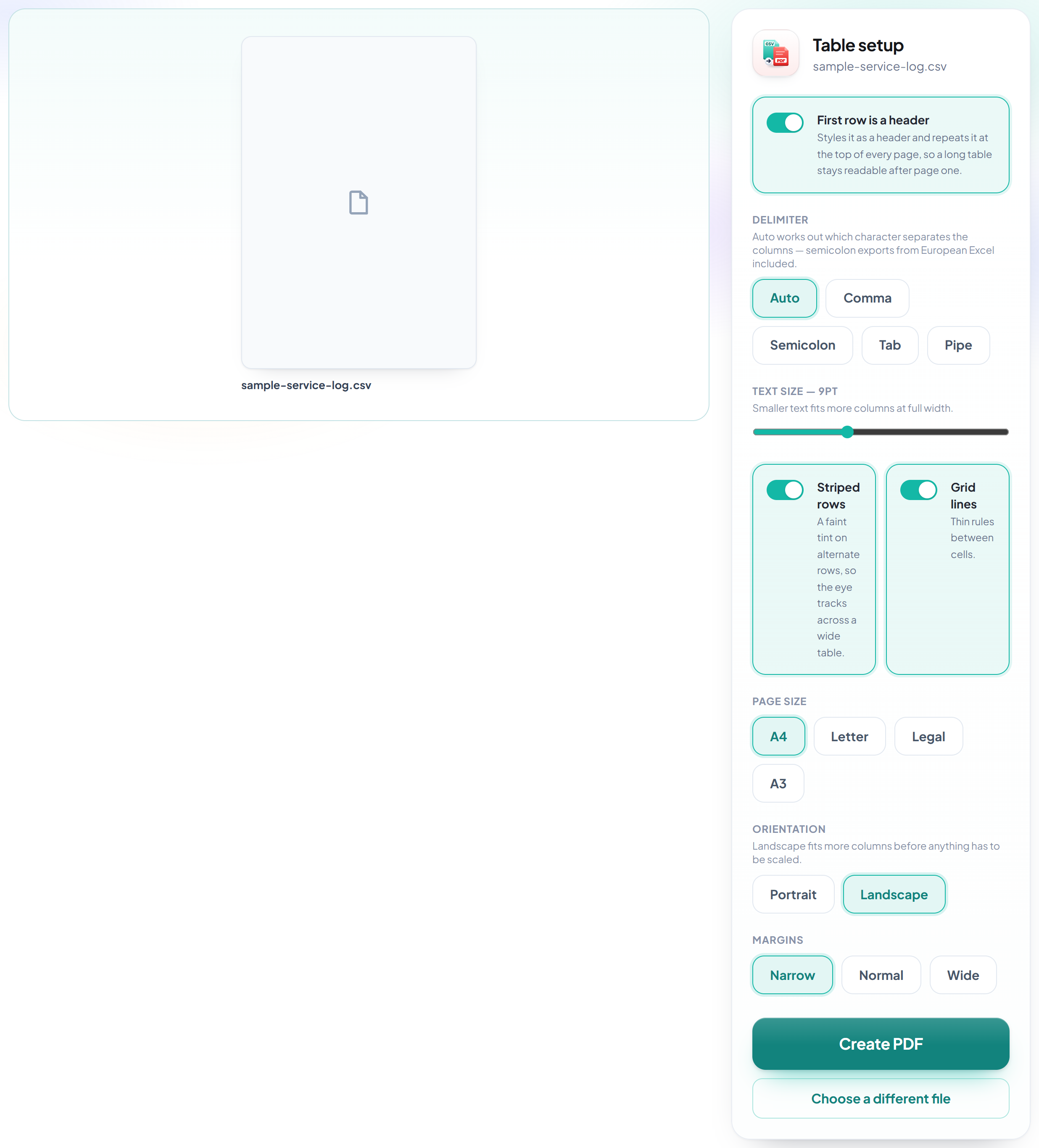
Check the table setup
The delimiter is worked out for you -- comma, semicolon, tab or pipe -- and every column is measured against its real contents so nothing is clipped. Striping, grid lines and the repeating header are all switchable here.
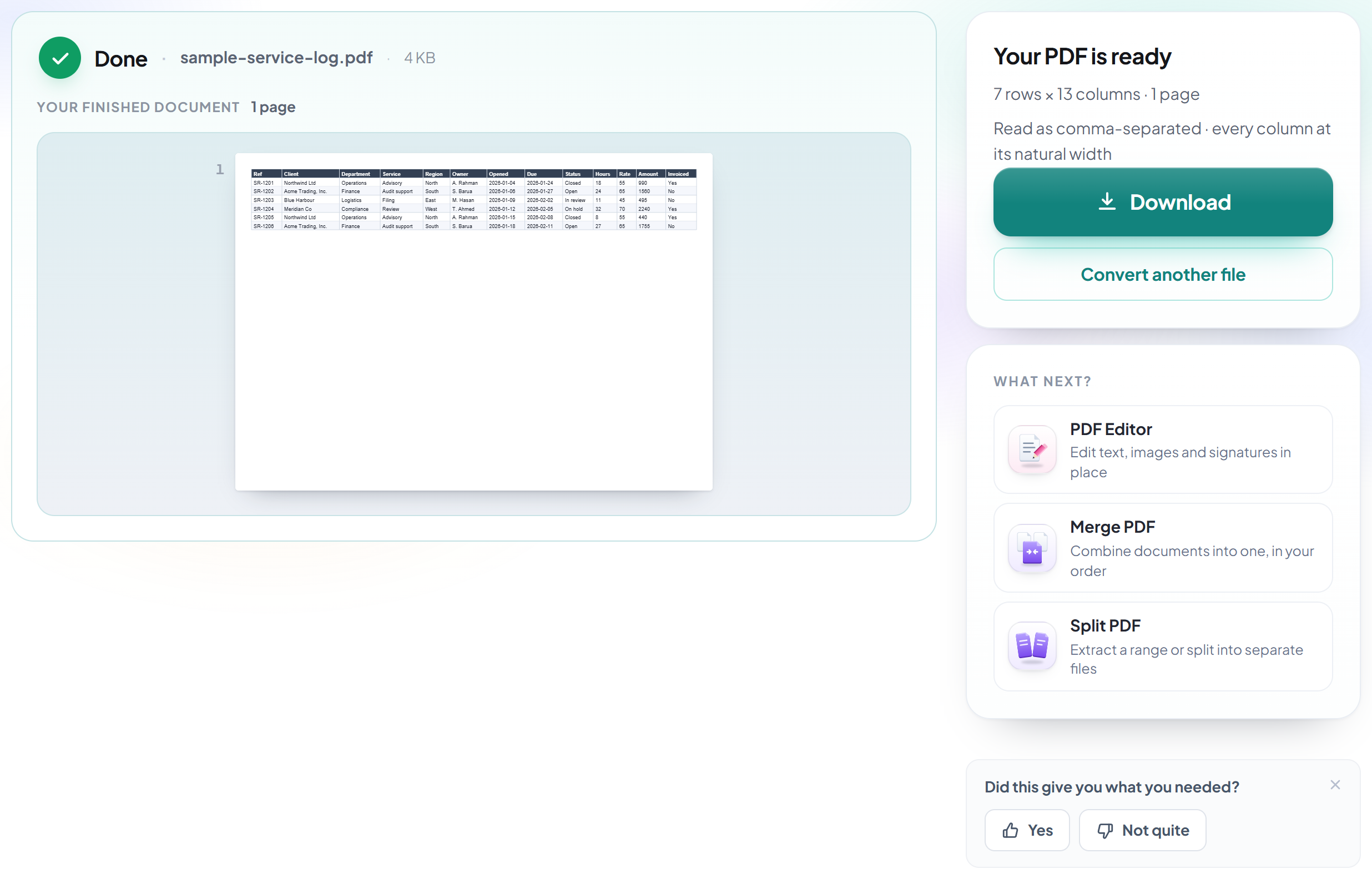
Download your PDF
The result tells you how many rows and columns were read, which delimiter was used, and whether anything had to be scaled to fit.
How to turn a CSV into a readable PDF table
Columns measured to their contents, and the header repeated on every page.
Upload your CSV
Drag a .csv or .tsv onto the panel, or click it to pick one. Your file is deleted as soon as the PDF is built.

Check the table setup
The delimiter is worked out for you -- comma, semicolon, tab or pipe -- and every column is measured against its real contents so nothing is clipped. Striping, grid lines and the repeating header are all switchable here.
Download your PDF
The result tells you how many rows and columns were read, which delimiter was used, and whether anything had to be scaled to fit.
Frequently asked questions about CSV para PDF
My CSV uses semicolons, not commas. Will that work?
Yes. The delimiter is detected automatically -- comma, semicolon, tab or pipe -- by looking at which one gives a consistent column count across the file, not by counting characters. The result screen tells you which one was used, and you can override it if the guess was wrong.
Will long values be cut off?
No. Every column is measured against its actual contents and given the width it needs. If the whole table is still wider than the page, the widest columns are narrowed first and their text wraps -- narrow columns like dates and IDs keep their values intact, and nothing is ever truncated.
Does the header repeat if the table runs onto more pages?
Yes, on every page. This is the detail that decides whether a long table is readable past page one.
What about commas and line breaks inside a quoted field?
Handled properly. Quoted fields may contain the delimiter, escaped quotes and line breaks -- an address spanning two lines stays two lines inside its cell.
Which files can I upload?
.csv and .tsv.
Is it free?
Yes. Every tool works without paying and without an account. Files can be up to 200 pages and 80 MB, and a run that fails costs you nothing.
Do I need to create an account?
No. All tools work without signing in. An account raises your hourly allowance and lets you see what you have processed.
What happens to my file?
It travels over an encrypted connection into a directory created for that single request, is processed, is returned to you, and the working copy is deleted as the request finishes. We keep a record that an operation ran — never the filename or the contents.
Related tools
Todas as ferramentas de PDF · Como seus arquivos são tratados