Working with scans
Why can't I edit text in my PDF?
In short
A PDF can show words without storing editable paragraphs. Its pages may contain images, outlined letters, protected content or flattened form fields. Identify which case you have before choosing OCR, an authorised unlock or an edit to the original source.
Try it on your file
Try your file in the PDF Editor
If the text is real text, you can click a line and type. If the editor finds a scanned page, it offers to read it first.
Drop your PDF here
It opens in PDF Editor with your file already loaded.
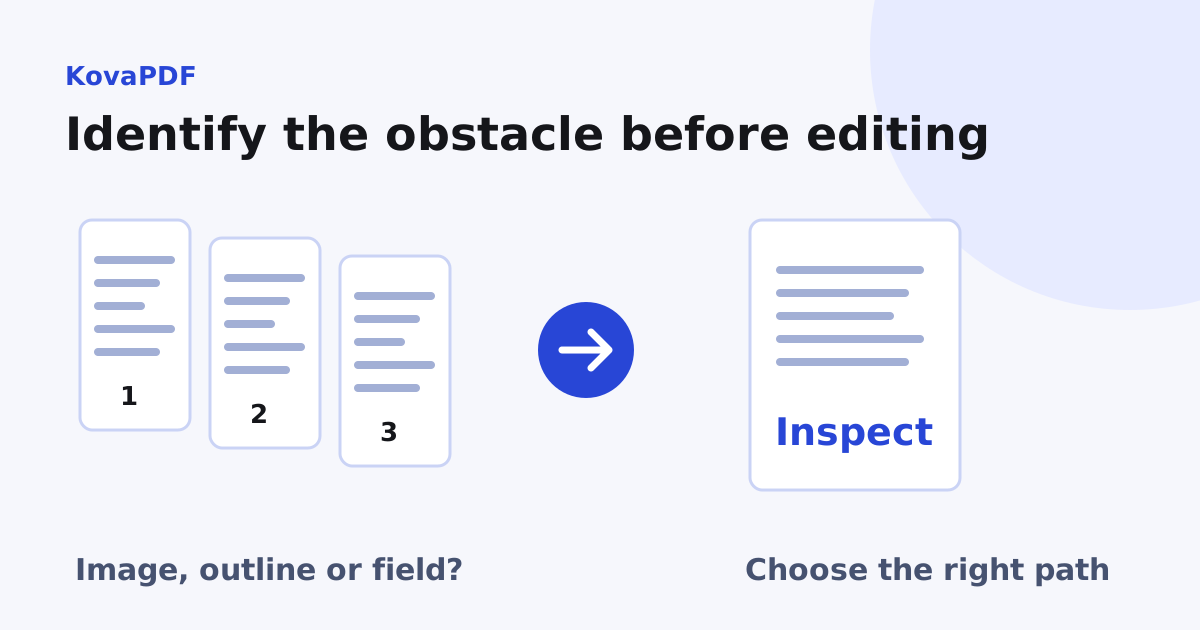
Is this a scan or a typed page?
Try selecting and extracting a short sentence. A scan may show clear words while offering no underlying character objects to edit. In our KovaPDF comparison, the typed report's first page exposed two text runs. The image-only sample exposed zero, despite showing four readable lines.
Use PDF Editor for the actual editing workflow, but first establish what the page contains. The selection diagnosis helps distinguish image-only content and partial text layers.
What if the words are a picture?
Use recognition when you need characters from the image. Then decide whether you need a text copy, searchability or a visible correction. These are separate tasks. A text layer does not turn the original printed pixels into a freely reflowing paragraph.
For a small visible correction, follow editing text in a scanned PDF. For extensive revisions, ask for the source document or prepare a new approved document. Keep the scan as the source record rather than silently replacing it.
What if the PDF is restricted?
Read the permission or password message. An inability to edit can be intentional. If you have authorisation and the necessary password, use Unlock PDF for that workflow. Otherwise request a suitable editable copy from the owner.
A digitally signed or certified document also needs care. A change may affect what the signature covers or what modifications were permitted. Preserve the signed original and establish whether the correct process is to issue a revision rather than edit the received file.
Why can sharp letters still resist editing?
The letters may have been converted to vector outlines. They can remain sharp at any zoom while having no text character mapping. OCR can recognise their appearance, but it does not recover the original font settings or paragraph model automatically.
If the words are real text, they can still be stored in small positioned fragments. A PDF page specifies where things are drawn, not necessarily how a paragraph should reflow when you add a sentence. Check the surrounding layout after any replacement.
What happened to the form fields?
A flattened form keeps the visible answers but may no longer contain interactive input fields. Clicking where a box used to be will not restore that field. Ask for the unflattened template when you need to fill the form again rather than alter its printed appearance.
Similarly, a screenshot or scan of a form is only an image of those boxes. Treat it as a scan. Do not assume a visible rectangle is an active field just because it resembles one.
How do I choose the least complicated next step?
If you only need the words, use text recovery. If you need a local correction to a scan, recognise and review it. If the owner controls the restrictions, obtain permission or an editable copy. If a major rewrite is required, revise the source and create a new PDF.
After editing, reopen the output and compare the changed area with the intended revision. Check adjacent content and any document features the recipient needs. A successful download proves that a file was created, not that its wording, layout and evidence remained appropriate.
Common questions
Why does a PDF not edit like a word processing document?
It can store fixed positions, images or shapes rather than a paragraph model that reflows when wording changes.
Can a flattened form still look fillable?
Yes. Its boxes and answers can remain visible after interactive fields have been removed by flattening.
What if sharp letters are stored as outlines?
They can look clear without containing editable text characters. Recognition may recover wording but not the original paragraph layout.
Should I edit a signed PDF directly?
Preserve the signed original and review permitted changes and revision requirements before making an edited copy.